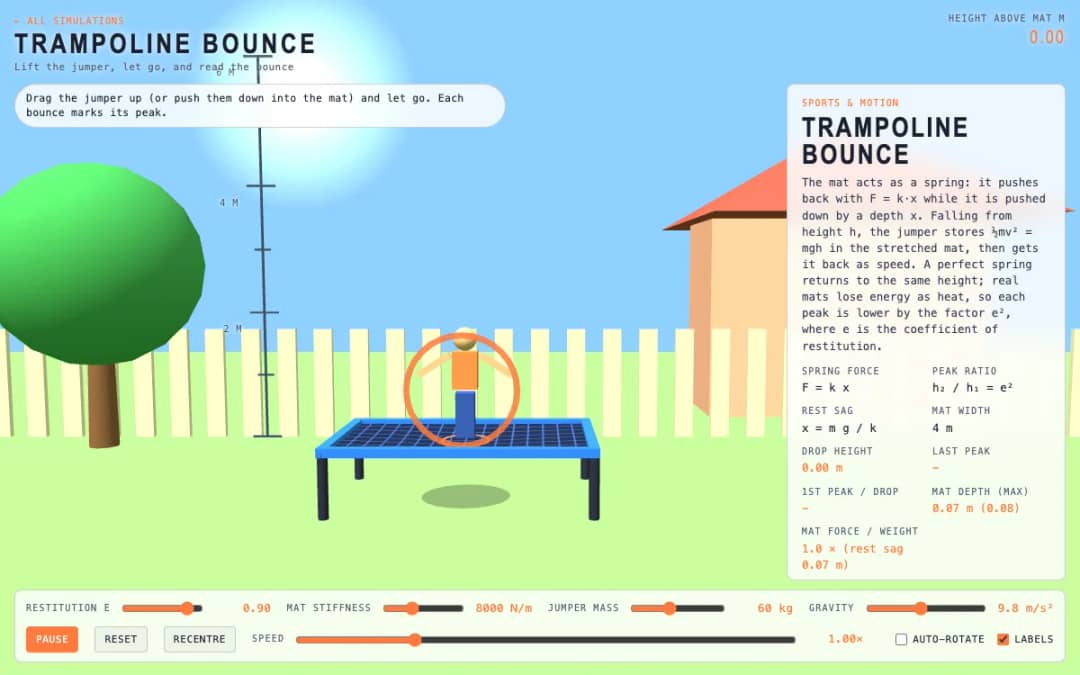
A jumper hovers above a trampoline mat. Students drag them up or push them into the mat, let go, and watch each bounce mark its peak while sliders change stiffness, mass, gravity and restitution.
—
KiwiBee utilise des cookies facultatifs Google Analytics, Google Ads et Meta Pixel pour comprendre les visiteurs adultes, mesurer les inscriptions finalisées et améliorer ses campagnes. Les cookies essentiels restent toujours actifs. Le pixel publicitaire ChatGPT d’OpenAI mesure aussi les pages vues et les demandes envoyées après consentement publicitaire, et peut utiliser des coordonnées hachées pour la mise en correspondance. Politique de confidentialité
This simulation lets students design a track and test it with energy. The cart gains speed as it drops and cannot climb above its starting energy level, shown as a yellow line. Hills that rise above the line stop the cart. Readouts show speed, rider g-force, height and energy level, top speed and cart state. Sliders set friction and launch speed, and a toggle hides the energy line. Teachers can use it to discuss valleys feeling heavy and hill tops feeling light, as well as where energy goes.
Yes. It is free, needs no sign-up, and works in any modern browser, including whiteboards, tablets and phones.
The cart can only reach its starting energy level, plus a little less due to friction. A hill taller than the first drop needs more energy than the cart has, so it rolls back.
Drag the glowing track points up and down to reshape the hills, then press Release cart. The smooth track updates between the points as you move them.
At the bottom of a curve the track pushes up to turn the rider, so the g-force is above 1. On a hill top the turning need cancels part of gravity and the rider feels light.
Placez-la dans votre ENT, votre blog ou le site de la classe — gratuitement.
<iframe src="https://kiwibee.io/fr/simulations/rollercoaster-builder-3d-simulation/embed" title="Rollercoaster Builder | KiwiBee" loading="lazy" allowfullscreen style="width:100%;height:min(70vh,620px);min-height:420px;border:0;border-radius:16px"></iframe>Continuer à explorer
A jumper hovers above a trampoline mat. Students drag them up or push them into the mat, let go, and watch each bounce mark its peak while sliders change stiffness, mass, gravity and restitution.
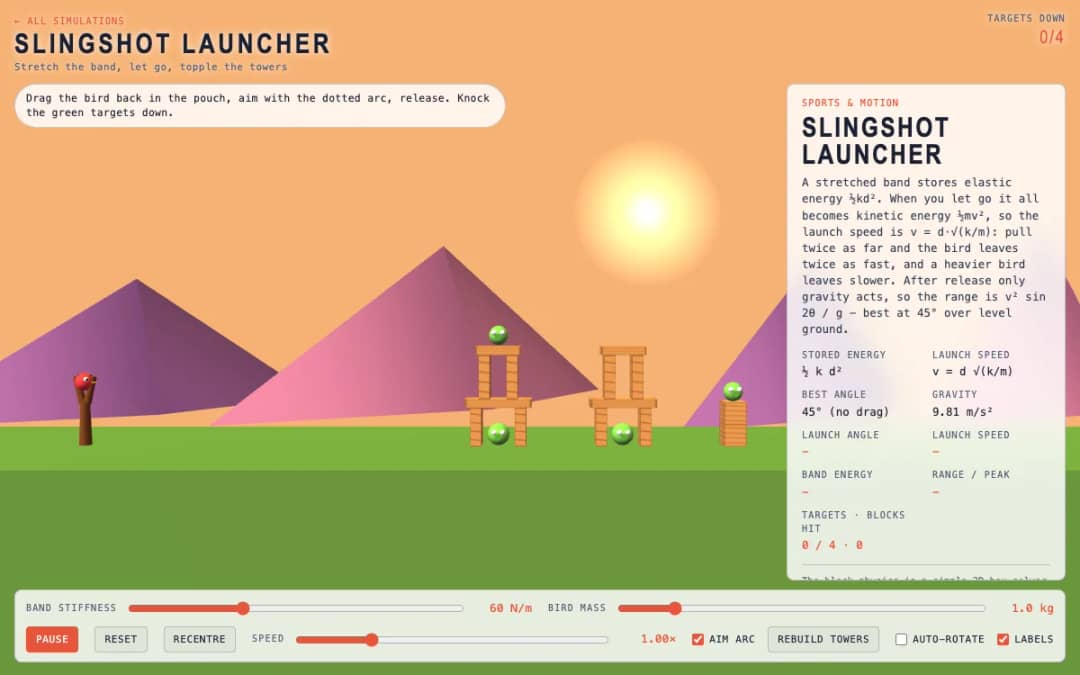
A slingshot faces towers with green targets. Students drag the bird back in the pouch, follow the dotted aim arc, release, and try to knock down the targets using the right stretch and angle.
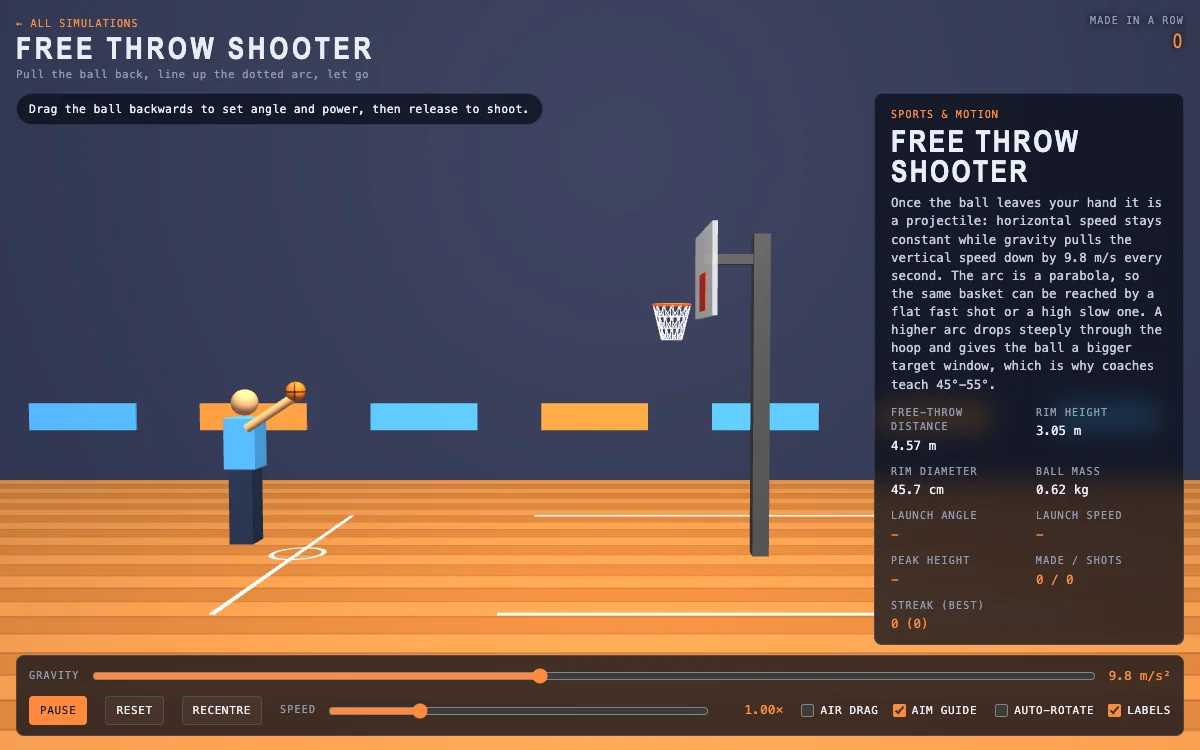
A basketball court shows the free throw line, hoop and a dotted aim arc. Students drag the ball backward to set launch angle and power, release to shoot, and read speed, peak height and streak.
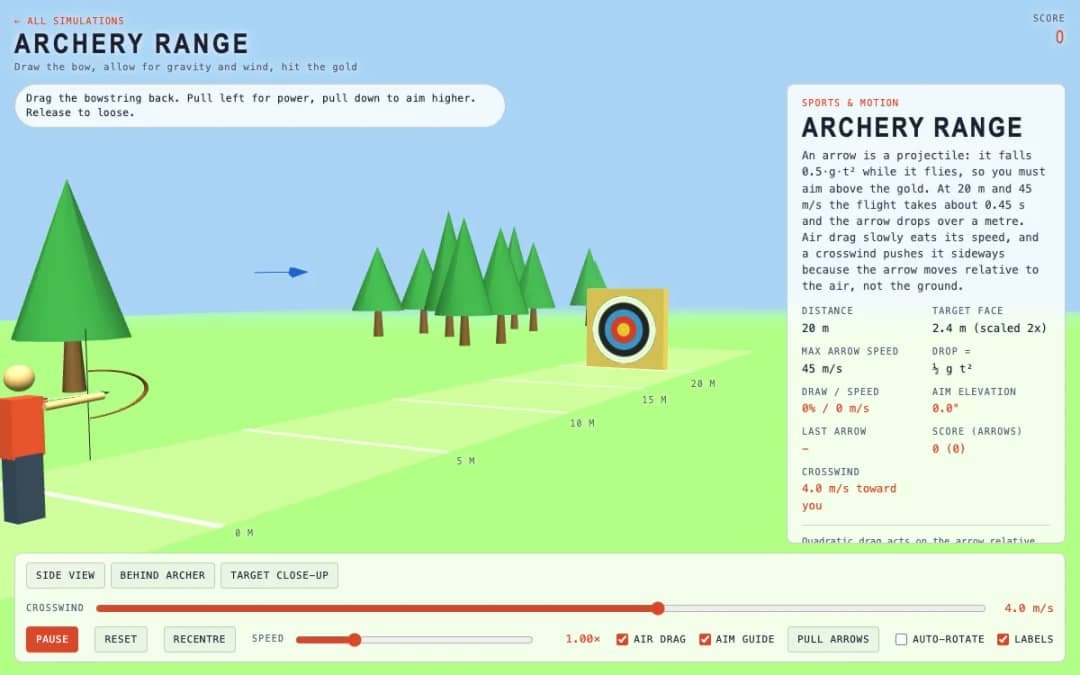
An archery range with a target 20 meters away lets students drag the bowstring back to set power and aim, then loose six arrows while allowing for gravity, drag and a crosswind.
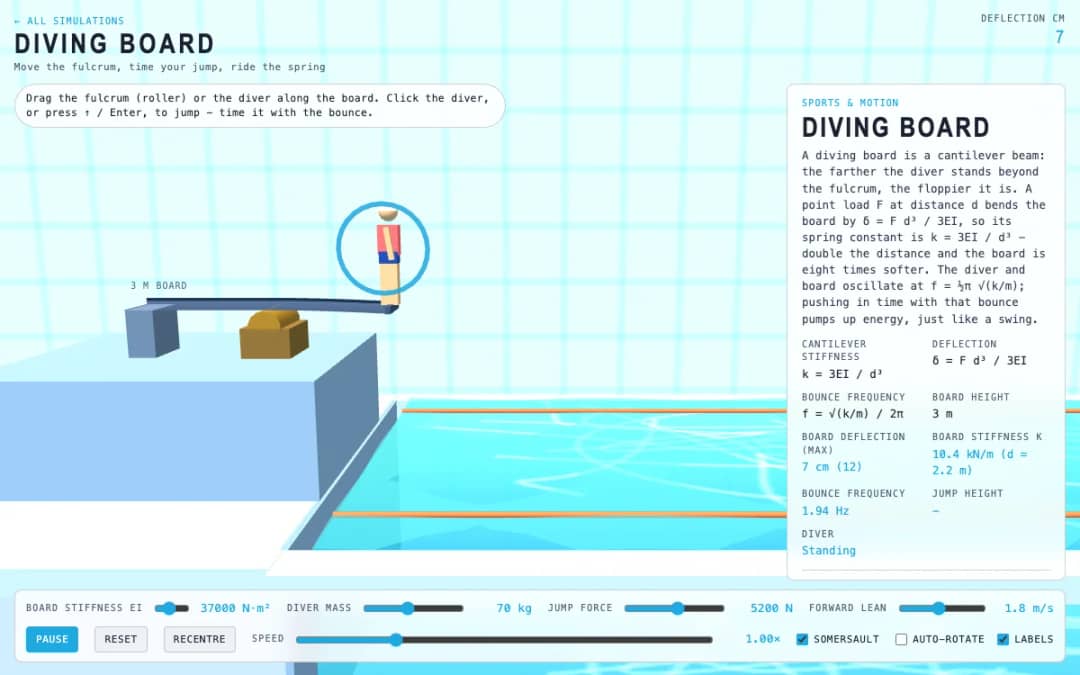
A diving board hangs over a pool at three meters. Students drag the fulcrum roller or the diver along the board, click the diver or press Enter to jump, and time pushes with the board's bounce.
L'espace enseignant gratuit de KiwiBee réunit au même endroit la préparation des séances, les fiches, les outils de classe et le carnet de notes.
Commencez gratuitement et créez votre première classe Accueil
 Toutes les solutions
 Tarifs
 À propos
 KiwiBee pour les associations
 Événements et webinaires
 Pour les grands réseaux
 Pour les établissements
 Pour les centres
 Pour les responsables d'équipe
 Pour les enseignants
 IA et ressources
 Ressources
 Fiches imprimables
 Kits de cours
 Simulations interactives
 Outils pour les enseignants
 Studio IA
 Idées et recherche