
Transformations Lab
- 数学
评论
与此模拟实验相关
按含义从游戏、练习册、模拟实验、教师工具和视频中挑选。
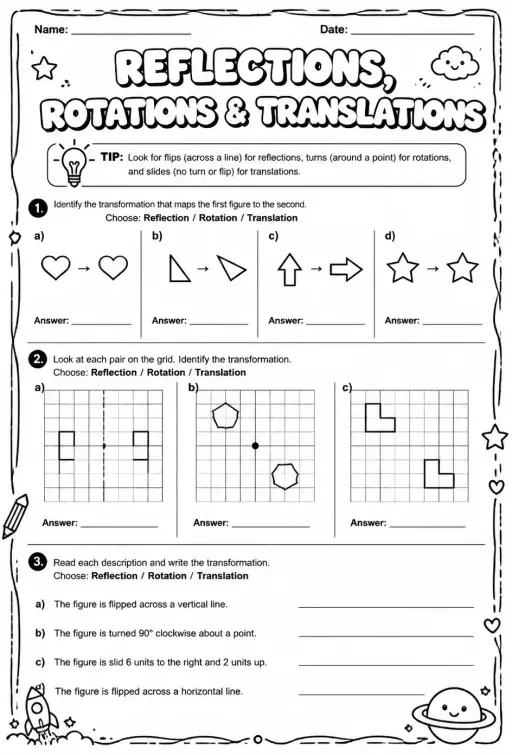
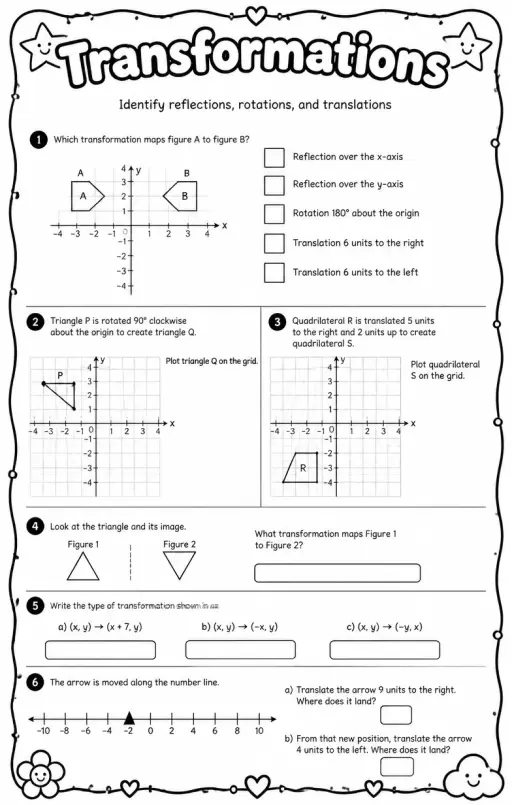
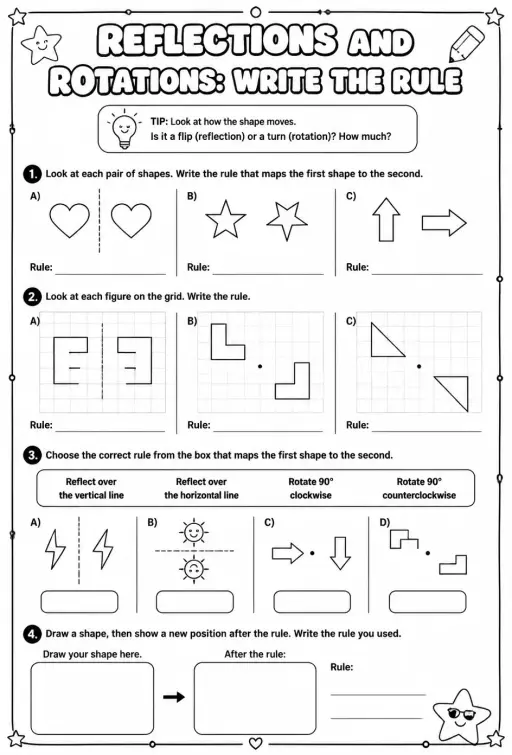

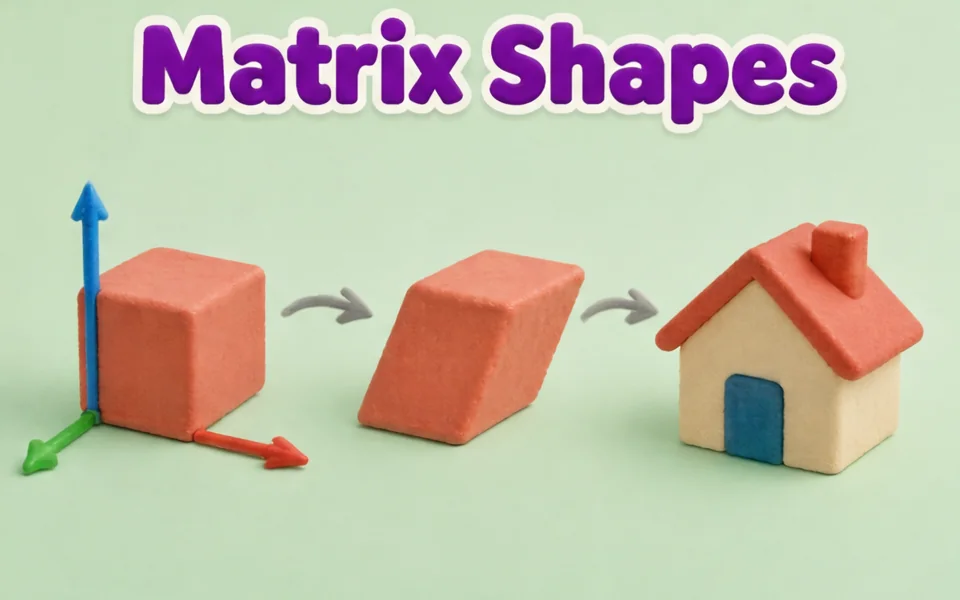
关于这个模拟实验
Transformations Lab shows a shape with corners A, B, C and D on a grid and its image after a reflection, rotation or translation. Students pick the transformation from a menu, drag the shape or its corner dots, move the mirror handles, the rotation centre or the vector tip, and set a rotation angle in 15 degree steps. Readouts list the transformation and each corner mapping such as A to A prime. The image stays congruent but reflections reverse the lettering. Use it to teach congruence, coordinate rules and orientation.
学生可以探索什么
- Choose Reflect and drag the mirror handles to put the mirror line in different places.
- Choose Rotate, drag the centre, and set Rotation to 90 then -90 degrees to compare directions.
- Choose Translate and drag the vector tip to slide the shape, then read the A to A prime readout.
- Drag a corner dot to change the shape and check the image still matches it in size.
- Turn Show guide lines off and predict the image coordinates before turning it back on.
学习目标
- 1Perform and describe a reflection, rotation and translation on a coordinate grid.
- 2Identify that these transformations preserve side lengths and angles.
- 3Apply coordinate rules such as (x, y) to (-x, y) for a reflection in the y axis.
- 4Explain that a reflection reverses orientation while a translation does not.
教师常问的问题
Is it free?
Yes. Students can use it without creating an account, on any modern browser and on whiteboards, tablets or phones.
Which transformations keep the shape the same size?
Reflections, rotations and translations all keep side lengths and angles, so the image is congruent to the original. Only the position or orientation changes.
Why does the letter order reverse in a reflection?
A mirror flips the shape over, so going A, B, C, D around the shape runs the opposite way in the image. Rotations and translations keep the same direction.
How do I change the rotation?
Select Rotate, drag the rotation centre to where you want it, and use the Rotation slider from -180 to 180 degrees. Positive angles turn anticlockwise.
嵌入这个模拟实验
免费嵌入你的学习平台、博客或班级网站。
<iframe src="https://kiwibee.io/zh-cn/simulations/transformations-shape-3d-simulation/embed" title="Transformations Lab | KiwiBee" loading="lazy" allowfullscreen style="width:100%;height:min(70vh,620px);min-height:420px;border:0;border-radius:16px"></iframe>课程标准
Cambridge
- 7Gp.03Use knowledge of translation of 2D shapes to identify the corresponding points between the original and the translated image, without the use of a grid.Cambridge Lower Secondary Mathematics (0862) — Stage 7 › Geometry and Measure › Position and transformation
- 7Gp.04Reflect 2D shapes on coordinate grids, in a given mirror line (x- or y-axis), recognising that the image is congruent to the object after a reflection.Cambridge Lower Secondary Mathematics (0862) — Stage 7 › Geometry and Measure › Position and transformation
- 7Gp.05Rotate shapes 90° and 180° around a centre of rotation, recognising that the image is congruent to the object after a rotation.Cambridge Lower Secondary Mathematics (0862) — Stage 7 › Geometry and Measure › Position and transformation
Learning objectives © UCLES (Cambridge University Press & Assessment), quoted with attribution.
把互动科学带进你的课堂
KiwiBee 的免费教师工作台把备课、工作表、课堂工具和成绩册集中在一处。
免费开始,创建你的第一个班级在 YouTube 上观看 KiwiBee
面向教师和学校的 KiwiBee 短视频。订阅频道,或在你常用的平台上关注 KiwiBee。
 首页
 全部解决方案
 价格
 关于我们
 KiwiBee 非营利组织计划
 活动与网络研讨会
 面向大型教育集团
 面向学校
 面向教育中心
 面向团队负责人
 面向教师
 教学资源
 可打印练习单
 互动模拟实验
 教师工具
 灵感与研究


