
Pythagoras Squares
- Matemática
Comentários
Relacionados a esta simulação
Escolhidos pelo significado entre jogos, atividades, simulações, ferramentas para professores e vídeos.

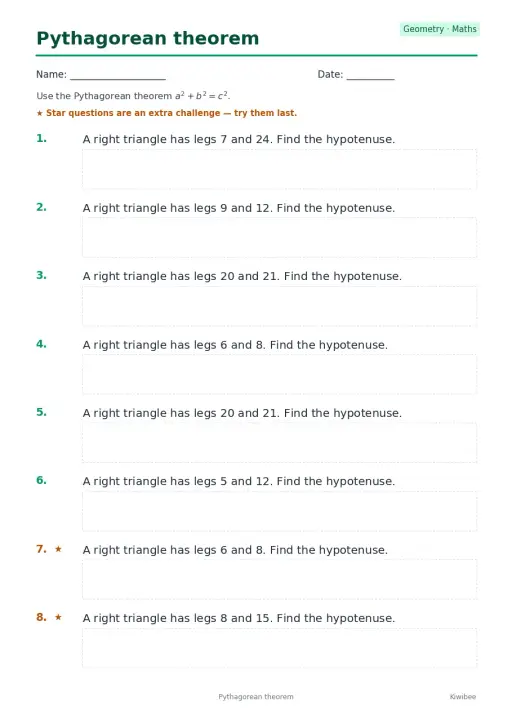
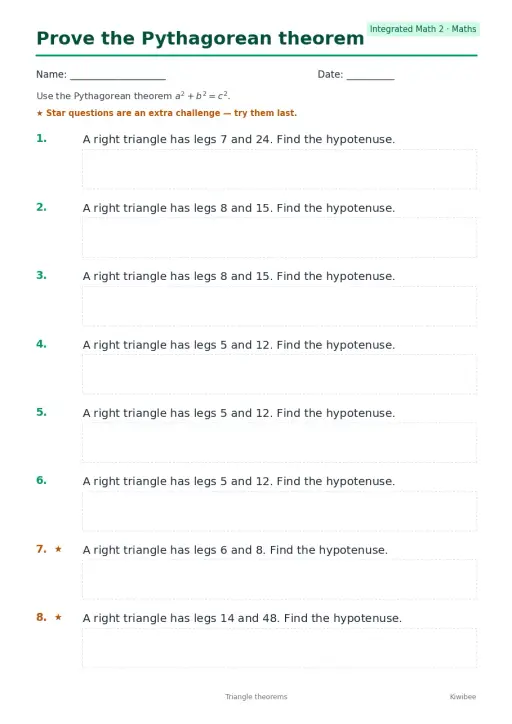
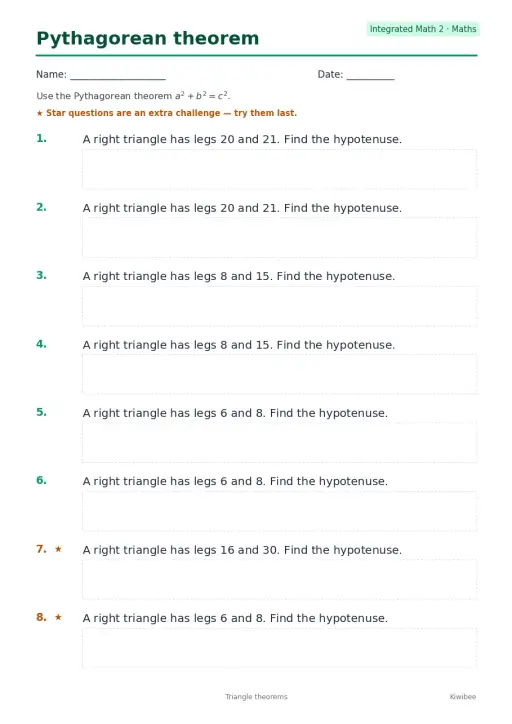
Sobre esta simulação
Pythagoras Squares builds a square on each side of a right triangle and shows the areas as a squared, b squared and c squared. Students drag the two round handles to stretch the legs in half-unit steps and read the sum of the leg squares against the hypotenuse square. A Rearrange toggle and a Proof camera view cut a big (a+b) square into four triangles plus either one c square or the two leg squares, which makes the theorem visible. Use it to introduce the theorem, check the 3-4-5 triple, or support a proof discussion.
O que os alunos podem explorar
- Drag the two round handles to change leg a and leg b and watch the three square areas update.
- Press the 3-4-5 button and check that 9 plus 16 equals 25 in the Areas readout.
- Switch on Rearrange and follow how the four triangles and squares fit inside the big square.
- Use the Proof camera view to look at the rearrangement from a better angle.
- Try unequal legs such as 1 and 4 and compare the Hypotenuse c readout with your estimate.
Objetivos de aprendizagem
- 1State the Pythagorean theorem for a right triangle as a squared plus b squared equals c squared.
- 2Calculate the hypotenuse from two given legs and check it against the readout.
- 3Explain how the rearrangement proof shows that the square areas must be equal.
- 4Recognize the 3-4-5 triple as a whole-number right triangle.
Perguntas frequentes dos professores
Is it free?
Yes. It is free, needs no sign-up and runs in any modern browser, including classroom whiteboards, tablets and phones.
What does the Rearrange toggle show?
It cuts a large square of side a plus b into four copies of the triangle plus either one square on the hypotenuse or the two leg squares. Since the big square and the triangles are the same, the squares must have equal area.
Does the theorem work for any triangle?
No. It holds only for right triangles. The simulation keeps the legs perpendicular for that reason, and c is always the side opposite the right angle.
How do I use it in class?
Ask students to predict the hypotenuse for a pair of legs, drag the handles to test it, then compare the Areas readout. Finish with Rearrange so they can see the proof.
Incorporar esta simulação
Coloque no seu AVA, blog ou site da turma — de graça.
<iframe src="https://kiwibee.io/pt/simulations/pythagoras-squares-3d-simulation/embed" title="Pythagoras Squares | KiwiBee" loading="lazy" allowfullscreen style="width:100%;height:min(70vh,620px);min-height:420px;border:0;border-radius:16px"></iframe>Padrões curriculares
Cambridge
- 9Gg.10Know and use Pythagoras’ theorem.Cambridge Lower Secondary Mathematics (0862) — Stage 9 › Geometry and Measure › Geometrical reasoning, shapes and measurements
Learning objectives © UCLES (Cambridge University Press & Assessment), quoted with attribution.
Leve a ciência interativa para a sua sala de aula
O espaço gratuito do professor da KiwiBee reúne em um só lugar o planejamento de aulas, as atividades, as ferramentas de sala e o diário de classe.
Comece grátis e crie sua primeira turmaAssista ao KiwiBee no YouTube
Vídeos curtos do KiwiBee para professores e escolas. Inscreva-se ou siga o KiwiBee onde você estiver.
 Início
 Todas as soluções
 Preços
 Sobre nós
 KiwiBee para organizações sem fins lucrativos
 Eventos e webinars
 Para grandes redes de ensino
 Para escolas
 Para centros educacionais
 Para líderes de equipe
 Para professores
 Recursos
 Atividades para imprimir
 Simulações interativas
 Ferramentas para professores
 Ideias e pesquisa


