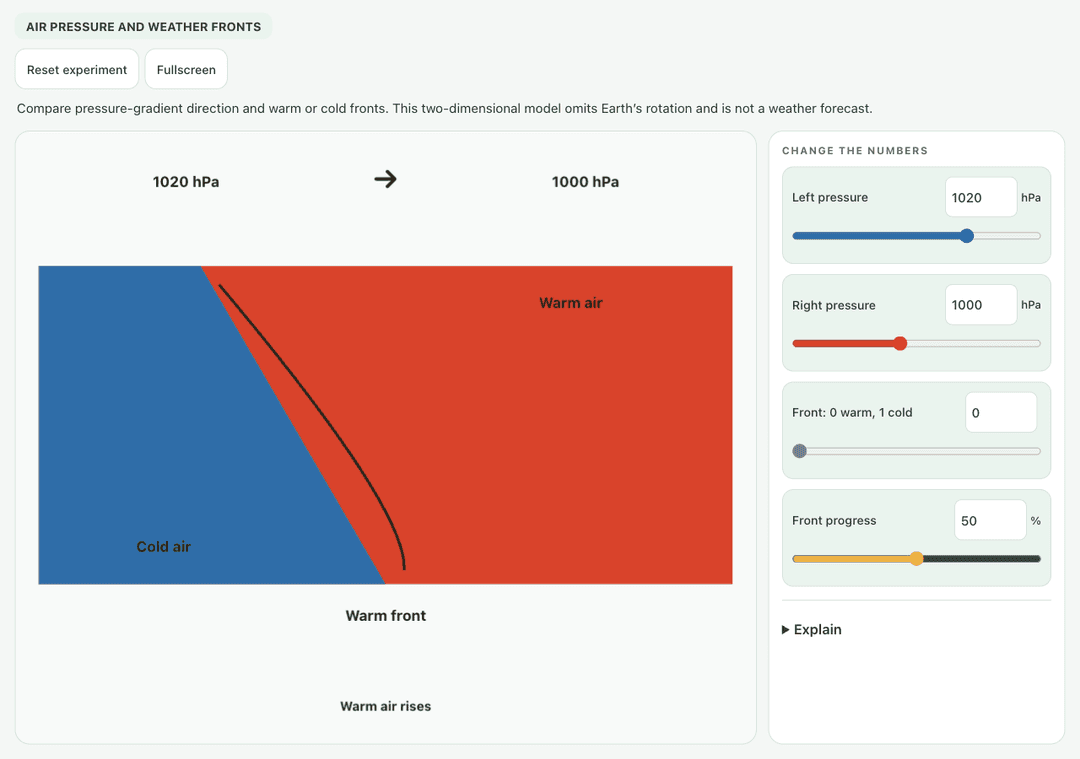
Compare pressure-gradient direction and warm or cold fronts. This two-dimensional model omits Earth’s rotation and is not a weather forecast.
—
KiwiBee वयस्क विज़िटर्स को समझने, पूरे हुए साइन-अप मापने और अभियानों को बेहतर बनाने के लिए Google Analytics, Google Ads और Meta Pixel की वैकल्पिक कुकीज़ का उपयोग करता है। ज़रूरी कुकीज़ हमेशा चालू रहती हैं। OpenAI का ChatGPT Ads Pixel विज्ञापन की सहमति के बाद पेज व्यू और भेजी गई पूछताछ भी मापता है और मिलान के लिए हैश किए गए संपर्क विवरण का उपयोग कर सकता है। गोपनीयता नीति
Students drag the orange warm air mass and the blue cold air mass toward each other and move the town to different spots. The simulation names the front type from how the masses move, and shows the overlap, the temperature at the town and the rain there. Sliders set warm and cold air temperatures, a toggle makes cold air push east, and a button lets warm air push instead. It shows why cold fronts bring short heavy showers while warm fronts bring lighter, longer rain.
Yes, it costs nothing and there is no account to create. Weather Fronts works in the browser on laptops, Chromebooks, whiteboards, tablets and phones.
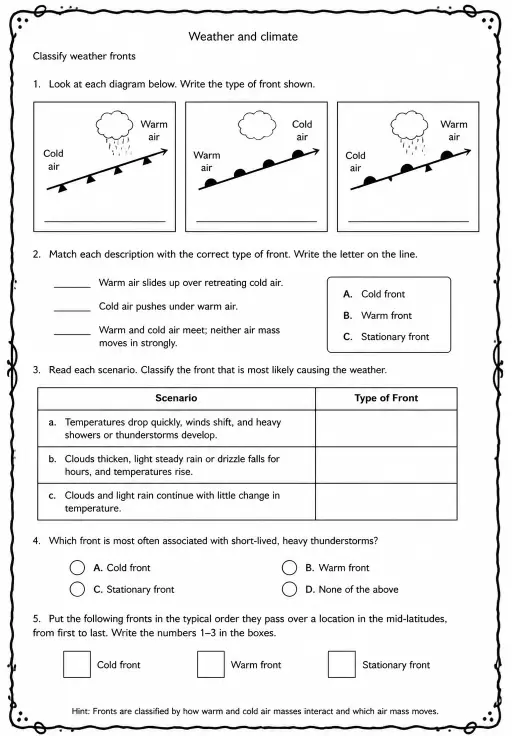
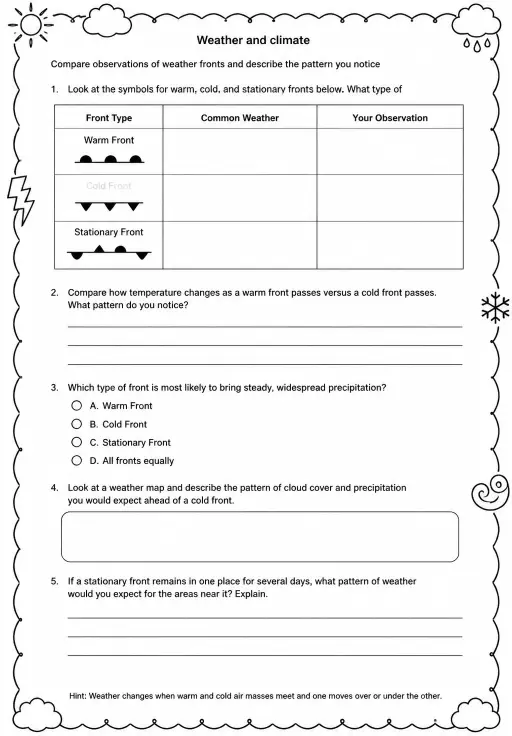
A cold front is where advancing cold, dense air wedges under warmer air and pushes it upward quickly. That often makes tall storm clouds and a short burst of heavy rain.
A warm front is where warm air slides gently up over retreating cold air. The slope is shallow, so clouds spread wide and bring lighter, steadier drizzle.
Drag the warm and cold air masses toward each other and drag the town to a new spot. Use the temperature sliders and push buttons to try other cases.
इसे अपने एलएमएस, ब्लॉग या कक्षा की वेबसाइट पर लगाएँ — मुफ़्त।
<iframe src="https://kiwibee.io/hi/simulations/weather-fronts-collision-3d-simulation/embed" title="Weather Fronts | KiwiBee" loading="lazy" allowfullscreen style="width:100%;height:min(70vh,620px);min-height:420px;border:0;border-radius:16px"></iframe>खोज जारी रखें
Compare pressure-gradient direction and warm or cold fronts. This two-dimensional model omits Earth’s rotation and is not a weather forecast.
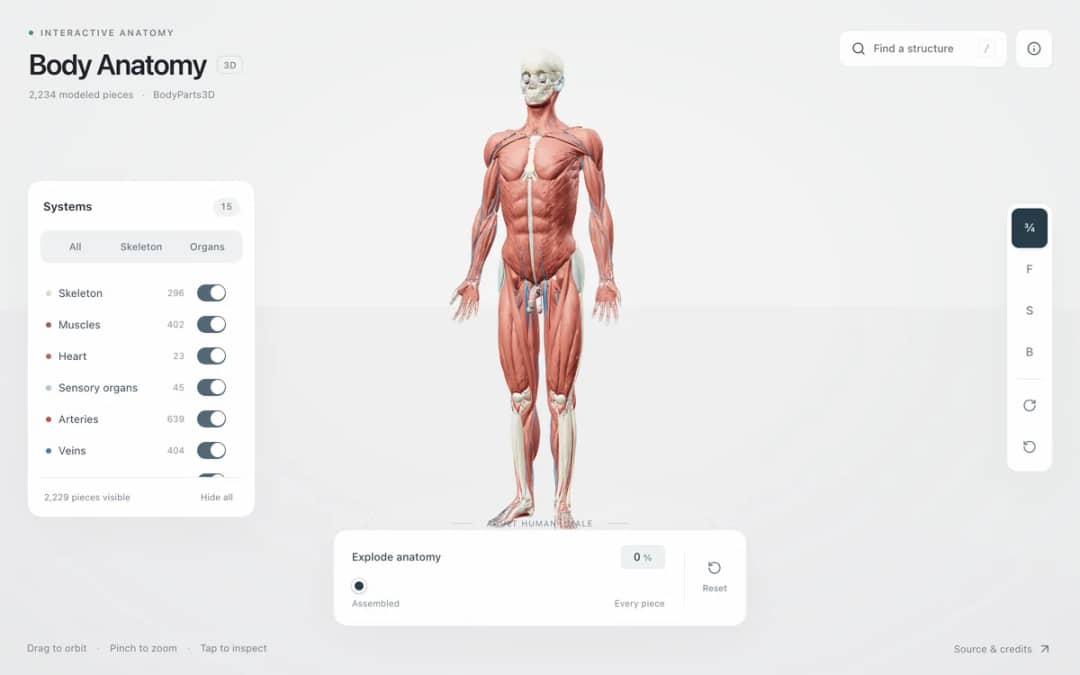
Explore an adult male reference body in 3D. Reveal 14 anatomical systems, search thousands of named structures, isolate organs, and pull 2,209 modeled pieces apart to see how the body is organized.
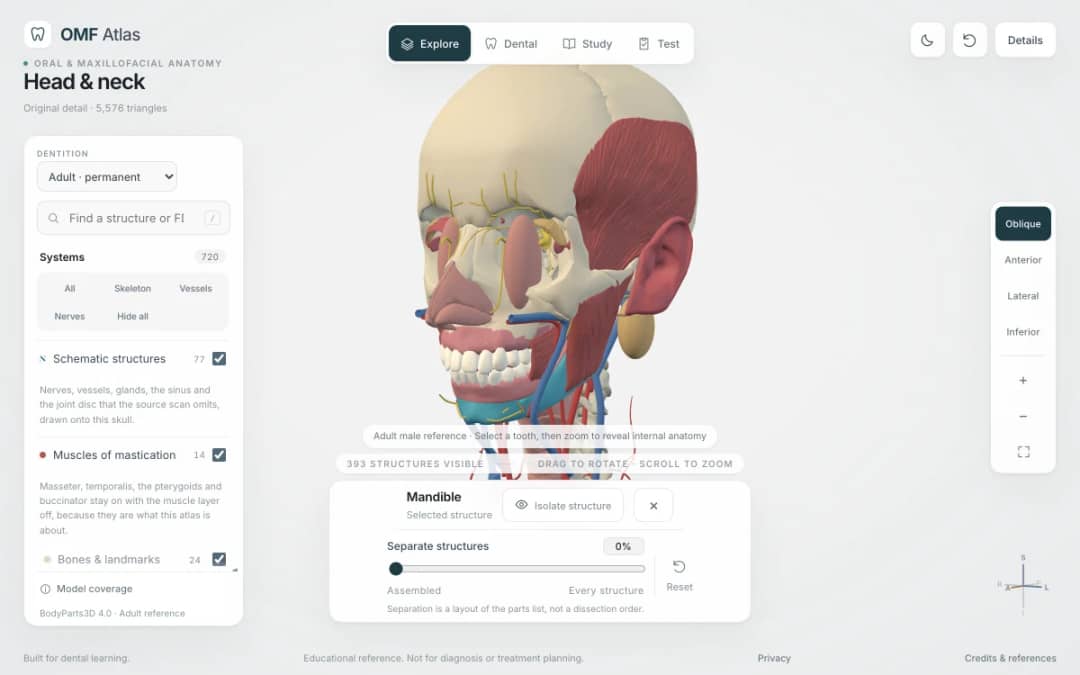
Explore the head and neck in 3D: 643 source meshes across 14 layers, 47 facial and masticatory muscles, and 77 drawn nerves, vessels and glands the source scan omits. Open any tooth onto its own pulp canal, and follow the seven stages of tooth development.

Free interactive photosynthesis simulation. Explore photosynthesis hands-on online — great for whole-class or independent practice.

Free interactive states of matter simulation. Explore states of matter hands-on online — great for whole-class or independent practice.
मॉडल से प्रमाण तक
विद्यार्थियों के खोज लेने के बाद उनके अनुमान, प्रेक्षण और व्याख्याएँ दर्ज करने के लिए वर्कशीट का उपयोग करें।
KiwiBee का मुफ़्त शिक्षक कार्यक्षेत्र पाठ योजना, वर्कशीट, कक्षा उपकरण और ग्रेडबुक — सब एक ही जगह लाता है।
मुफ़्त शुरू करें और अपनी पहली कक्षा बनाएँ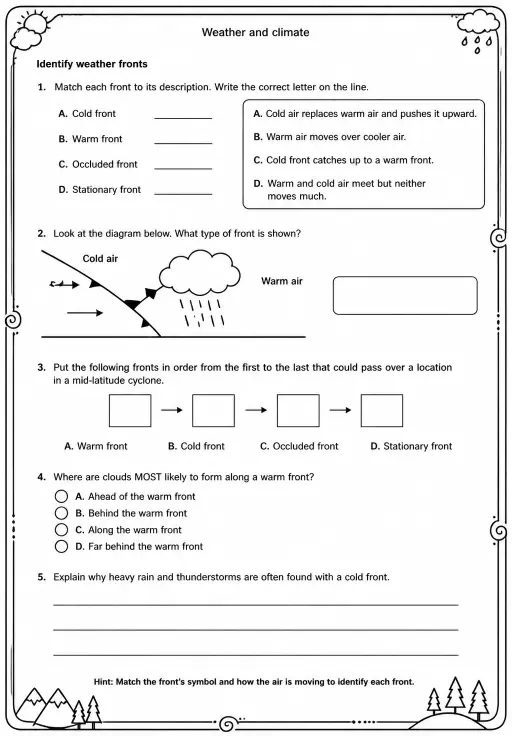
 होम
होम सभी समाधान
 कीमतें
 हमारे बारे में
 गैर-लाभकारी संस्थाओं के लिए KiwiBee
 कार्यक्रम और वेबिनार
 बड़े संगठनों के लिए
 स्कूलों के लिए
 लर्निंग सेंटरों के लिए
 टीम लीडरों के लिए
 शिक्षकों के लिए
 AI और संसाधन
 संसाधन
 प्रिंट करने योग्य वर्कशीट
 पाठ पैक
 इंटरैक्टिव सिमुलेशन
 शिक्षक उपकरण
 AI स्टूडियो
 विचार और शोध