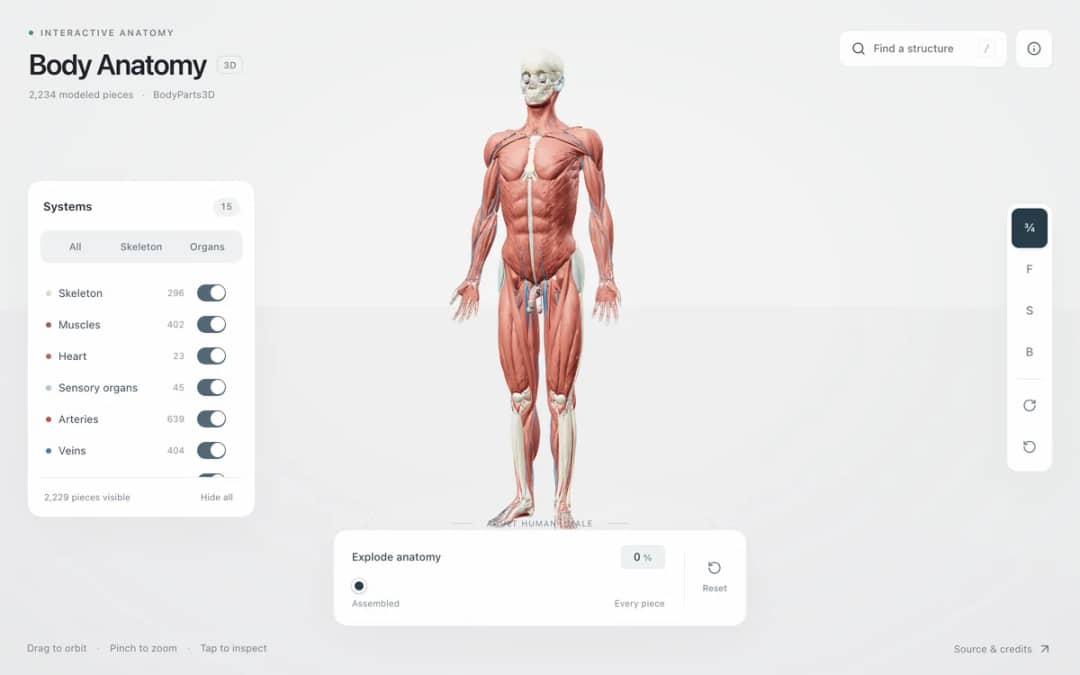
Explore an adult male reference body in 3D. Reveal 14 anatomical systems, search thousands of named structures, isolate organs, and pull 2,209 modeled pieces apart to see how the body is organized.
—
KiwiBee utilise des cookies facultatifs Google Analytics, Google Ads et Meta Pixel pour comprendre les visiteurs adultes, mesurer les inscriptions finalisées et améliorer ses campagnes. Les cookies essentiels restent toujours actifs. Le pixel publicitaire ChatGPT d’OpenAI mesure aussi les pages vues et les demandes envoyées après consentement publicitaire, et peut utiliser des coordonnées hachées pour la mise en correspondance. Politique de confidentialité
Students choose a mass from moon to star, click to place a body and drag before releasing to give it a velocity. Gravity acts between all bodies, so they can build a star with a planet in circular orbit, a small system with one button, or a chaotic three-body dance. Trails show paths, and readouts show body count, total and kinetic energy, next mass and the number of merges. Bodies that touch combine. The sim shows that orbits are falling paths shaped by F = G m1 m2 / r squared. Teachers can ask for stable orbits.
Yes. It is completely free, needs no sign-up, and runs in any modern browser, including classroom whiteboards, tablets and phones. Just open the page and start.
With two bodies the orbits are tidy ellipses, but with three or more there is no general formula for the motion. Small changes grow quickly, so the orbits can become chaotic.
Select a mass, click where you want the body, and drag before releasing. The drag sets the launch velocity. Keep Click places bodies switched on, and press Clear all to remove everything.
Gravity pulls the planet toward the star while its sideways motion carries it onward. It keeps falling toward the star but keeps missing it, so it circles around.
Placez-la dans votre ENT, votre blog ou le site de la classe — gratuitement.
<iframe src="https://kiwibee.io/fr/simulations/nbody-gravity-sandbox-3d-simulation/embed" title="N-Body Gravity Sandbox | KiwiBee" loading="lazy" allowfullscreen style="width:100%;height:min(70vh,620px);min-height:420px;border:0;border-radius:16px"></iframe>Continuer à explorer
Explore an adult male reference body in 3D. Reveal 14 anatomical systems, search thousands of named structures, isolate organs, and pull 2,209 modeled pieces apart to see how the body is organized.
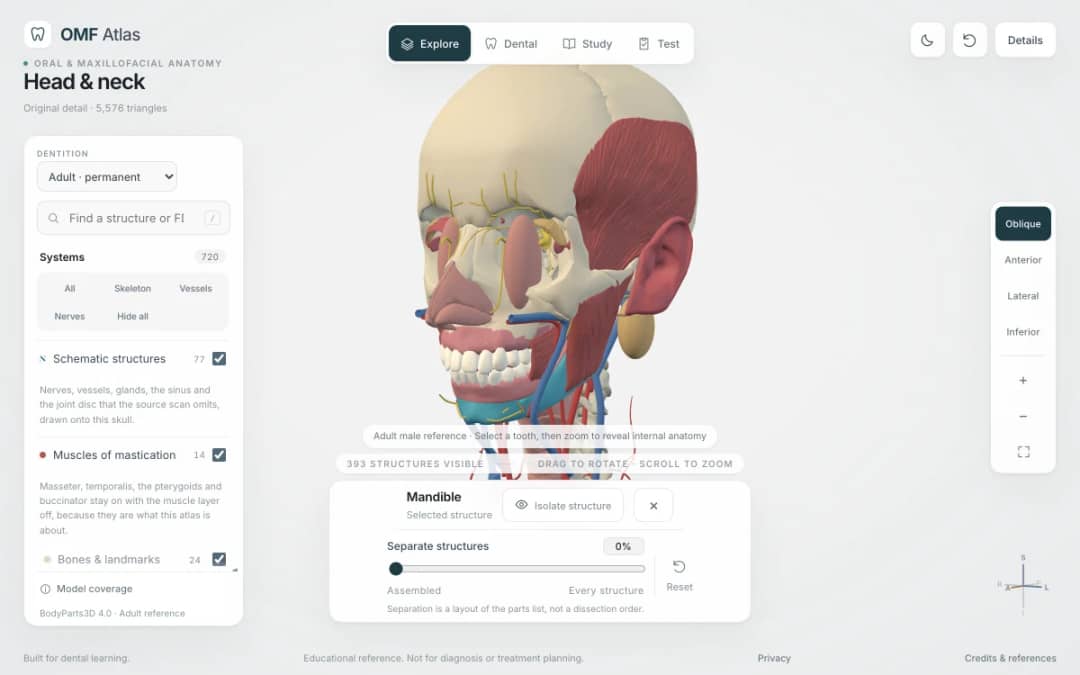
Explore the head and neck in 3D: 643 source meshes across 14 layers, 47 facial and masticatory muscles, and 77 drawn nerves, vessels and glands the source scan omits. Open any tooth onto its own pulp canal, and follow the seven stages of tooth development.

Free interactive photosynthesis simulation. Explore photosynthesis hands-on online — great for whole-class or independent practice.

Free interactive states of matter simulation. Explore states of matter hands-on online — great for whole-class or independent practice.

Free interactive shadows simulation. Explore shadows hands-on online — great for whole-class or independent practice.
Du modèle à la trace écrite
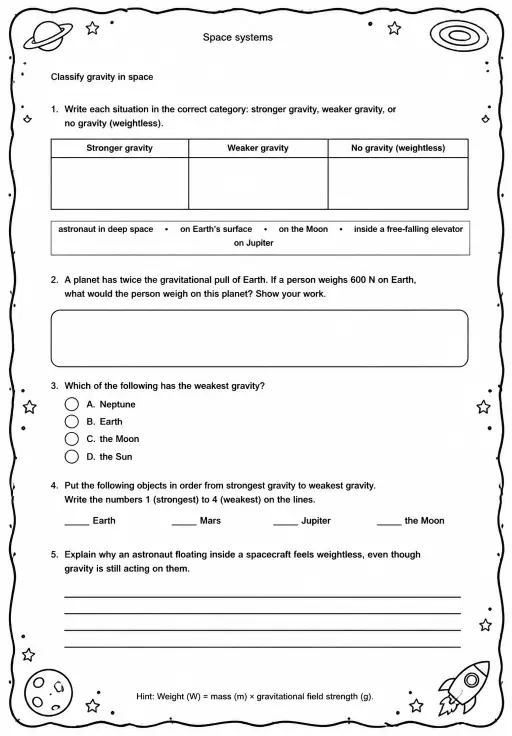
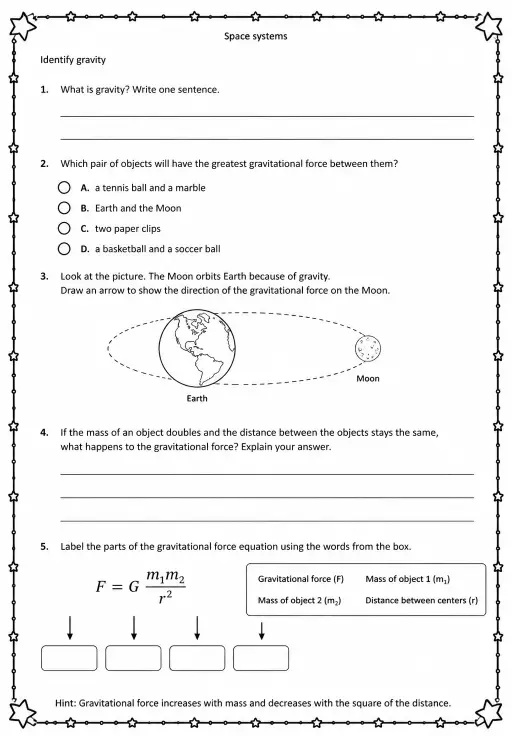
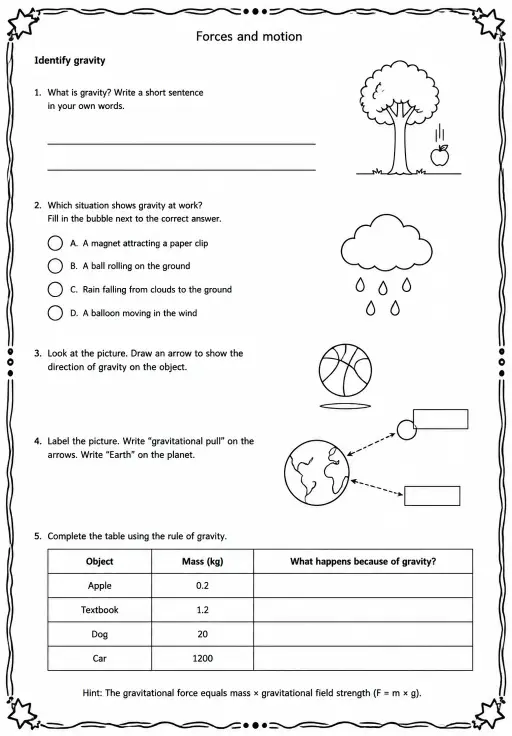
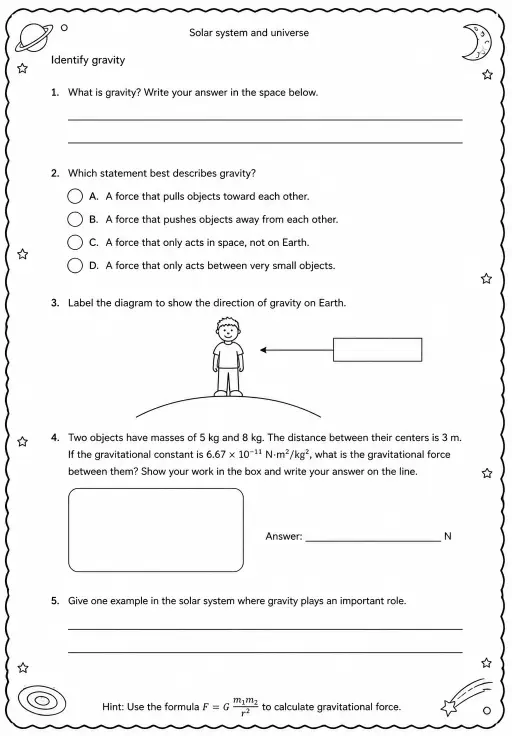
Utilisez une fiche pour recueillir les prédictions, les observations et les explications après l'exploration des élèves.
L'espace enseignant gratuit de KiwiBee réunit au même endroit la préparation des séances, les fiches, les outils de classe et le carnet de notes.
Commencez gratuitement et créez votre première classe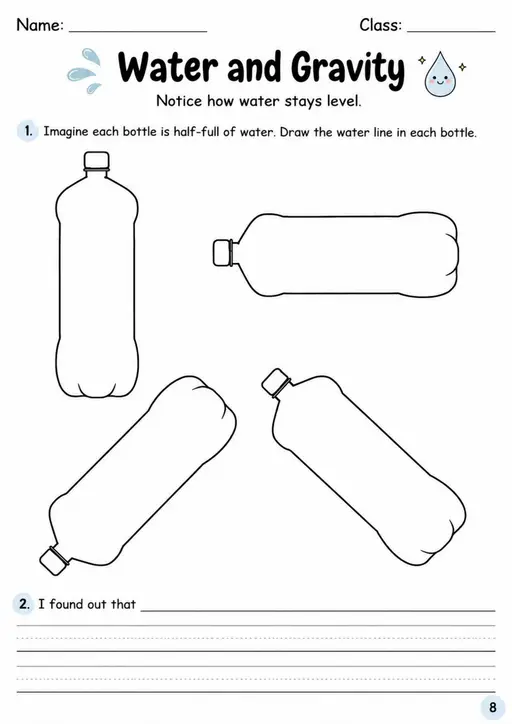

 Accueil
 Toutes les solutions
 Tarifs
 À propos
 KiwiBee pour les associations
 Événements et webinaires
 Pour les grands réseaux
 Pour les établissements
 Pour les centres
 Pour les responsables d'équipe
 Pour les enseignants
 IA et ressources
 Ressources
 Fiches imprimables
 Kits de cours
 Simulations interactives
 Outils pour les enseignants
 Studio IA
 Idées et recherche