
Bezier Curve Editor
- Mathématiques
Commentaires
Liées à cette simulation
Choisis selon le sens parmi les jeux, fiches, simulations, outils pour les enseignants et vidéos.
À propos de cette simulation
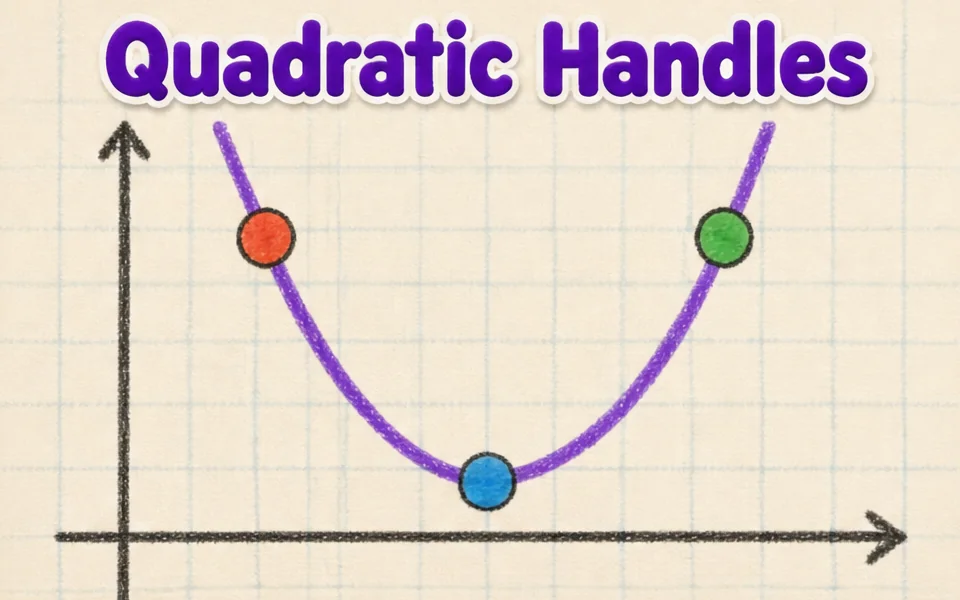
This simulation shows how the smooth curves in fonts, logos and drawing tools are made. Students drag four control points anywhere in 3D, and the curve starts at the first point, ends at the last and is only pulled toward the two in between. A slider, animation or the left and right arrow keys move the parameter t from 0 to 1. Colored lines show the construction: the control polygon in blue, the first level of points in amber, the second in green and the curve point in red. Readouts give t, the curve point B of t, its speed and the curve length. A button flattens the curve to a plane. It teaches interpolation and parametric curves.
Ce que les élèves peuvent explorer
- Drag the second control point far away and see how the curve bends toward it without touching it.
- Pause Animate t and move the t slider, watching the blue, amber and green lines.
- Press the left and right arrow keys to move t in small steps.
- Press Flatten to a plane and compare the curve with a flat drawing program curve.
- Move the points to make an S shape, then read the Curve length readout.
Objectifs d'apprentissage
- 1Describe how four control points define a cubic Bezier curve.
- 2Explain how repeated interpolation builds a point on the curve.
- 3Relate the parameter t to the position along the curve.
- 4Predict how moving a control point changes the shape of the curve.
Questions fréquentes des enseignants
Is it free?
Yes. Bezier Curve Editor is free, needs no sign-up and runs in any modern browser, including whiteboards, tablets and phones.
Does the curve pass through all four points?
No. It passes through the first and last points only. The two middle points act like magnets that pull the curve toward them.
What is De Casteljau's algorithm?
It finds the point at t by taking the point a fraction t along each segment, repeating until one point is left. Four points give three, then two, then one point on the curve.
How do I move the view?
Drag empty space to turn the view, and drag the points themselves to reshape the curve. Arrow keys scrub t.
Intégrer cette simulation
Placez-la dans votre ENT, votre blog ou le site de la classe — gratuitement.
<iframe src="https://kiwibee.io/fr/simulations/bezier-curve-editor-3d-simulation/embed" title="Bezier Curve Editor | KiwiBee" loading="lazy" allowfullscreen style="width:100%;height:min(70vh,620px);min-height:420px;border:0;border-radius:16px"></iframe>Faites entrer les sciences interactives dans votre classe
L'espace enseignant gratuit de KiwiBee réunit au même endroit la préparation des séances, les fiches, les outils de classe et le carnet de notes.
Commencez gratuitement et créez votre première classeRegardez KiwiBee sur YouTube
De courtes vidéos KiwiBee pour les enseignants et les écoles. Abonnez-vous, ou suivez KiwiBee où que vous soyez.
 Accueil
 Toutes les solutions
 Tarifs
 À propos
 KiwiBee pour les associations
 Événements et webinaires
 Pour les grands réseaux
 Pour les établissements
 Pour les centres
 Pour les responsables d'équipe
 Pour les enseignants
 Ressources
 Fiches imprimables
 Simulations interactives
 Outils pour les enseignants
 Idées et recherche


