
Free interactive ecosystems simulation. Explore ecosystems hands-on online — great for whole-class or independent practice.
—
KiwiBee uses optional Google Analytics, Google Ads, and Meta Pixel cookies to understand adult visitors, measure completed sign-ups, and improve campaigns. Essential cookies always stay on. OpenAI’s ChatGPT Ads Pixel also measures page views and completed enquiries after advertising consent, and may use hashed contact details for matching. Privacy policy
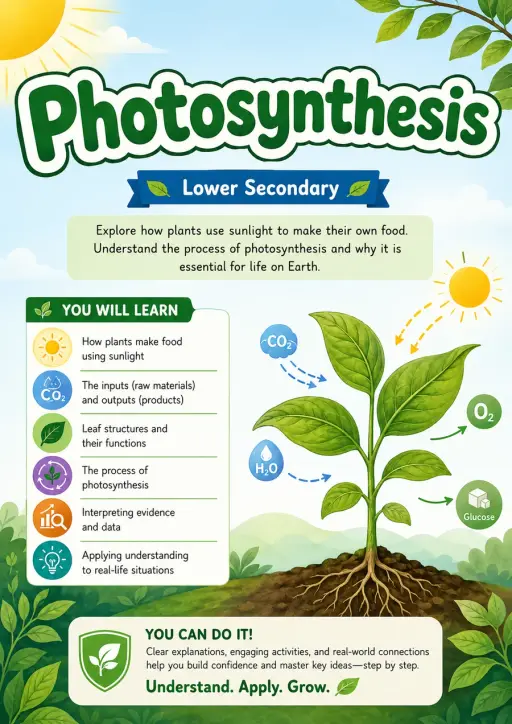
Plants make their own food by photosynthesis: six carbon-dioxide molecules and six water molecules use light energy to make one glucose molecule and release six oxygen molecules. The reaction runs only as fast as its scarcest input — its limiting factor. Students can change light and water and compare what happens. Use it for biology inquiry with Grades 3–5 and Middle School on a projector or student device.
استانداردها: NGSS MS-LS1-6, 5-LS1-1
Yes. Open the Photosynthesis simulation in a modern browser with no download or sign-up required.
The simulation includes learning-level presets spanning Grades 3–5 and Middle School. Choose the level that matches your class, then use it on a projector or student devices.
آن را در LMS، وبلاگ یا وبسایت کلاس خود قرار دهید — رایگان.
<iframe src="https://kiwibee.io/fa/simulations/photosynthesis-simulation/embed" title="Photosynthesis Interactive Simulation | KiwiBee" loading="lazy" allowfullscreen style="width:100%;height:min(70vh,620px);min-height:420px;border:0;border-radius:16px"></iframe>کاوش را ادامه دهید
Free interactive ecosystems simulation. Explore ecosystems hands-on online — great for whole-class or independent practice.

Free interactive plant growth simulation. Explore plant growth hands-on online — great for whole-class or independent practice.

Free interactive food webs simulation. Explore food webs hands-on online — great for whole-class or independent practice.

Respiratory · Circulatory · Urinary · Skeletal · Muscular · Nervous

Free interactive animal adaptations simulation. Explore animal adaptations hands-on online — great for whole-class or independent pract
از مدل تا شواهد
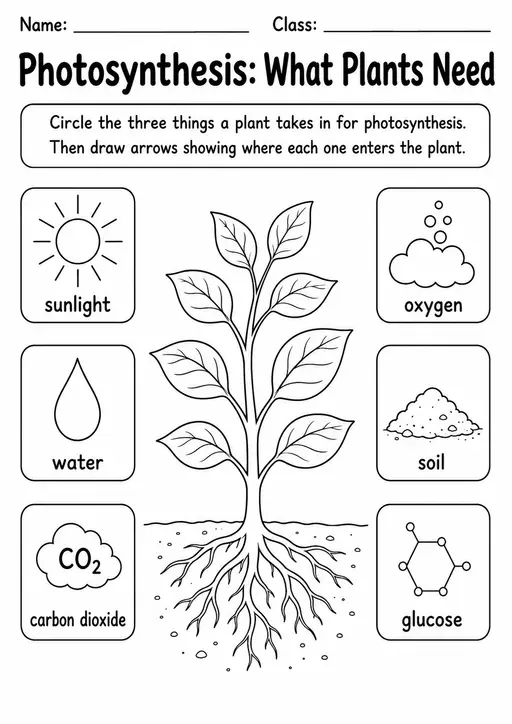
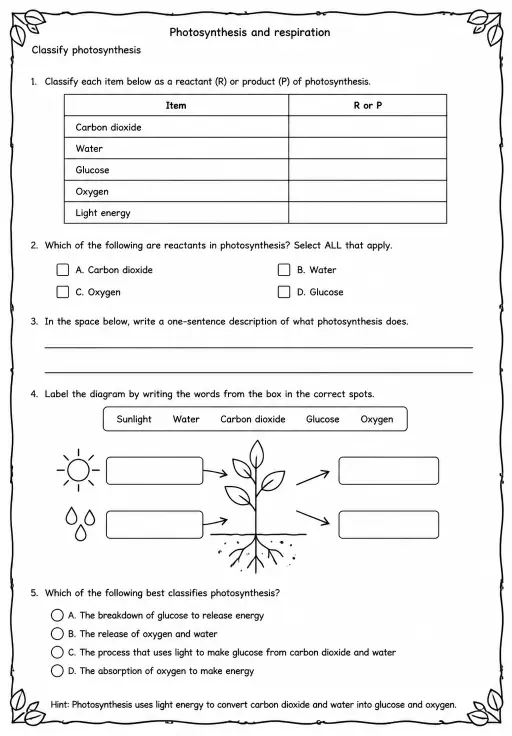
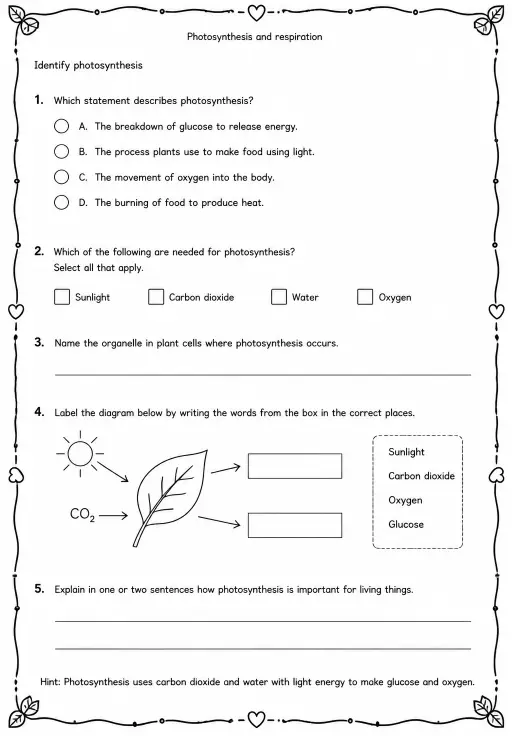
پس از کاوش دانشآموزان، از یک کاربرگ برای ثبت پیشبینیها، مشاهدات و توضیحها استفاده کنید.
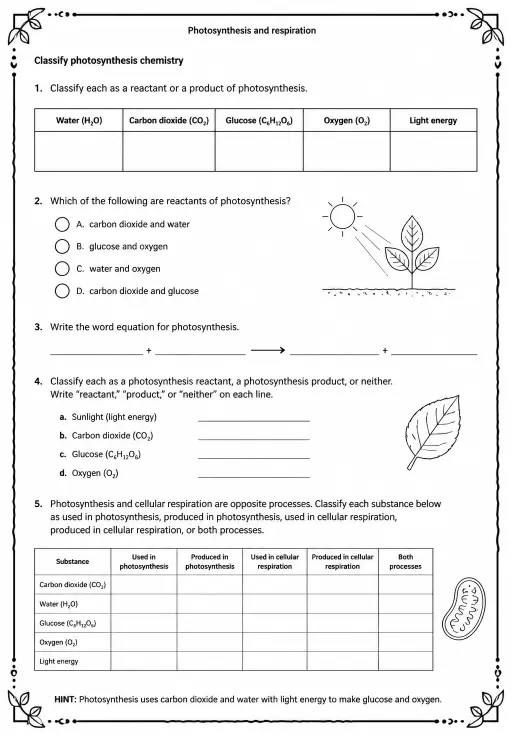
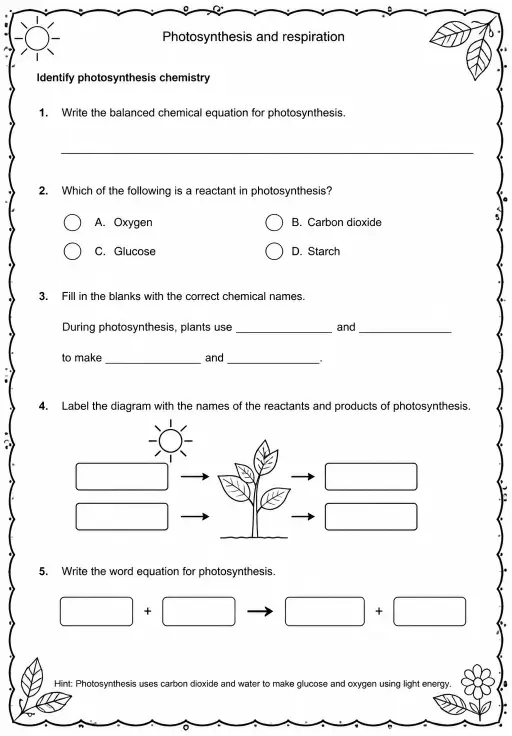
فضای کاری رایگان معلمان KiwiBee برنامهریزی درس، کاربرگها، ابزارهای کلاسی و دفتر نمره را یکجا گرد هم میآورد.
رایگان شروع کنید و اولین کلاس خود را بسازید خانه
خانه همهٔ راهکارها
 قیمتگذاری
 درباره ما
 KiwiBee برای سازمانهای غیرانتفاعی
 رویدادها و وبینارها
 برای سازمانهای بزرگ
 برای مدرسهها
 برای مراکز
 برای سرپرستان تیم
 برای معلمان
 هوش مصنوعی و منابع
 منابع
منابع کاربرگهای قابل چاپ
 بستههای درس
 شبیهسازیهای تعاملی
 ابزارهای معلم
 استودیوی هوش مصنوعی
 ایدهها و پژوهش