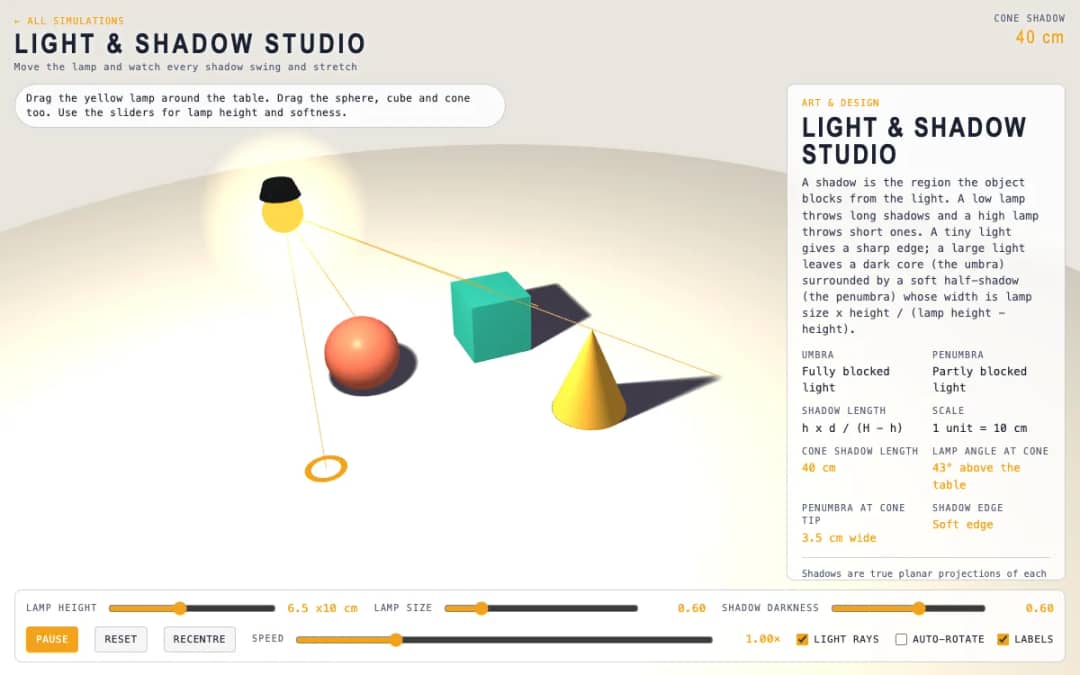
A tabletop scene with a lamp and a sphere, cube and cone. Students drag the lamp and the objects, change lamp height and size, and watch shadows swing, stretch and develop soft edges.
—
KiwiBee uses optional Google Analytics, Google Ads, and Meta Pixel cookies to understand adult visitors, measure completed sign-ups, and improve campaigns. Essential cookies always stay on. OpenAI’s ChatGPT Ads Pixel also measures page views and completed enquiries after advertising consent, and may use hashed contact details for matching. Privacy policy
Clay Sculptor gives each student a 3D ball of clay to shape by hand. They choose Pull, Push or Smooth, then drag on the clay; the surface near the brush moves outward or inward and blends without hard edges. Sliders set brush size and strength, a Mirror X toggle copies each stroke to the other side, and Show mesh reveals the grid of points that makes the clay. Dragging the background, or choosing Rotate view, turns the model. Readouts show clay volume in cubic centimeters, the radius range, the current tool and the number of strokes. Reset ball starts again. It introduces digital sculpting, symmetry and volume.
Yes. Clay Sculptor is free, needs no sign-up and runs in any modern browser, including whiteboards, tablets and phones.
Pick Pull, Push or Smooth and drag on the clay. To turn the view, drag the background or choose the Rotate view tool.
Press Reset ball to turn the clay back into a sphere. There is no step-by-step undo, so use Smooth to soften a stroke you do not like.
It copies every stroke to the opposite side of the model, so faces, vases and animals come out symmetrical.
آن را در LMS، وبلاگ یا وبسایت کلاس خود قرار دهید — رایگان.
<iframe src="https://kiwibee.io/fa/simulations/clay-sculptor-3d-simulation/embed" title="Clay Sculptor | KiwiBee" loading="lazy" allowfullscreen style="width:100%;height:min(70vh,620px);min-height:420px;border:0;border-radius:16px"></iframe>کاوش را ادامه دهید
A tabletop scene with a lamp and a sphere, cube and cone. Students drag the lamp and the objects, change lamp height and size, and watch shadows swing, stretch and develop soft edges.
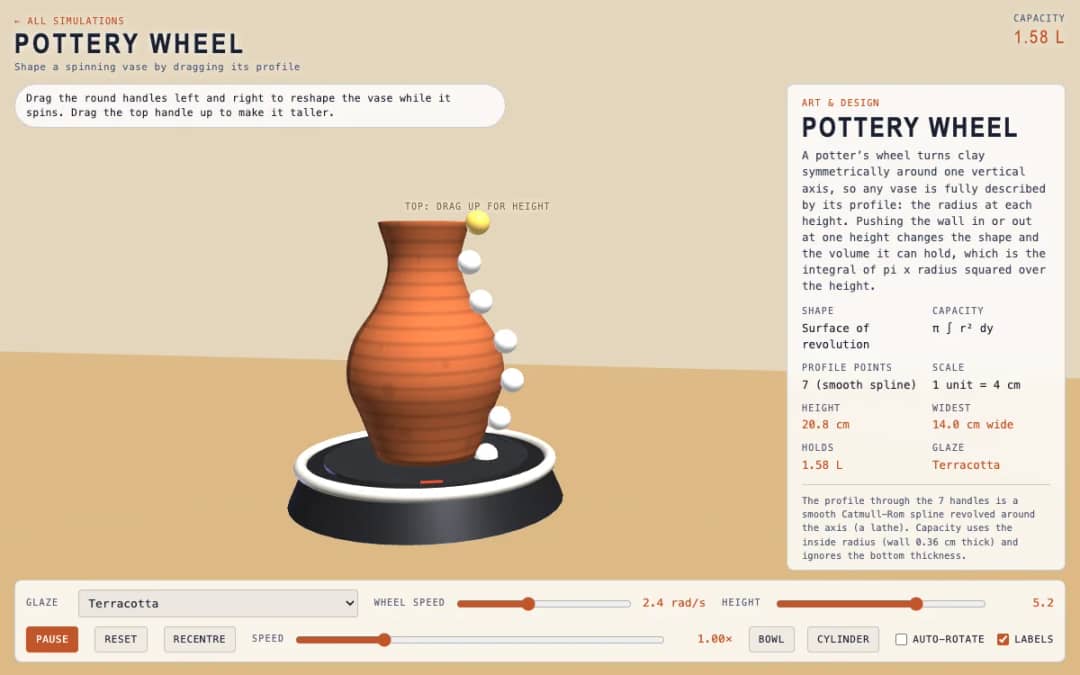
A spinning vase on a pottery wheel with seven round handles along its profile. Students drag the handles to reshape the vase, choose a glaze and read its height, widest point and capacity.
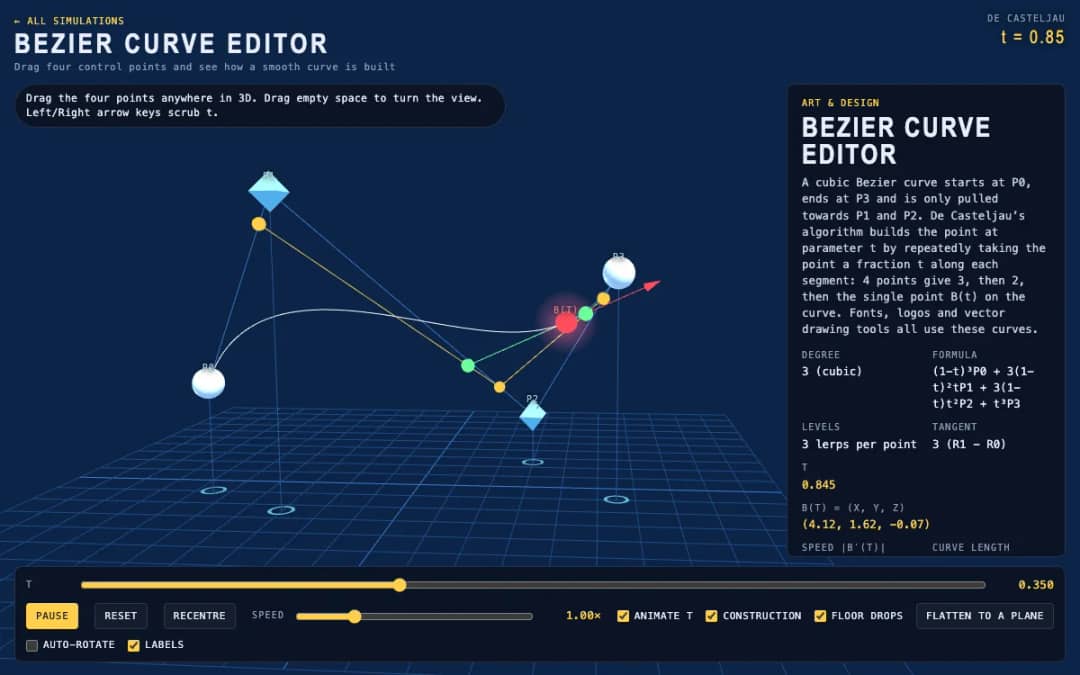
Four draggable control points shape a cubic Bezier curve in 3D. Students move the points, scrub or animate the parameter t, and see the construction lines that build the point on the curve.
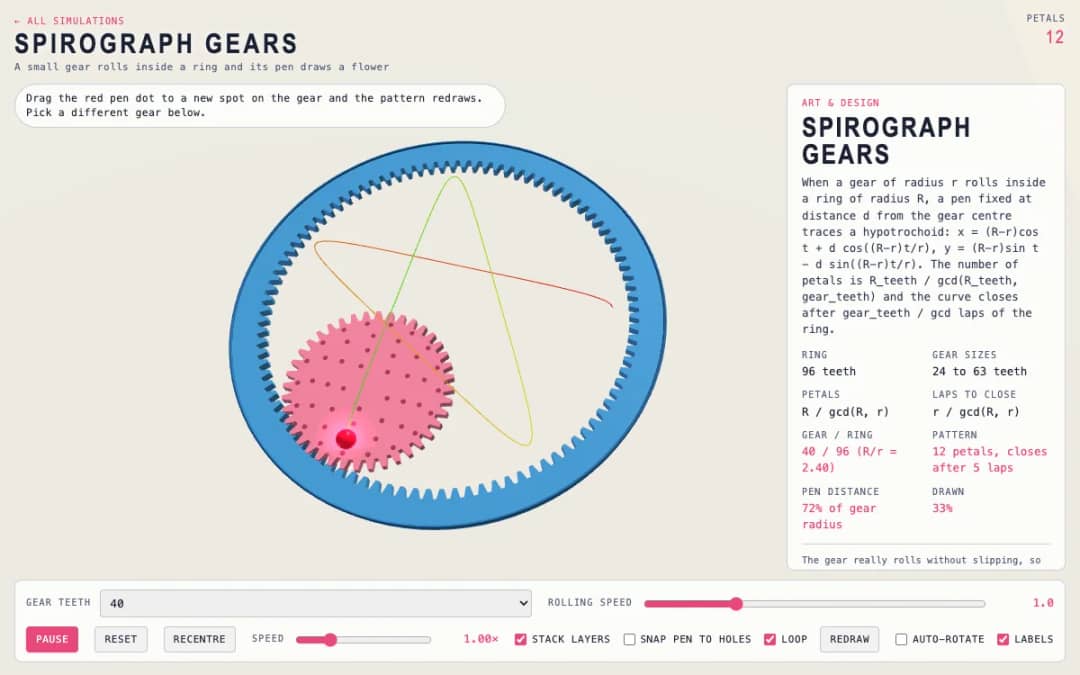
A small gear rolls inside a ring while a pen draws a flower pattern. Students choose the gear size, drag the pen dot to a new spot and see the number of petals and the drawing change.
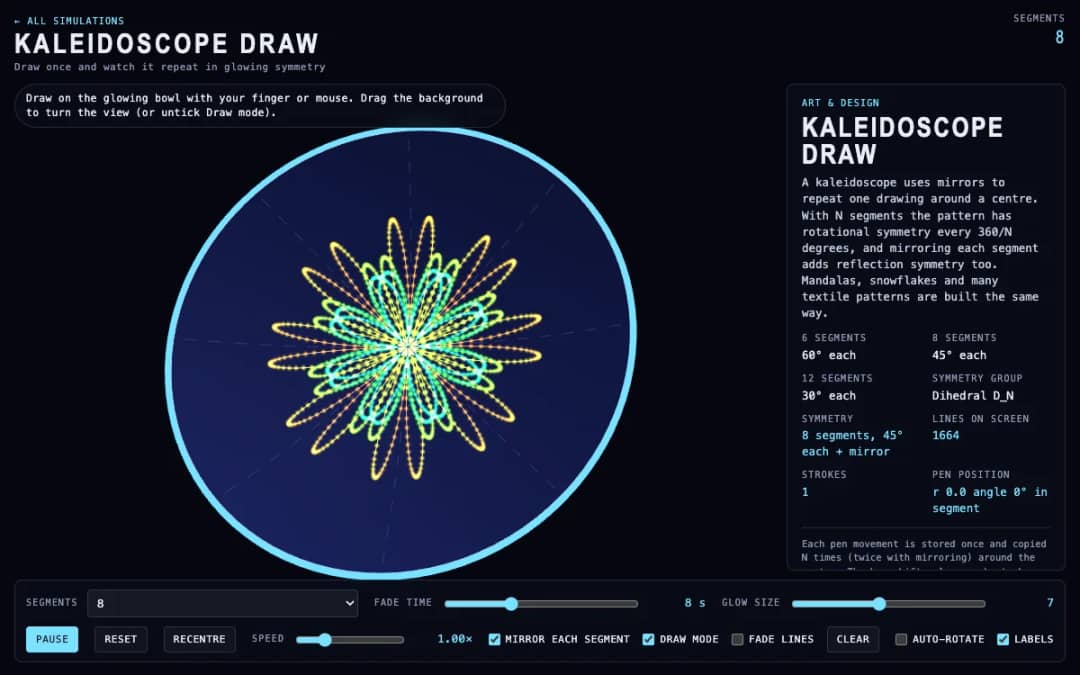
Students draw on a glowing 3D bowl and every stroke is copied around the center as a symmetrical pattern. They pick 6, 8 or 12 segments, turn mirroring on, fade lines out and change glow size.
فضای کاری رایگان معلمان KiwiBee برنامهریزی درس، کاربرگها، ابزارهای کلاسی و دفتر نمره را یکجا گرد هم میآورد.
رایگان شروع کنید و اولین کلاس خود را بسازید خانه
خانه همهٔ راهکارها
 قیمتگذاری
 درباره ما
 KiwiBee برای سازمانهای غیرانتفاعی
 رویدادها و وبینارها
 برای سازمانهای بزرگ
 برای مدرسهها
 برای مراکز
 برای سرپرستان تیم
 برای معلمان
 هوش مصنوعی و منابع
 منابع
منابع کاربرگهای قابل چاپ
 بستههای درس
 شبیهسازیهای تعاملی
 ابزارهای معلم
 استودیوی هوش مصنوعی
 ایدهها و پژوهش