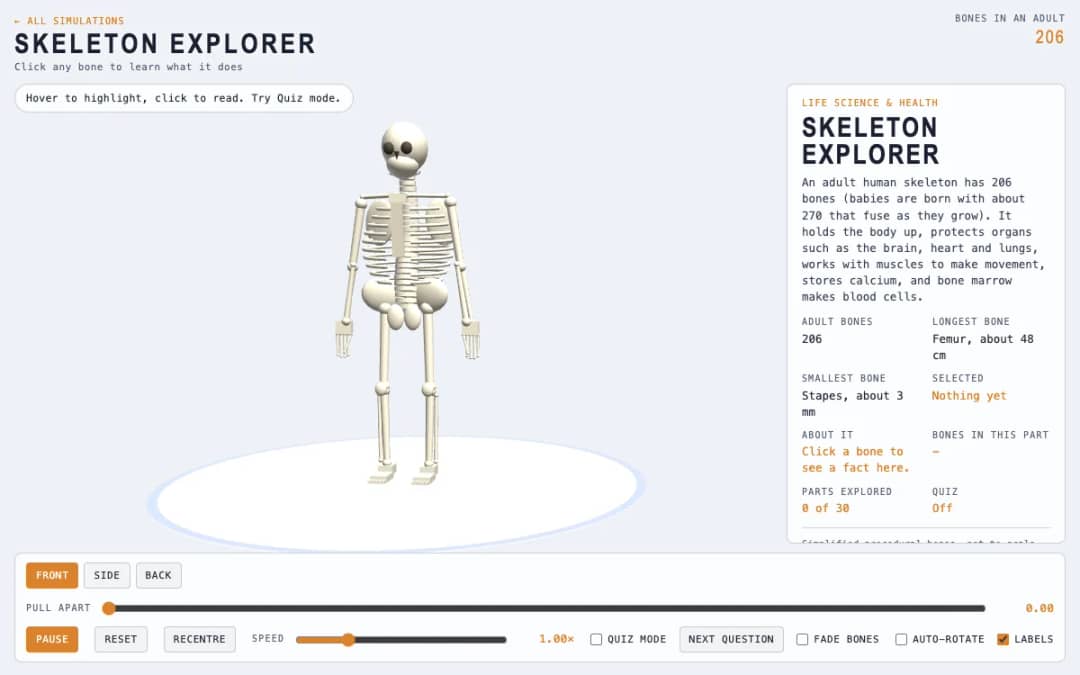
A 3D skeleton can be rotated, pulled apart and examined part by part. Students hover to highlight bones, click to read facts, and switch on Quiz mode to test their knowledge.
—
KiwiBee uses optional Google Analytics, Google Ads, and Meta Pixel cookies to understand adult visitors, measure completed sign-ups, and improve campaigns. Essential cookies always stay on. OpenAI’s ChatGPT Ads Pixel also measures page views and completed enquiries after advertising consent, and may use hashed contact details for matching. Privacy policy
3D Shapes Explorer is an interactive classroom tool for teaching solid shapes and their properties. Students and teachers turn a cube, cuboid, prism, pyramid, cylinder, cone, sphere or one of the five regular solids, then tap the shape to count its faces, edges and vertices together, with numbered labels and a see-through mode for the hidden ones. Each shape shows the 2D shapes that make up its faces, Euler's rule for corners, edges and faces, and a pattern finder for prisms and pyramids with 3 to 12 sides on the base. Further tabs unfold every solid into its nets, work out volume and surface area with the formula and the working shown, and slice the shape to reveal its cross-section.
Yes. It runs in any modern browser, including interactive whiteboards, tablets and phones, with no sign-up or download.
Sixteen solids: the cube, cuboid, triangular, pentagonal and hexagonal prisms, triangular, square, pentagonal and hexagonal pyramids, cylinder, cone, sphere, and the five regular (Platonic) solids: tetrahedron, cube, octahedron, dodecahedron and icosahedron. Prisms and pyramids can be changed to have anywhere from 3 to 12 sides on the base.
A face is a flat surface of a solid, an edge is where two faces meet, and a vertex (plural vertices, also called a corner) is where edges meet. Tap Faces, Edges or Corners, then tap the shape to count them one at a time, or press Count for me.
On the Net tab, drag the slider or press Unfold to open the solid out flat. Press Another net to see different valid nets of the same shape. A cube has exactly 11 nets. A sphere has none, because its curved surface cannot be flattened without stretching or tearing.
Yes. The Measure tab has a slider for every dimension, labels the lengths on the shape, and shows the formula with the numbers substituted in. A cuboid can also be filled with 1 cm cubes, one layer at a time.
آن را در LMS، وبلاگ یا وبسایت کلاس خود قرار دهید — رایگان.
<iframe src="https://kiwibee.io/fa/simulations/3d-shapes-simulation/embed" title="3D Shapes Explorer | KiwiBee" loading="lazy" allowfullscreen style="width:100%;height:min(70vh,620px);min-height:420px;border:0;border-radius:16px"></iframe>کاوش را ادامه دهید
A 3D skeleton can be rotated, pulled apart and examined part by part. Students hover to highlight bones, click to read facts, and switch on Quiz mode to test their knowledge.
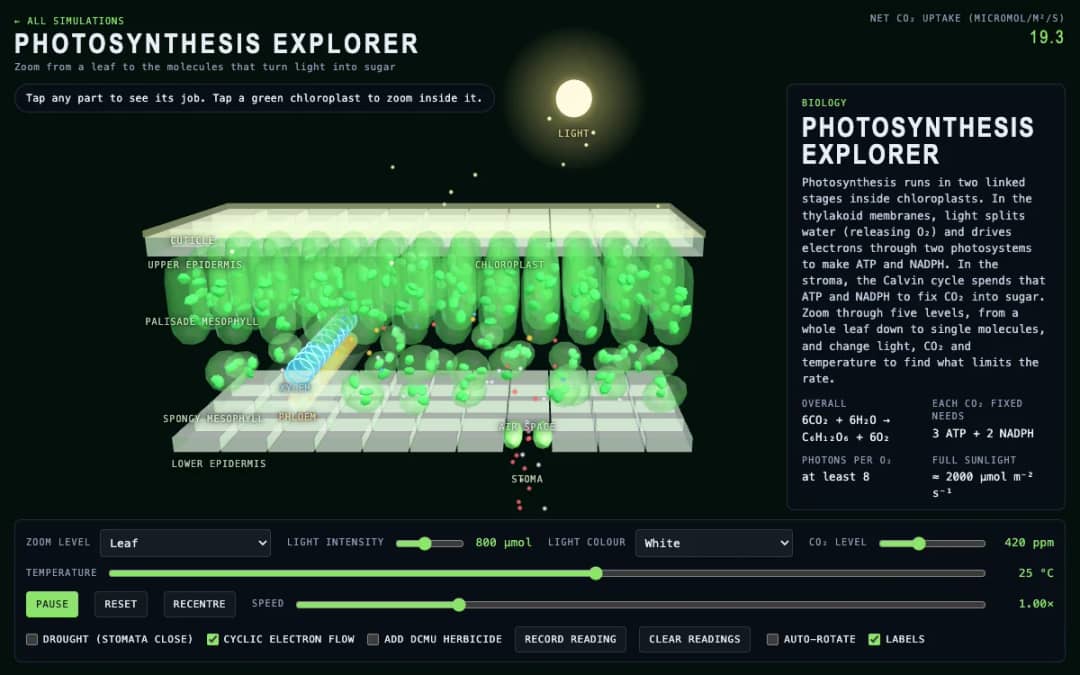
Zoom through five levels of photosynthesis in 3D: a leaf cross-section, a chloroplast, the thylakoid membrane with its electron transport chain and ATP synthase, the Calvin cycle and a 3D rate graph. Change light, CO₂ and temperature and record readings.
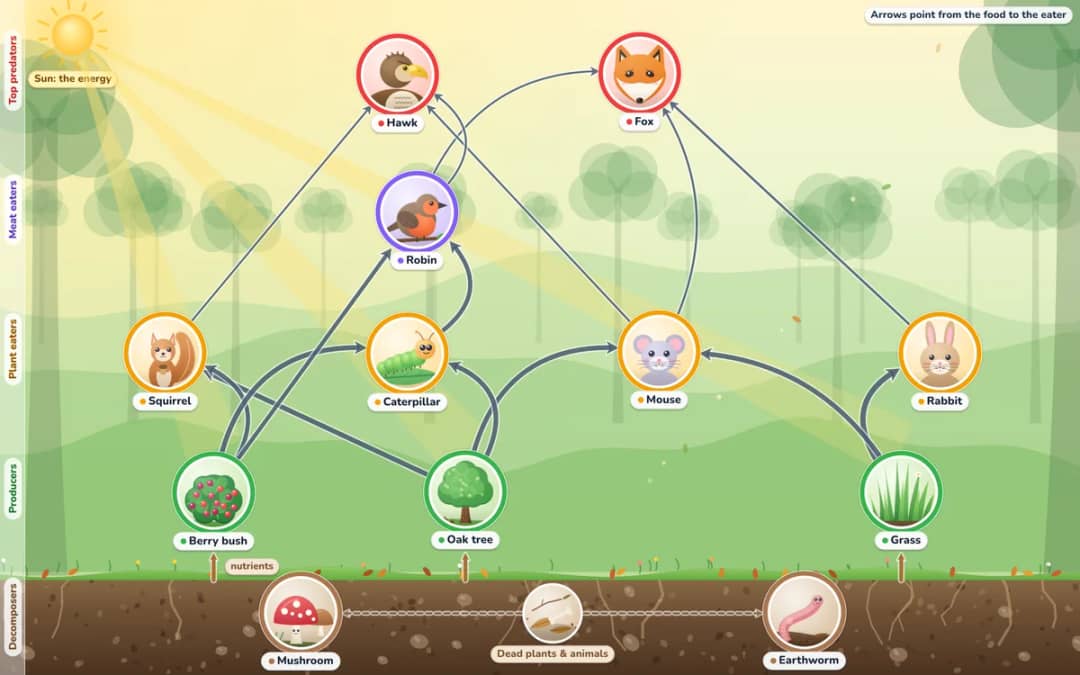
Explore woodland, pond and ocean food webs. Tap a living thing to see what it eats and what eats it, take one away and watch the whole web change, and see why energy runs out at the top of the pyramid.
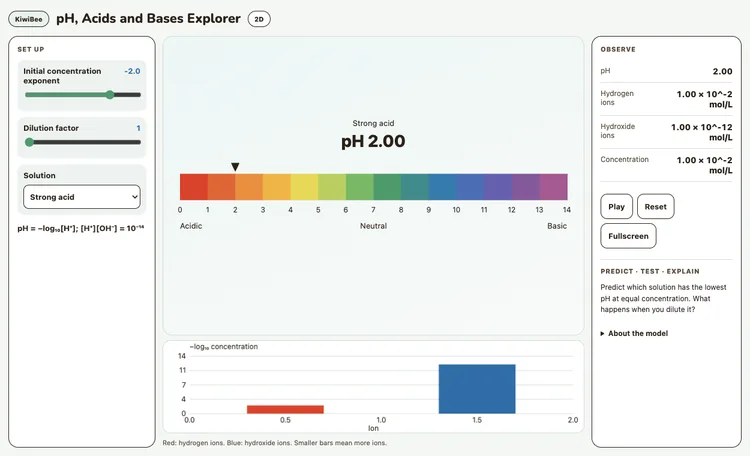
Compare strong and weak acids and bases at equal concentration. Dilute them and inspect hydrogen and hydroxide ions.

Step through binary increment and parity with a Turing machine’s tape, states and transition table. Change the input and explain each instruction.
از مدل تا شواهد
پس از کاوش دانشآموزان، از یک کاربرگ برای ثبت پیشبینیها، مشاهدات و توضیحها استفاده کنید.
فضای کاری رایگان معلمان KiwiBee برنامهریزی درس، کاربرگها، ابزارهای کلاسی و دفتر نمره را یکجا گرد هم میآورد.
رایگان شروع کنید و اولین کلاس خود را بسازید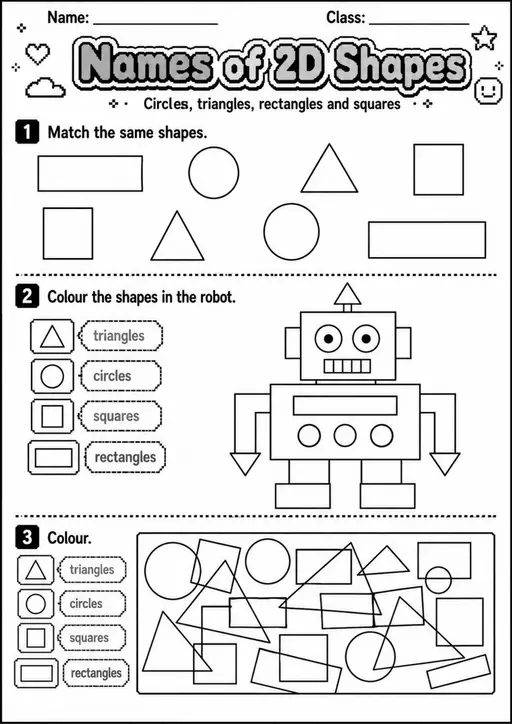
 خانه
خانه همهٔ راهکارها
 قیمتگذاری
 درباره ما
 KiwiBee برای سازمانهای غیرانتفاعی
 رویدادها و وبینارها
 برای سازمانهای بزرگ
 برای مدرسهها
 برای مراکز
 برای سرپرستان تیم
 برای معلمان
 هوش مصنوعی و منابع
 منابع
منابع کاربرگهای قابل چاپ
 بستههای درس
 شبیهسازیهای تعاملی
 ابزارهای معلم
 استودیوی هوش مصنوعی
 ایدهها و پژوهش