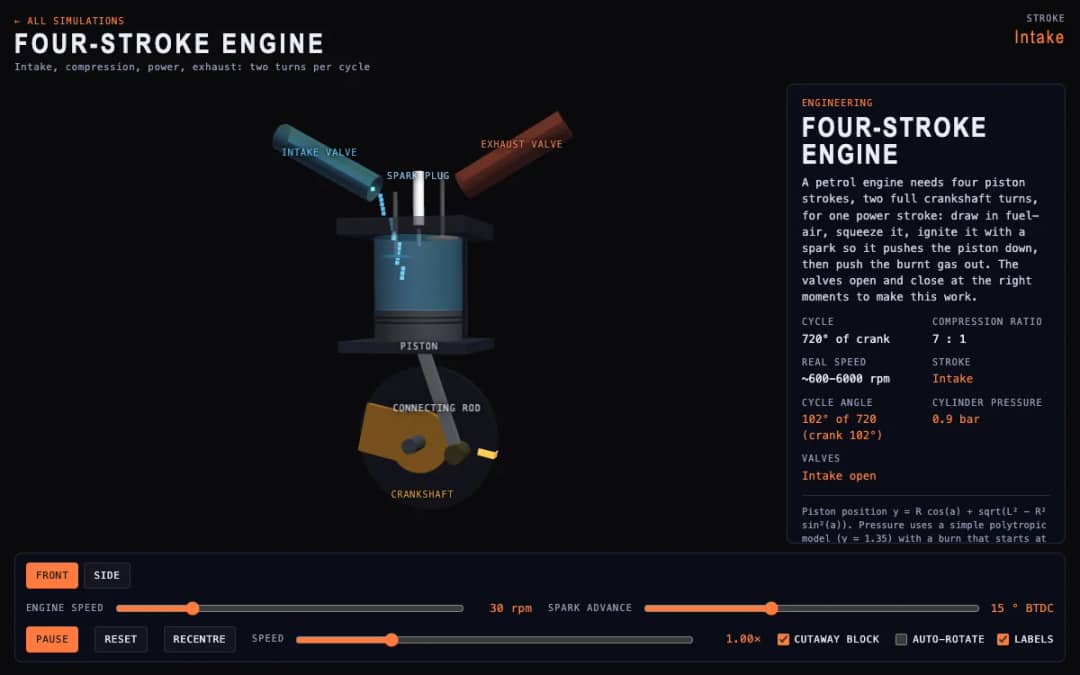
A cutaway engine cylinder shows the piston, valves and spark through the four strokes of the cycle. Students change engine speed and spark advance and watch the stroke, cycle angle, cylinder pressure and valve states update.
—
KiwiBee usa cookies opcionales de Google Analytics, Google Ads y Meta Pixel para entender a los visitantes adultos, medir los registros completados y mejorar las campañas. Las cookies esenciales siempre permanecen activas. El píxel de anuncios de ChatGPT de OpenAI también mide las visitas y las consultas enviadas tras aceptar la publicidad, y puede usar datos de contacto cifrados mediante hash para la atribución. Política de privacidad
This game extends tic-tac-toe into a 3x3x3 cube with 49 winning lines. Students click a glass cell to place an X while the computer answers at Easy, Normal or Sharp level, and they can drag empty space to turn the cube and see cells behind others. Readouts show whose turn it is, the score for you, the computer and draws, the move number and open threats. Teachers can use it for spatial reasoning and strategy talks about which positions are on the most lines.
Yes. It is free, needs no sign-up, and works in any modern browser on whiteboards, tablets, phones and computers.
There are 49: 27 along the axes, 18 face diagonals and 4 space diagonals. The center cell sits on 13 of them, more than any other cell.
Drag empty space to turn the cube. Occupied cells are removed from the click targets, so you can also click through to cells behind marks. Widening Cell spacing helps too.
The first player wins with perfect play by taking the center cell, which is why the computer's Sharp level is the toughest to beat.
Colócala en tu LMS, blog o sitio de clase, gratis.
<iframe src="https://kiwibee.io/es/simulations/tic-tac-toe-3d-3d-simulation/embed" title="Tic-Tac-Toe 3D | KiwiBee" loading="lazy" allowfullscreen style="width:100%;height:min(70vh,620px);min-height:420px;border:0;border-radius:16px"></iframe>Sigue explorando
A cutaway engine cylinder shows the piston, valves and spark through the four strokes of the cycle. Students change engine speed and spark advance and watch the stroke, cycle angle, cylinder pressure and valve states update.
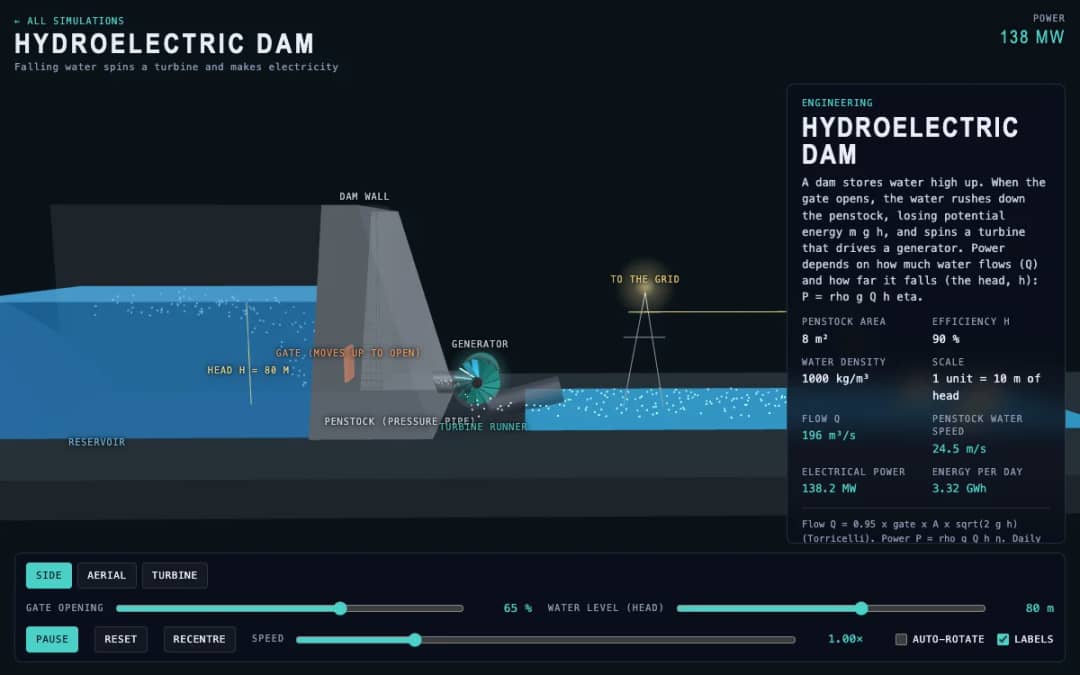
A dam, penstock and turbine are shown in 3D. Students change the gate opening and the water level, called the head, and read the water flow, penstock water speed, electrical power and energy per day.
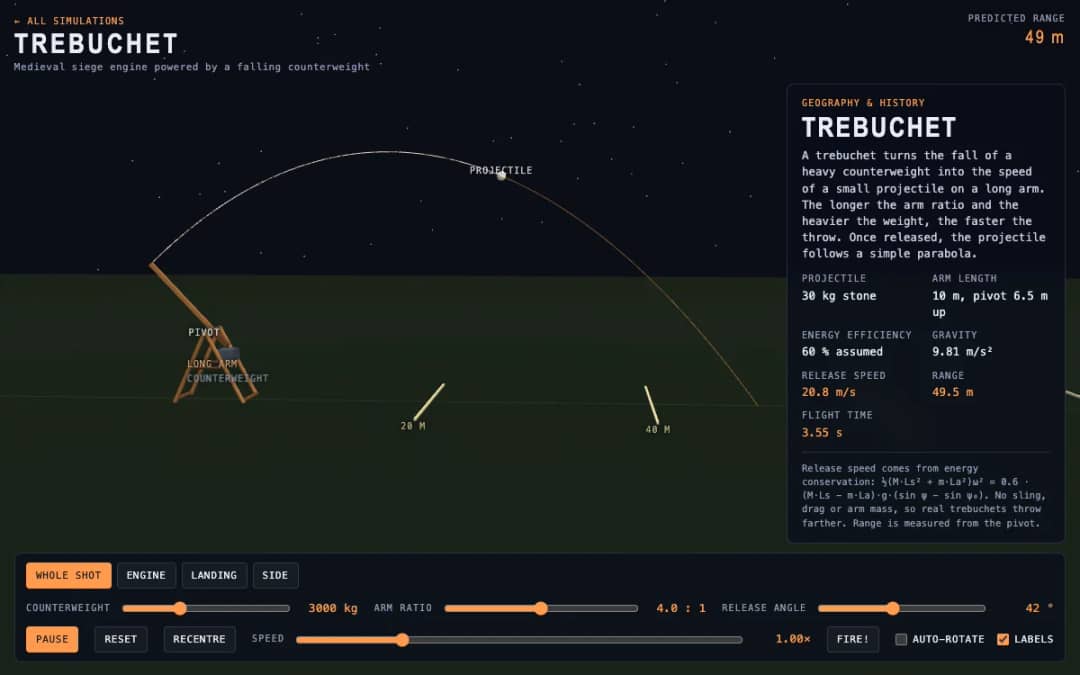
A medieval trebuchet swings its arm in 3D and throws a stone. Students change the counterweight mass, arm ratio and release angle, press Fire, and read the release speed, range and flight time.
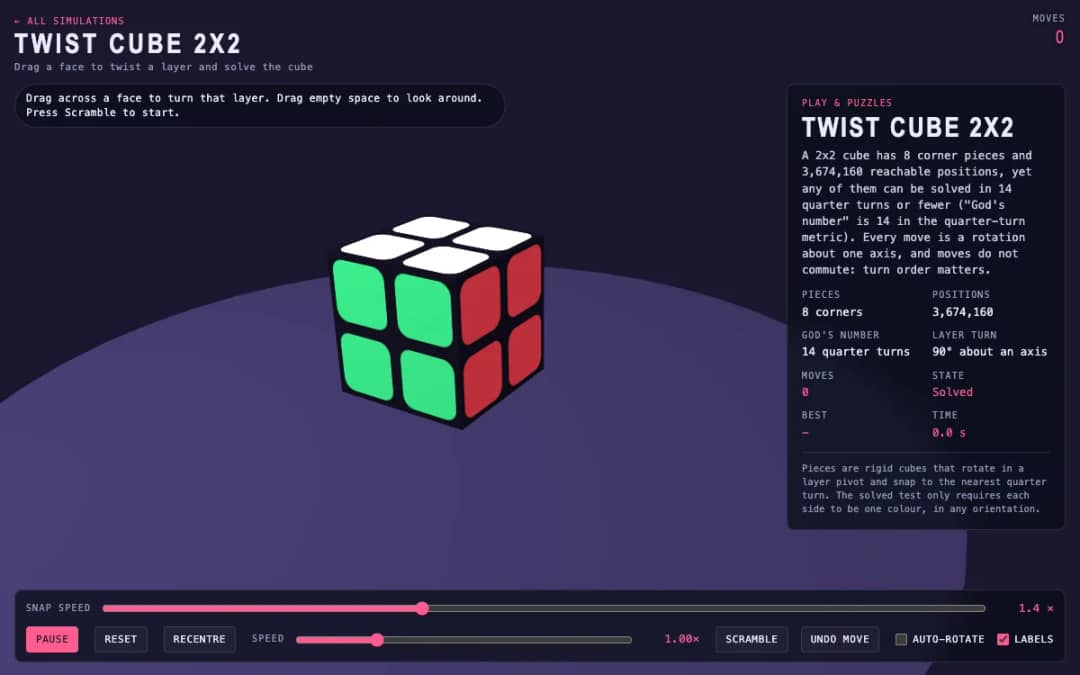
A 3D pocket cube with colored faces sits on screen. Students drag across a face to turn a layer, press Scramble to mix it, and try to solve it while the move counter and timer run.
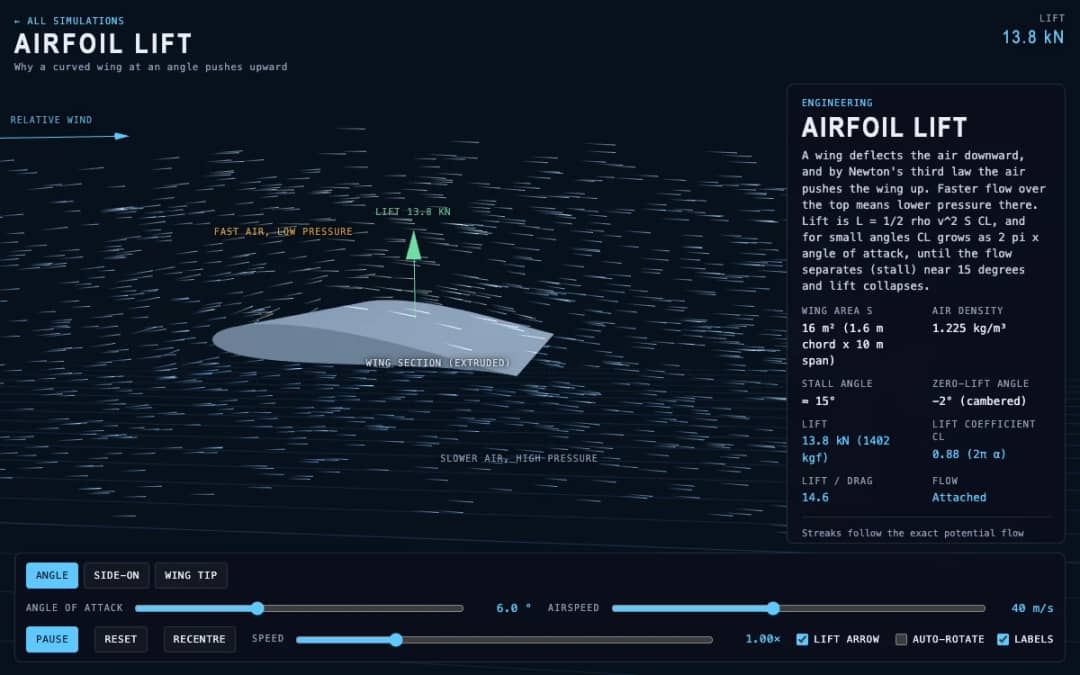
Streaks of air flow around a curved wing in 3D while students change the angle of attack and airspeed. Readouts show lift, the lift coefficient, lift to drag ratio and whether the flow is normal or stalled.
El espacio de trabajo gratuito para docentes de KiwiBee reúne en un solo lugar la planificación de clases, las fichas, las herramientas de aula y el libro de calificaciones.
Empieza gratis y crea tu primera clase Inicio
 Todas las soluciones
 Precios
 Quiénes somos
 KiwiBee para organizaciones sin fines de lucro
 Eventos y seminarios web
 Para grandes organizaciones
 Para escuelas
 Para centros de aprendizaje
 Para líderes de equipo
 Para docentes
 IA y recursos
 Recursos
 Hojas de trabajo imprimibles
 Paquetes didácticos
 Simulaciones interactivas
 Herramientas para docentes
 Estudio de IA
 Ideas e investigación