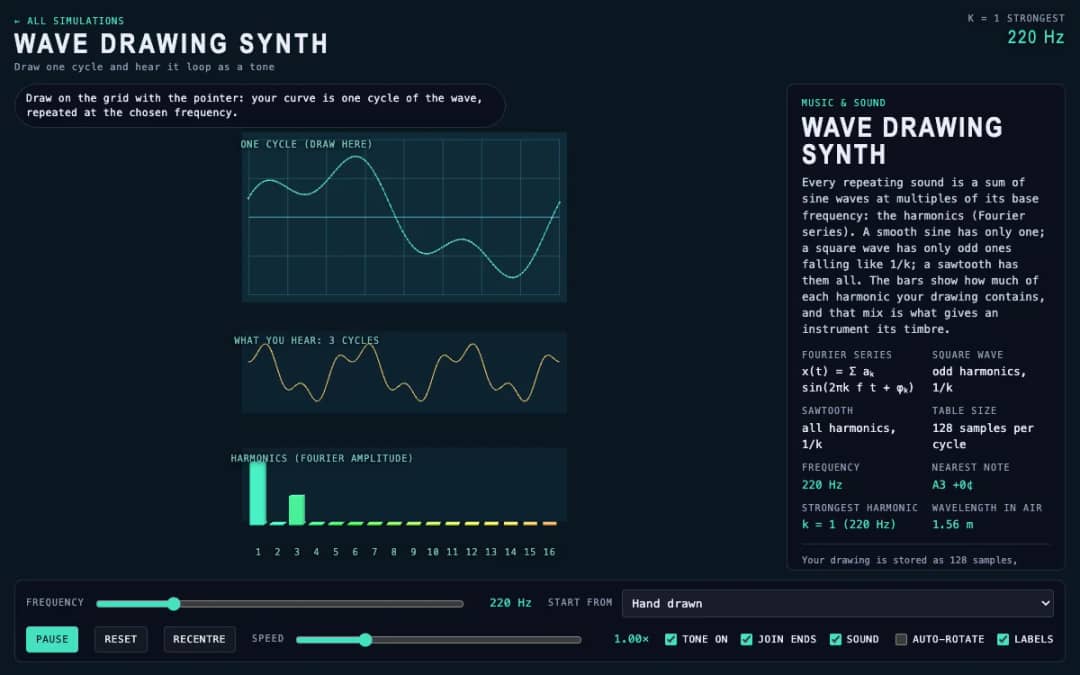
Students draw a single cycle of a wave on a grid, and the simulation plays it as a repeating tone. Frequency, preset waves and a join-ends option let them compare their drawing with sine, square and sawtooth sounds.
—
KiwiBee usa cookies opcionales de Google Analytics, Google Ads y Meta Pixel para entender a los visitantes adultos, medir los registros completados y mejorar las campañas. Las cookies esenciales siempre permanecen activas. El píxel de anuncios de ChatGPT de OpenAI también mide las visitas y las consultas enviadas tras aceptar la publicidad, y puede usar datos de contacto cifrados mediante hash para la atribución. Política de privacidad
This simulation recreates the idea of a theremin, an instrument played without touching it. Students press and drag over a plane: left to right sets the pitch across four octaves, and up and down sets the volume. Ring shapes draw the electric field around the antennas. Readouts show the frequency, the nearest note, the volume and the wavelength in air. Options let students choose a waveform, snap pitch to equal-tempered notes or keep the sound playing while they move the pointer. It helps students link position to frequency, understand that equal distances give equal musical intervals and connect pitch to wavelength.
Yes. The theremin simulation is free, needs no sign-up and runs in any modern browser, including whiteboards, tablets and phones.
Press and drag on the plane. Left to right changes pitch, and up and down changes volume. Tick Keep playing to hear sound without holding the button.
The player's hand and an antenna act as the two plates of a capacitor. Moving the hand changes an oscillator frequency, so pitch changes without any touch.
Pitch runs from 130.8 hertz (C3) to 2093 hertz (C7), four octaves. Each octave doubles the frequency.
Colócala en tu LMS, blog o sitio de clase, gratis.
<iframe src="https://kiwibee.io/es/simulations/theremin-3d-simulation/embed" title="Theremin | KiwiBee" loading="lazy" allowfullscreen style="width:100%;height:min(70vh,620px);min-height:420px;border:0;border-radius:16px"></iframe>Sigue explorando
Students draw a single cycle of a wave on a grid, and the simulation plays it as a repeating tone. Frequency, preset waves and a join-ends option let them compare their drawing with sine, square and sawtooth sounds.
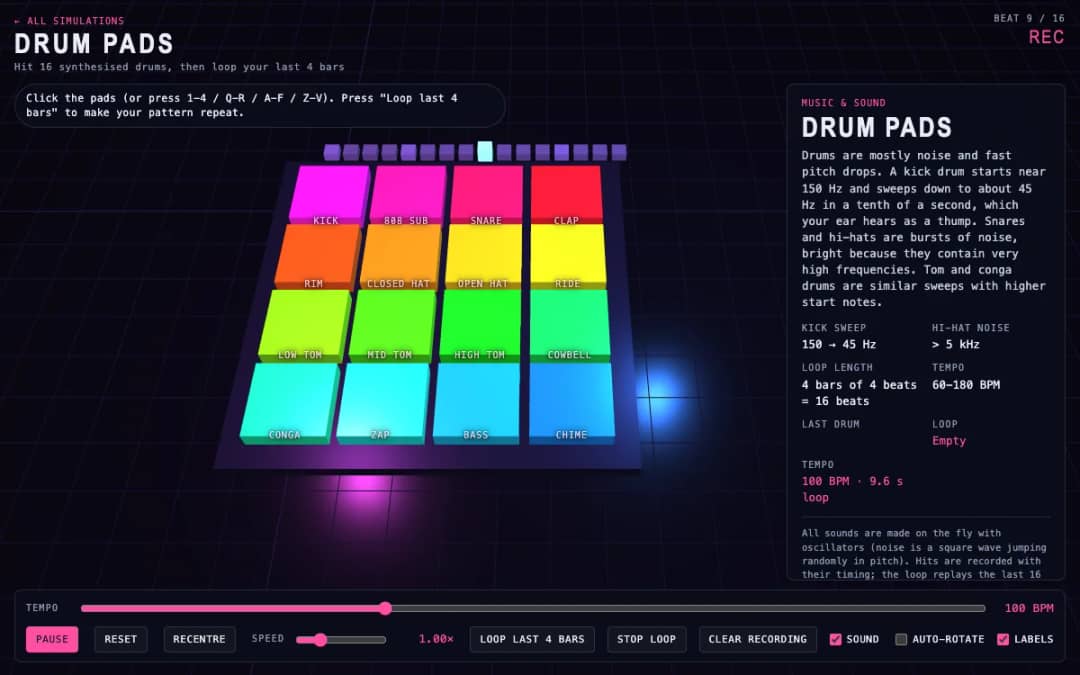
Sixteen 3D drum pads, from kick and snare to cowbell and chime, play synthesized sounds when students click them or press keys. A tempo slider sets the speed and a loop button repeats the last four bars they played.
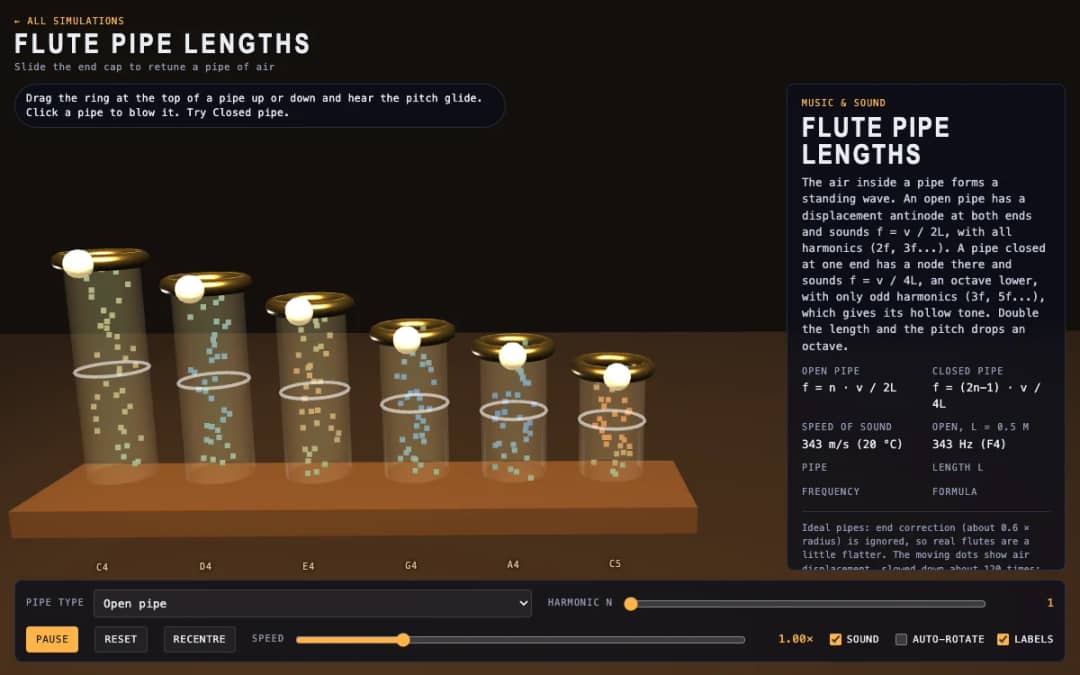
Six 3D flute pipes with a slider ring at the top of each. Students drag the ring to change the pipe length, click a pipe to blow it and switch between open and closed pipes to see air moving and hear the pitch.
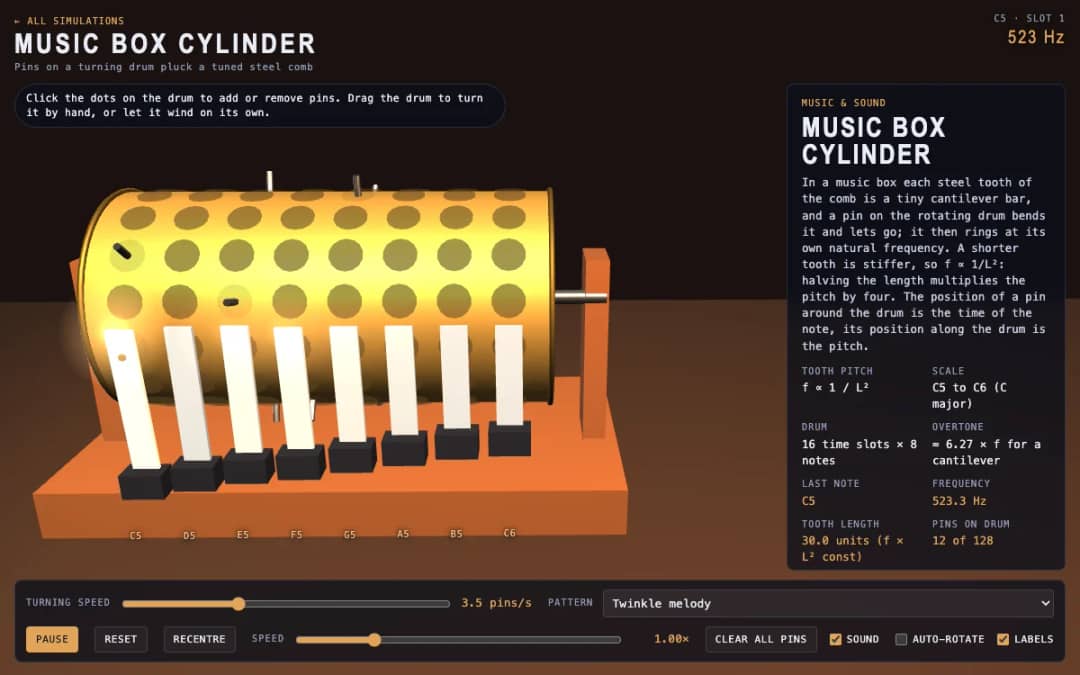
A 3D music box with a pinned drum and a steel comb. Students click dots to add or remove pins, drag the drum to turn it or let it wind itself, and see how tooth length sets each note.
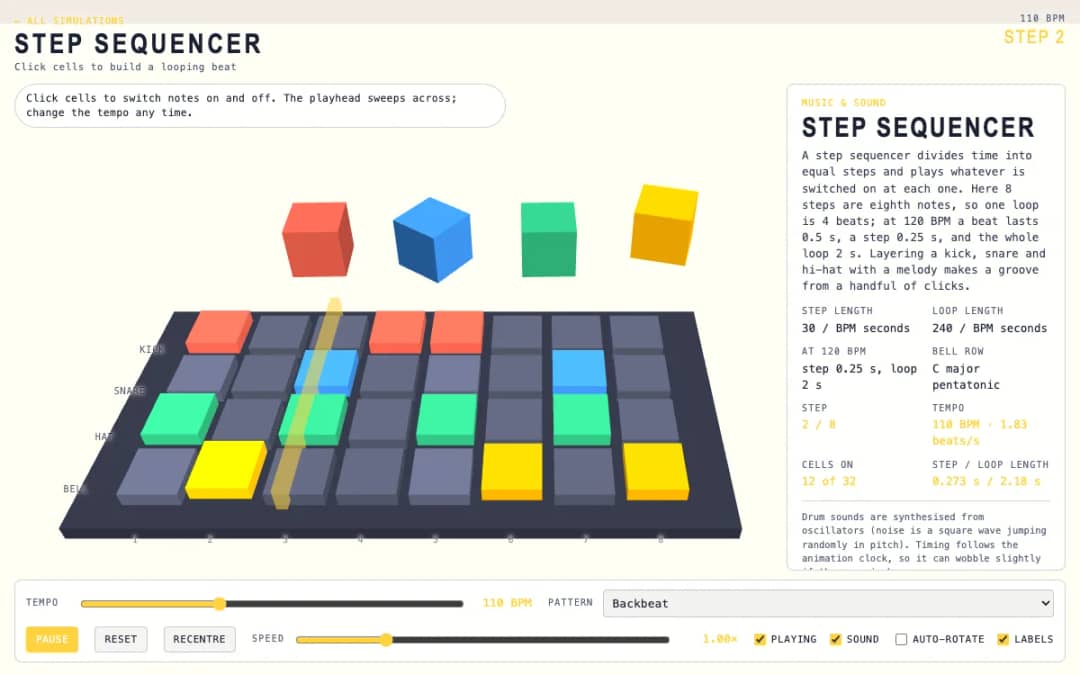
A 3D grid of 8 steps and 4 rows: kick, snare, hat and bell. Students click cells on and off while a playhead sweeps across, and a tempo slider and pattern presets change the groove.
El espacio de trabajo gratuito para docentes de KiwiBee reúne en un solo lugar la planificación de clases, las fichas, las herramientas de aula y el libro de calificaciones.
Empieza gratis y crea tu primera clase Inicio
 Todas las soluciones
 Precios
 Quiénes somos
 KiwiBee para organizaciones sin fines de lucro
 Eventos y seminarios web
 Para grandes organizaciones
 Para escuelas
 Para centros de aprendizaje
 Para líderes de equipo
 Para docentes
 IA y recursos
 Recursos
 Hojas de trabajo imprimibles
 Paquetes didácticos
 Simulaciones interactivas
 Herramientas para docentes
 Estudio de IA
 Ideas e investigación