Canvas LMS for Teachers: Honest Review + Alternatives (2026)
Honest review of Canvas LMS for teachers — what it does well, where it falls short, and three alternatives worth trying.
 KiwiBee· KiwiBee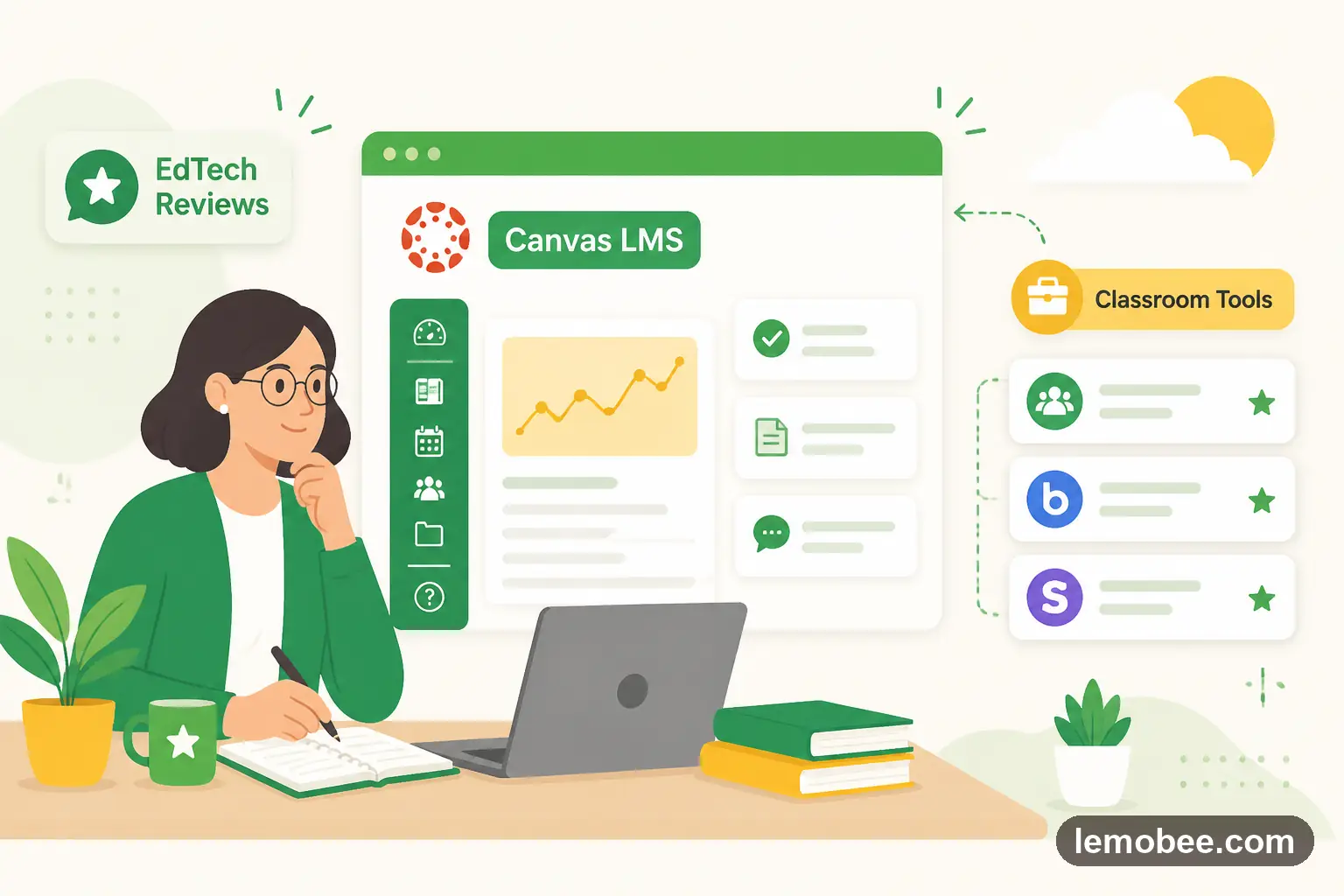
What Canvas LMS does well
Canvas LMS is a real tool used by real teachers, and pretending it has no value would be dishonest. Where it shines: open-platform LMS, modules and outcomes, SpeedGrader, mobile apps, deep LTI ecosystem, and accessibility tooling.
If your teaching workflow lines up with those strengths, Canvas LMS is a reasonable choice and you do not need to switch tools just because something newer exists.
Where Canvas LMS falls short for some teachers
Every tool has trade-offs. With Canvas LMS, the honest weaknesses are: the strongest LMS in the higher-ed market, but for K-12 the configuration overhead and the cost are usually disproportionate. Mobile experience is uneven.
If any of those trade-offs are a deal-breaker for your context — a tight budget, a need for connected gradebook data, a different age group than Canvas LMS was built for — it is worth looking at alternatives before you commit.
Three alternatives worth trying
1. Schoology
Schoology is strong for rich LMS course design, mastery-based grading, district-wide rollups, LTI integrations, and detailed reporting.
2. Google Classroom
Google Classroom is strong for free assignment distribution, Google Drive integration, simple gradebook, Meet-based video classes, classroom invite codes, and seamless Google Workspace single sign-on.
3. KiwiBee
KiwiBee — free for individual teachers and built to connect lessons, classroom games, behaviour points (ClassSpark), the gradebook, and a parent portal in one platform. Worth a look if the standalone tool feels disconnected from the rest of your teaching. Try it free at app.kiwibee.io.
Feature comparison
KiwiBee vs Canvas LMS
- Lesson-connected live games — KiwiBee: ✓, Canvas LMS: –
- Skills-based gradebook — KiwiBee: ✓, Canvas LMS: –
- AI worksheet generator — KiwiBee: ✓, Canvas LMS: –
- ClassSpark behaviour and rewards — KiwiBee: ✓, Canvas LMS: –
- Personalized homework — KiwiBee: ✓, Canvas LMS: –
- Parent portal with translation — KiwiBee: ✓, Canvas LMS: –
- Attendance and SIS-lite — KiwiBee: ✓, Canvas LMS: –
- Whole-class no-device gameplay — KiwiBee: ✓, Canvas LMS: –
- AI grading with rubrics — KiwiBee: ✓, Canvas LMS: –
- 12 locales out of the box — KiwiBee: ✓, Canvas LMS: –
- Mobile companion apps — KiwiBee: ✓, Canvas LMS: –
Pricing
Canvas LMS by Instructure is sold per-user, mostly for higher-ed and large districts; KiwiBee starts free and scales with school plans.
Which one is right for you?
- If you're a solo teacher: Choose KiwiBee for daily K-12 workflows; Canvas can feel heavy for a single teacher.
- If you're running a school: Choose KiwiBee for K-12 with games, evidence, and parent communication; Canvas is strong when you need a deep LTI ecosystem.
- If your budget is tight: KiwiBee's free teacher tier is no-risk.
- If you have an international school: KiwiBee's multilingual UX is built for international schools.
How to choose
If your priority is energy, novelty, or a familiar workflow you already use weekly, Canvas LMS is probably the right call. If your priority is having the activity connect to the rest of your teaching — lessons, gradebook, behaviour, parent communication — one of the three alternatives above is worth a trial week.
Frequently asked questions
Is KiwiBee suitable for high school?
Yes — KiwiBee supports K-12, with subject-specific games, AI worksheets, and gradebook tooling for older students.
Does KiwiBee support LTI?
KiwiBee focuses on a connected built-in stack rather than LTI tool aggregation, so common needs work out of the box without extra integrations.
How is grading different from Canvas?
KiwiBee's gradebook is skills-based and feeds from live games, AI assessments, and homework, instead of relying on separate quiz tools.
Explore the platform
Continue with KiwiBee
Choose the KiwiBee workspace or resource library that fits what you need next.
Related posts
Google Classroom for Teachers: Honest Review + Alternatives (2026)
Honest review of Google Classroom for teachers — what it does well, where it falls short, and three alternatives worth trying.
Edmodo for Teachers: Honest Review + Alternatives (2026)
Honest review of Edmodo for teachers — what it does well, where it falls short, and three alternatives worth trying.
Classcraft for Teachers: Honest Review + Alternatives (2026)
Honest review of Classcraft for teachers — what it does well, where it falls short, and three alternatives worth trying.