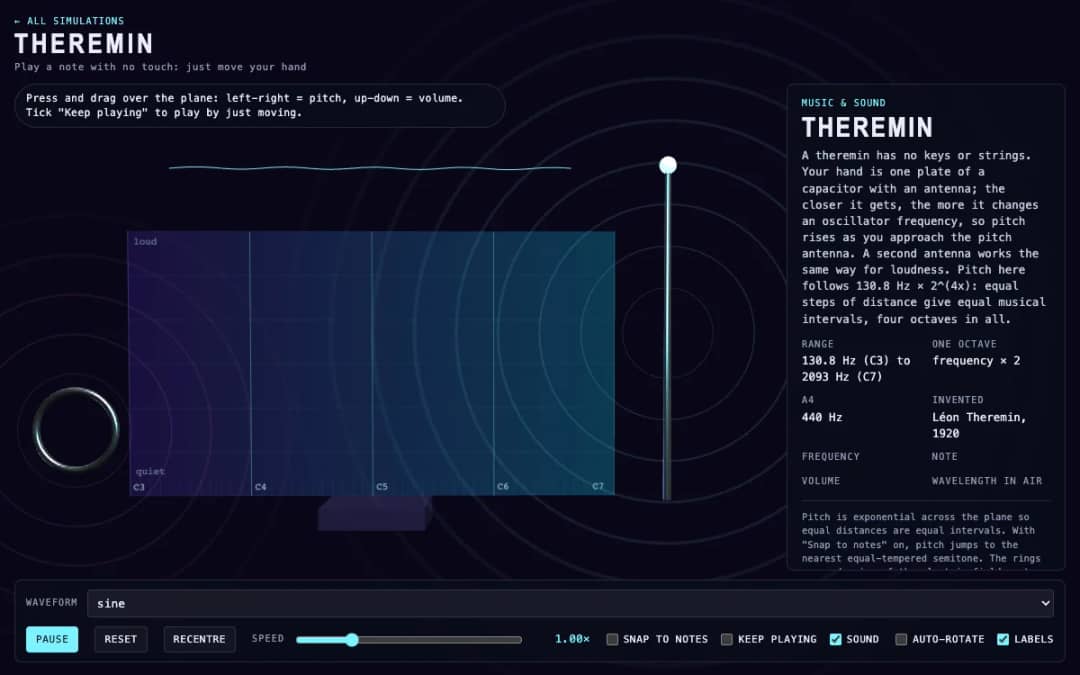
A virtual theremin where students press and drag over a plane. Moving left and right changes pitch, moving up and down changes volume, and readouts show frequency, note, volume and wavelength.
—
KiwiBee sử dụng cookie tùy chọn của Google Analytics, Google Ads và Meta Pixel để hiểu khách truy cập là người lớn, đo lường số lượt đăng ký hoàn tất và cải thiện các chiến dịch. Cookie thiết yếu luôn được bật. Pixel quảng cáo ChatGPT của OpenAI cũng đo lượt xem trang và yêu cầu đã gửi sau khi bạn đồng ý quảng cáo, và có thể dùng thông tin liên hệ đã băm để đối sánh. Chính sách quyền riêng tư
In this simulation students draw one cycle of a sound wave on a grid with the pointer, and the browser loops it as a continuous tone. A frequency slider from 55 to 880 hertz sets the pitch, while presets load a sine, triangle, square or sawtooth shape to compare. Bars show how much of each harmonic the drawing contains, and readouts show the frequency, nearest note, strongest harmonic and wavelength. Sharp corners create many high harmonics and a bright sound, while smooth curves give a pure tone. It introduces timbre, harmonics and the idea that any repeating sound is a sum of sine waves.
Yes. Wave Drawing Synth is free, needs no sign-up and runs in any modern browser, including whiteboards, tablets and phones.
Press on the grid and drag the pointer to draw your curve. It is treated as one cycle and repeated at the chosen frequency. Sound starts once you draw.
Each bar shows how much a sine wave at a multiple of the base frequency contributes to your drawing. The mix of harmonics gives an instrument its timbre.
A square wave contains only odd harmonics, each weaker by one over its number, so it has many strong high-frequency parts that sound bright and buzzy.
Đặt vào hệ thống học tập, blog hoặc trang lớp của bạn — miễn phí.
<iframe src="https://kiwibee.io/vn/simulations/wave-drawing-synth-3d-simulation/embed" title="Wave Drawing Synth | KiwiBee" loading="lazy" allowfullscreen style="width:100%;height:min(70vh,620px);min-height:420px;border:0;border-radius:16px"></iframe>Tiếp tục khám phá
A virtual theremin where students press and drag over a plane. Moving left and right changes pitch, moving up and down changes volume, and readouts show frequency, note, volume and wavelength.
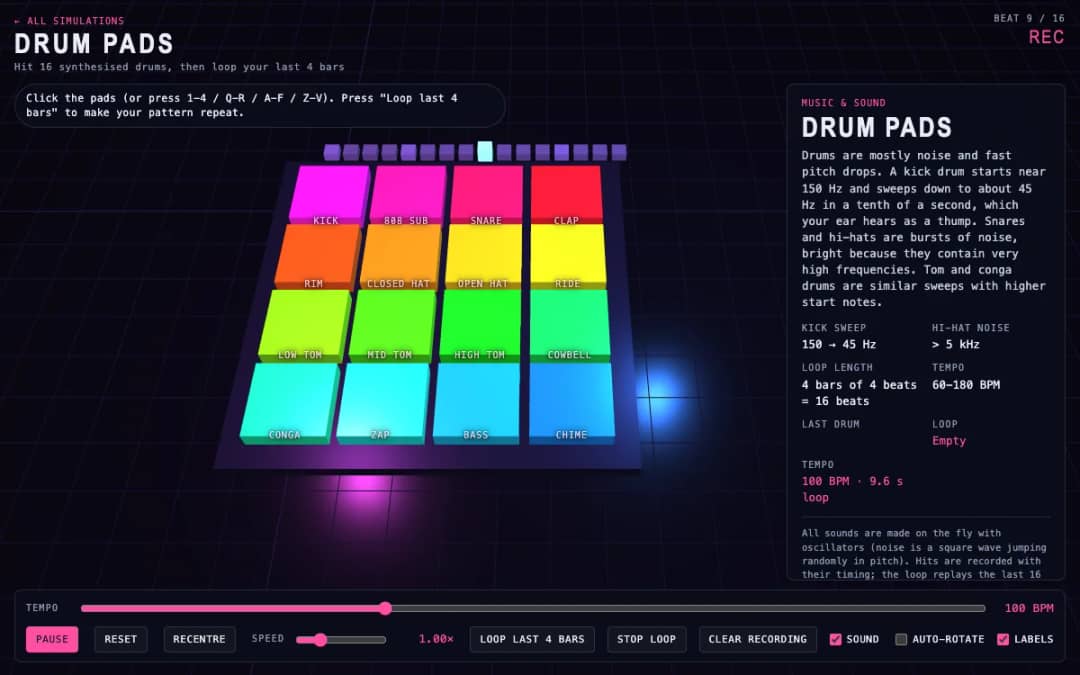
Sixteen 3D drum pads, from kick and snare to cowbell and chime, play synthesized sounds when students click them or press keys. A tempo slider sets the speed and a loop button repeats the last four bars they played.
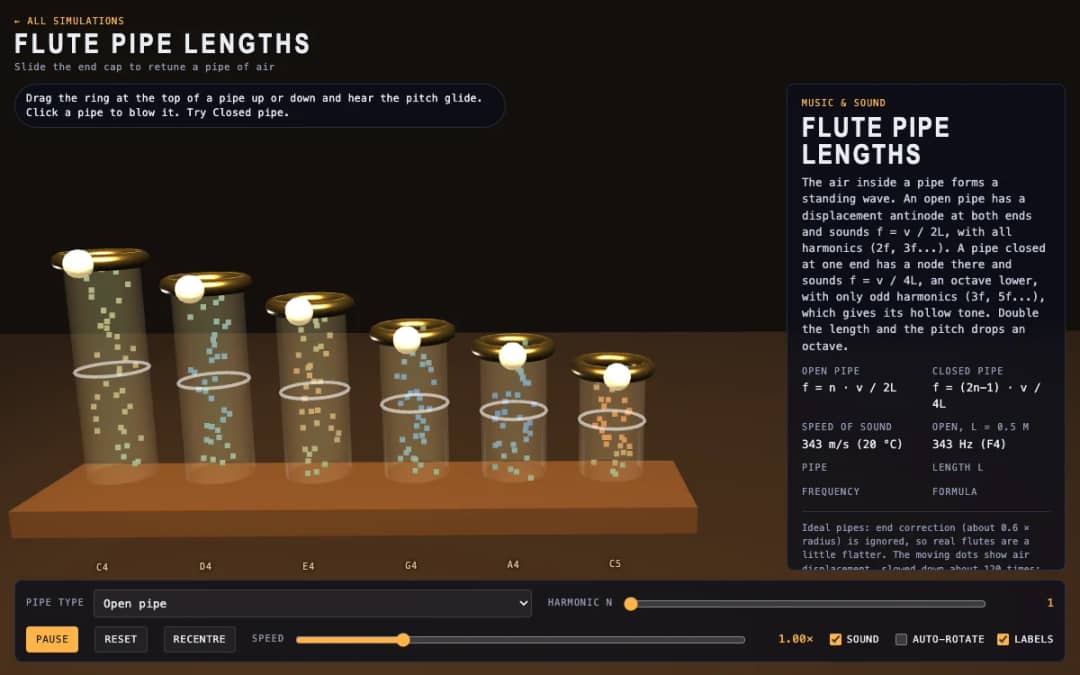
Six 3D flute pipes with a slider ring at the top of each. Students drag the ring to change the pipe length, click a pipe to blow it and switch between open and closed pipes to see air moving and hear the pitch.
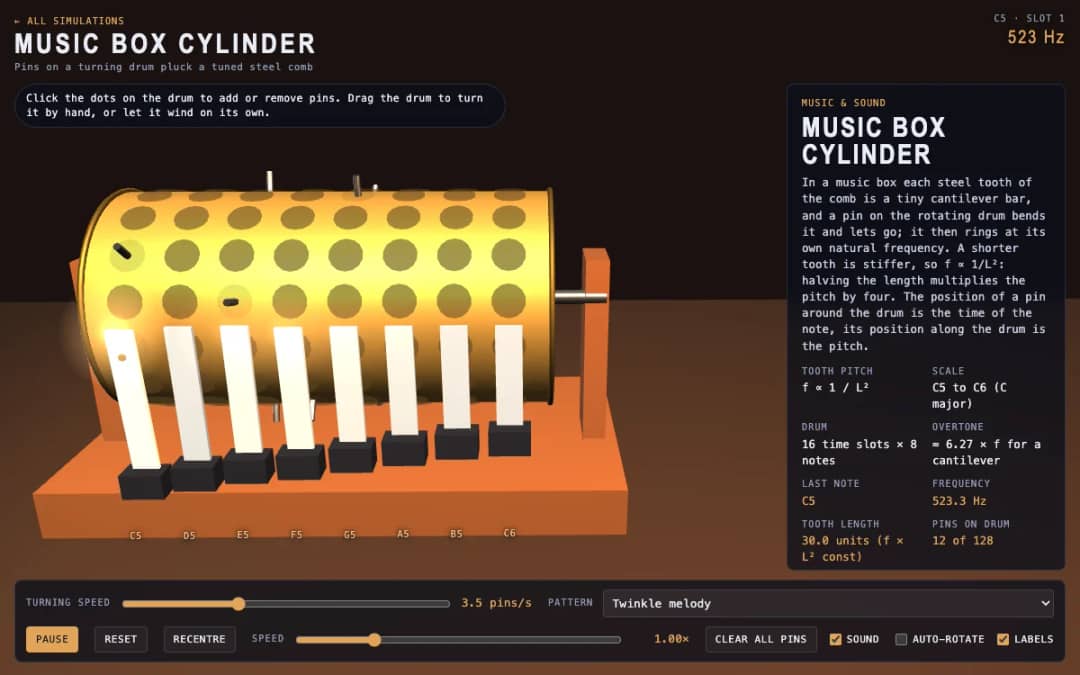
A 3D music box with a pinned drum and a steel comb. Students click dots to add or remove pins, drag the drum to turn it or let it wind itself, and see how tooth length sets each note.
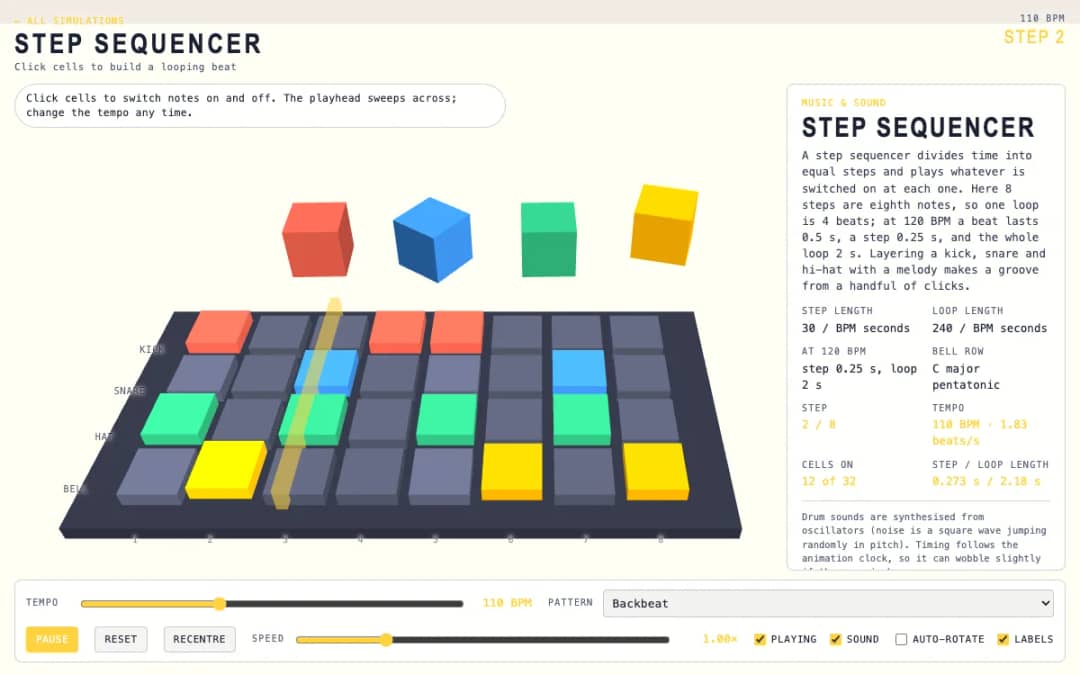
A 3D grid of 8 steps and 4 rows: kick, snare, hat and bell. Students click cells on and off while a playhead sweeps across, and a tempo slider and pattern presets change the groove.
Không gian giáo viên miễn phí của KiwiBee gộp soạn bài, phiếu bài tập, công cụ lớp học và sổ điểm vào cùng một nơi.
Bắt đầu miễn phí và tạo lớp học đầu tiên Trang chủ
 Tất cả giải pháp
 Bảng giá
 Về chúng tôi
 KiwiBee cho tổ chức phi lợi nhuận
 Sự kiện & webinar
 Dành cho tổ chức lớn
 Dành cho trường học
 Dành cho trung tâm
 Dành cho trưởng nhóm
 Dành cho giáo viên
 AI và học liệu
 Học liệu
 Worksheet in được
 Gói bài học
 Mô phỏng tương tác
 Công cụ giáo viên
 Studio AI
 Ý tưởng và nghiên cứu