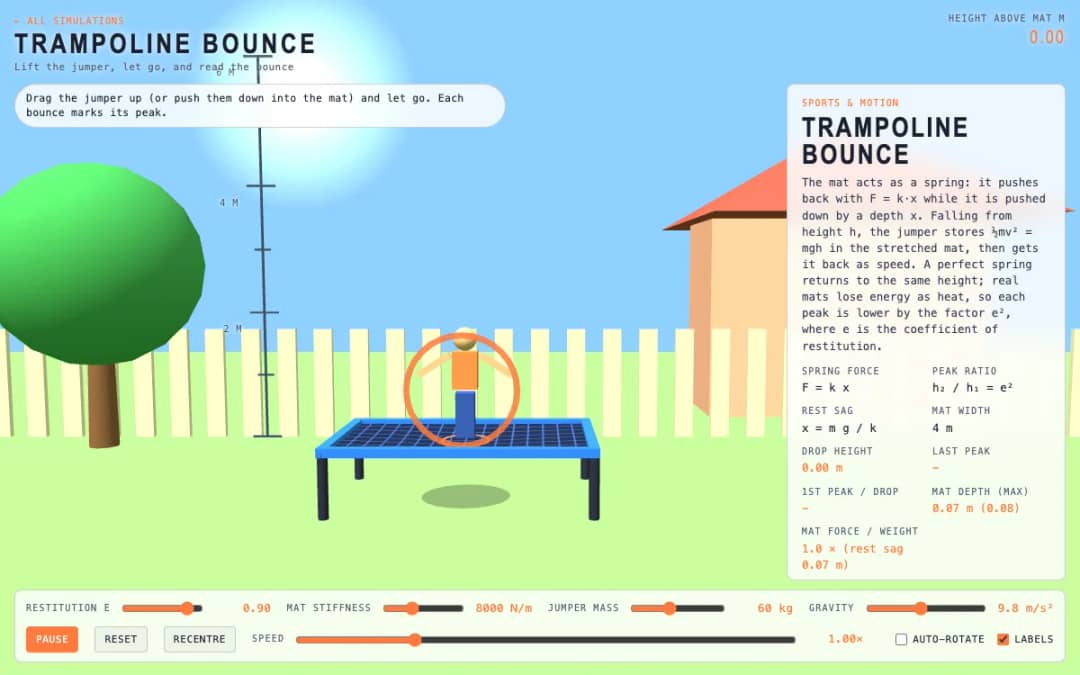
A jumper hovers above a trampoline mat. Students drag them up or push them into the mat, let go, and watch each bounce mark its peak while sliders change stiffness, mass, gravity and restitution.
—
KiwiBee sử dụng cookie tùy chọn của Google Analytics, Google Ads và Meta Pixel để hiểu khách truy cập là người lớn, đo lường số lượt đăng ký hoàn tất và cải thiện các chiến dịch. Cookie thiết yếu luôn được bật. Pixel quảng cáo ChatGPT của OpenAI cũng đo lượt xem trang và yêu cầu đã gửi sau khi bạn đồng ý quảng cáo, và có thể dùng thông tin liên hệ đã băm để đối sánh. Chính sách quyền riêng tư
This simulation lets students design a track and test it with energy. The cart gains speed as it drops and cannot climb above its starting energy level, shown as a yellow line. Hills that rise above the line stop the cart. Readouts show speed, rider g-force, height and energy level, top speed and cart state. Sliders set friction and launch speed, and a toggle hides the energy line. Teachers can use it to discuss valleys feeling heavy and hill tops feeling light, as well as where energy goes.
Yes. It is free, needs no sign-up, and works in any modern browser, including whiteboards, tablets and phones.
The cart can only reach its starting energy level, plus a little less due to friction. A hill taller than the first drop needs more energy than the cart has, so it rolls back.
Drag the glowing track points up and down to reshape the hills, then press Release cart. The smooth track updates between the points as you move them.
At the bottom of a curve the track pushes up to turn the rider, so the g-force is above 1. On a hill top the turning need cancels part of gravity and the rider feels light.
Đặt vào hệ thống học tập, blog hoặc trang lớp của bạn — miễn phí.
<iframe src="https://kiwibee.io/vn/simulations/rollercoaster-builder-3d-simulation/embed" title="Rollercoaster Builder | KiwiBee" loading="lazy" allowfullscreen style="width:100%;height:min(70vh,620px);min-height:420px;border:0;border-radius:16px"></iframe>Tiếp tục khám phá
A jumper hovers above a trampoline mat. Students drag them up or push them into the mat, let go, and watch each bounce mark its peak while sliders change stiffness, mass, gravity and restitution.
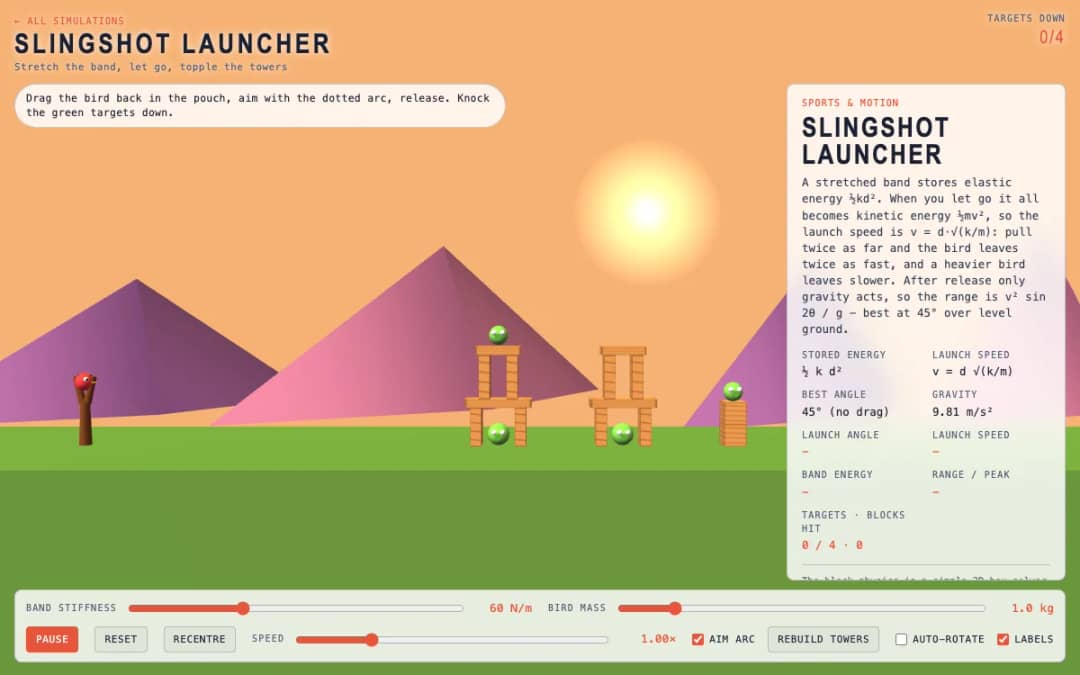
A slingshot faces towers with green targets. Students drag the bird back in the pouch, follow the dotted aim arc, release, and try to knock down the targets using the right stretch and angle.
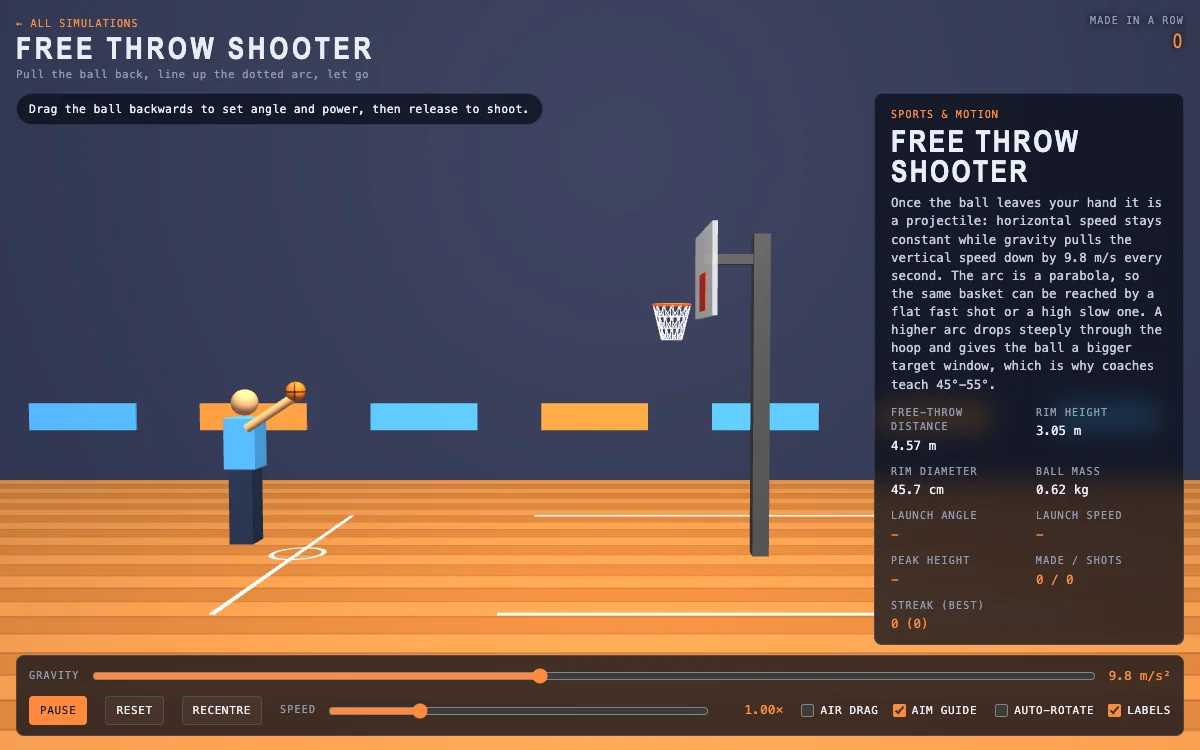
A basketball court shows the free throw line, hoop and a dotted aim arc. Students drag the ball backward to set launch angle and power, release to shoot, and read speed, peak height and streak.
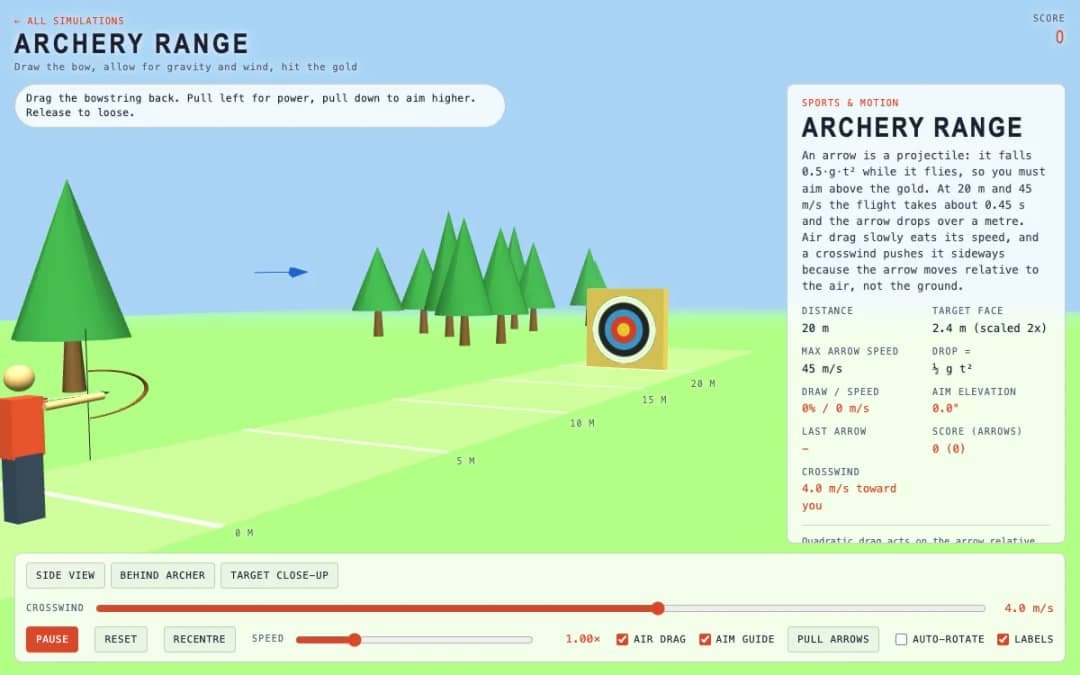
An archery range with a target 20 meters away lets students drag the bowstring back to set power and aim, then loose six arrows while allowing for gravity, drag and a crosswind.
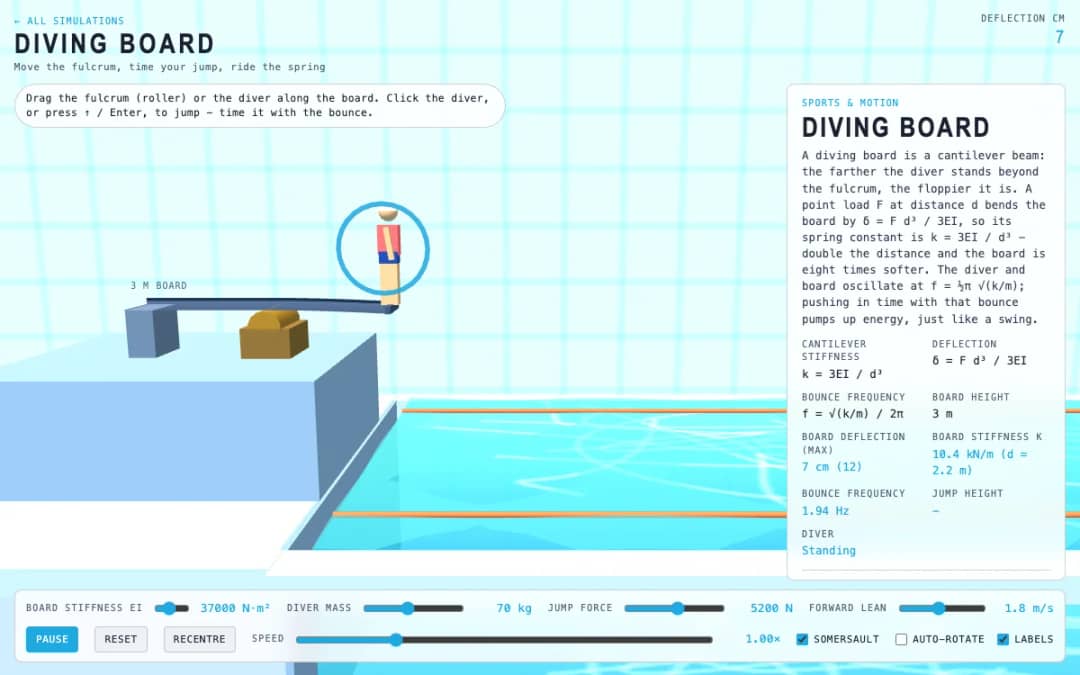
A diving board hangs over a pool at three meters. Students drag the fulcrum roller or the diver along the board, click the diver or press Enter to jump, and time pushes with the board's bounce.
Không gian giáo viên miễn phí của KiwiBee gộp soạn bài, phiếu bài tập, công cụ lớp học và sổ điểm vào cùng một nơi.
Bắt đầu miễn phí và tạo lớp học đầu tiên Trang chủ
 Tất cả giải pháp
 Bảng giá
 Về chúng tôi
 KiwiBee cho tổ chức phi lợi nhuận
 Sự kiện & webinar
 Dành cho tổ chức lớn
 Dành cho trường học
 Dành cho trung tâm
 Dành cho trưởng nhóm
 Dành cho giáo viên
 AI và học liệu
 Học liệu
 Worksheet in được
 Gói bài học
 Mô phỏng tương tác
 Công cụ giáo viên
 Studio AI
 Ý tưởng và nghiên cứu