
Bezier Curve Editor
- Matematikë
Komente
Lidhur me këtë simulim
Zgjedhur sipas kuptimit nga lojërat, fletët e punës, simulimet, mjetet për mësuesit dhe videot.
Rreth këtij simulimi
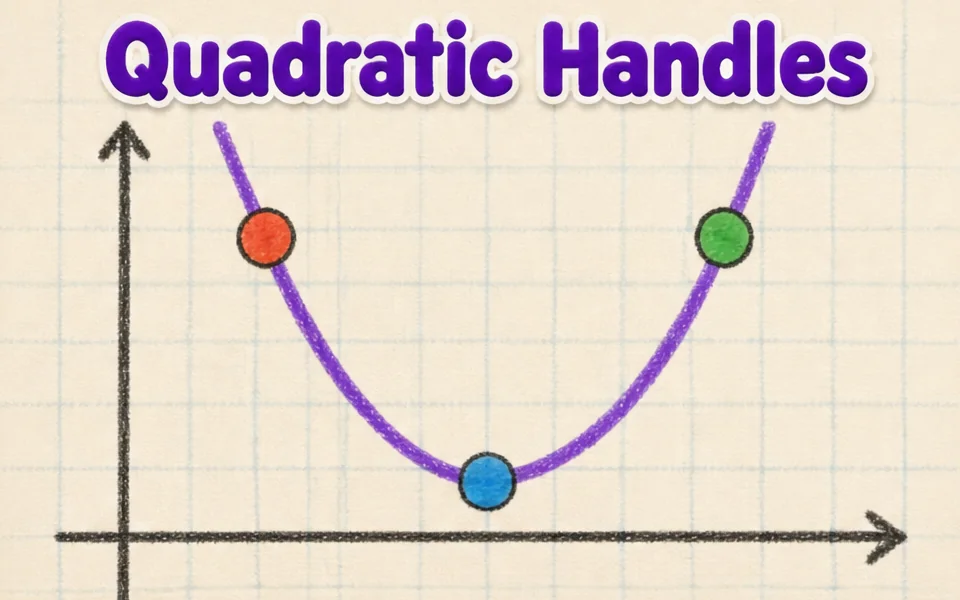
This simulation shows how the smooth curves in fonts, logos and drawing tools are made. Students drag four control points anywhere in 3D, and the curve starts at the first point, ends at the last and is only pulled toward the two in between. A slider, animation or the left and right arrow keys move the parameter t from 0 to 1. Colored lines show the construction: the control polygon in blue, the first level of points in amber, the second in green and the curve point in red. Readouts give t, the curve point B of t, its speed and the curve length. A button flattens the curve to a plane. It teaches interpolation and parametric curves.
Çfarë mund të eksplorojnë nxënësit
- Drag the second control point far away and see how the curve bends toward it without touching it.
- Pause Animate t and move the t slider, watching the blue, amber and green lines.
- Press the left and right arrow keys to move t in small steps.
- Press Flatten to a plane and compare the curve with a flat drawing program curve.
- Move the points to make an S shape, then read the Curve length readout.
Objektivat e të nxënit
- 1Describe how four control points define a cubic Bezier curve.
- 2Explain how repeated interpolation builds a point on the curve.
- 3Relate the parameter t to the position along the curve.
- 4Predict how moving a control point changes the shape of the curve.
Pyetjet që bëjnë mësuesit
Is it free?
Yes. Bezier Curve Editor is free, needs no sign-up and runs in any modern browser, including whiteboards, tablets and phones.
Does the curve pass through all four points?
No. It passes through the first and last points only. The two middle points act like magnets that pull the curve toward them.
What is De Casteljau's algorithm?
It finds the point at t by taking the point a fraction t along each segment, repeating until one point is left. Four points give three, then two, then one point on the curve.
How do I move the view?
Drag empty space to turn the view, and drag the points themselves to reshape the curve. Arrow keys scrub t.
Vendoseni këtë simulim në faqen tuaj
Vendoseni në platformën tuaj mësimore, në blog ose në faqen e klasës — falas.
<iframe src="https://kiwibee.io/sq/simulations/bezier-curve-editor-3d-simulation/embed" title="Bezier Curve Editor | KiwiBee" loading="lazy" allowfullscreen style="width:100%;height:min(70vh,620px);min-height:420px;border:0;border-radius:16px"></iframe>Sillni shkencën interaktive në klasën tuaj
Hapësira falas e mësuesit në KiwiBee bashkon në një vend planifikimin e mësimit, fletët e punës, mjetet e klasës dhe regjistrin e notave.
Filloni falas dhe krijoni klasën tuaj të parëShikoni KiwiBee në YouTube
Video të shkurtra të KiwiBee për mësuesit dhe shkollat. Abonohuni, ose ndiqni KiwiBee kudo që jeni.
 Ballina
 Të gjitha zgjidhjet
 Çmimet
 Rreth nesh
 KiwiBee për organizatat jofitimprurëse
 Evente dhe webinare
 Për organizatat e mëdha
 Për shkollat
 Për qendrat mësimore
 Për drejtuesit e ekipeve
 Për mësuesit
 Burimet
 Fletë pune të shtypshme
 Simulime interaktive
 Mjete për mësuesit
 Ide dhe kërkime


