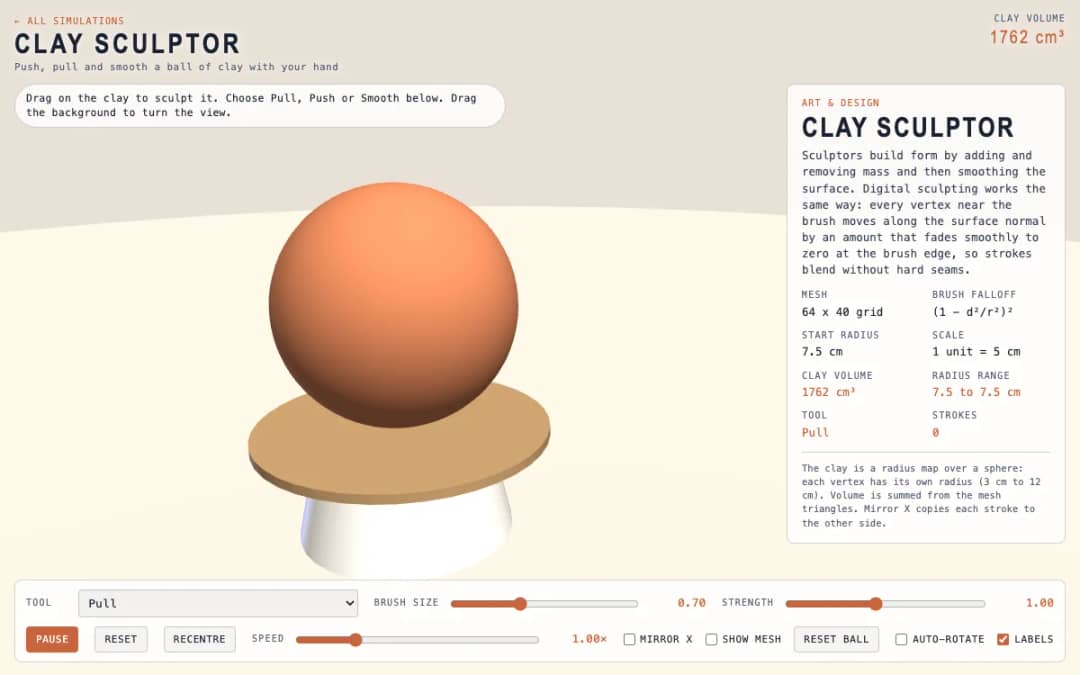
A virtual ball of clay that students sculpt by dragging. Pull, Push and Smooth tools, brush size, strength and a mirror option let them shape it, while a readout shows the clay volume.
—
KiwiBee uses optional Google Analytics, Google Ads, and Meta Pixel cookies to understand adult visitors, measure completed sign-ups, and improve campaigns. Essential cookies always stay on. OpenAI’s ChatGPT Ads Pixel also measures page views and completed enquiries after advertising consent, and may use hashed contact details for matching. Privacy policy
This simulation shows how the smooth curves in fonts, logos and drawing tools are made. Students drag four control points anywhere in 3D, and the curve starts at the first point, ends at the last and is only pulled toward the two in between. A slider, animation or the left and right arrow keys move the parameter t from 0 to 1. Colored lines show the construction: the control polygon in blue, the first level of points in amber, the second in green and the curve point in red. Readouts give t, the curve point B of t, its speed and the curve length. A button flattens the curve to a plane. It teaches interpolation and parametric curves.
Yes. Bezier Curve Editor is free, needs no sign-up and runs in any modern browser, including whiteboards, tablets and phones.
No. It passes through the first and last points only. The two middle points act like magnets that pull the curve toward them.
It finds the point at t by taking the point a fraction t along each segment, repeating until one point is left. Four points give three, then two, then one point on the curve.
Drag empty space to turn the view, and drag the points themselves to reshape the curve. Arrow keys scrub t.
ដាក់វាចូលទៅក្នុង LMS ប្លក់ ឬគេហទំព័រថ្នាក់រៀនរបស់អ្នក — ឥតគិតថ្លៃ។
<iframe src="https://kiwibee.io/km/simulations/bezier-curve-editor-3d-simulation/embed" title="Bezier Curve Editor | KiwiBee" loading="lazy" allowfullscreen style="width:100%;height:min(70vh,620px);min-height:420px;border:0;border-radius:16px"></iframe>បន្តស្វែងរក
A virtual ball of clay that students sculpt by dragging. Pull, Push and Smooth tools, brush size, strength and a mirror option let them shape it, while a readout shows the clay volume.
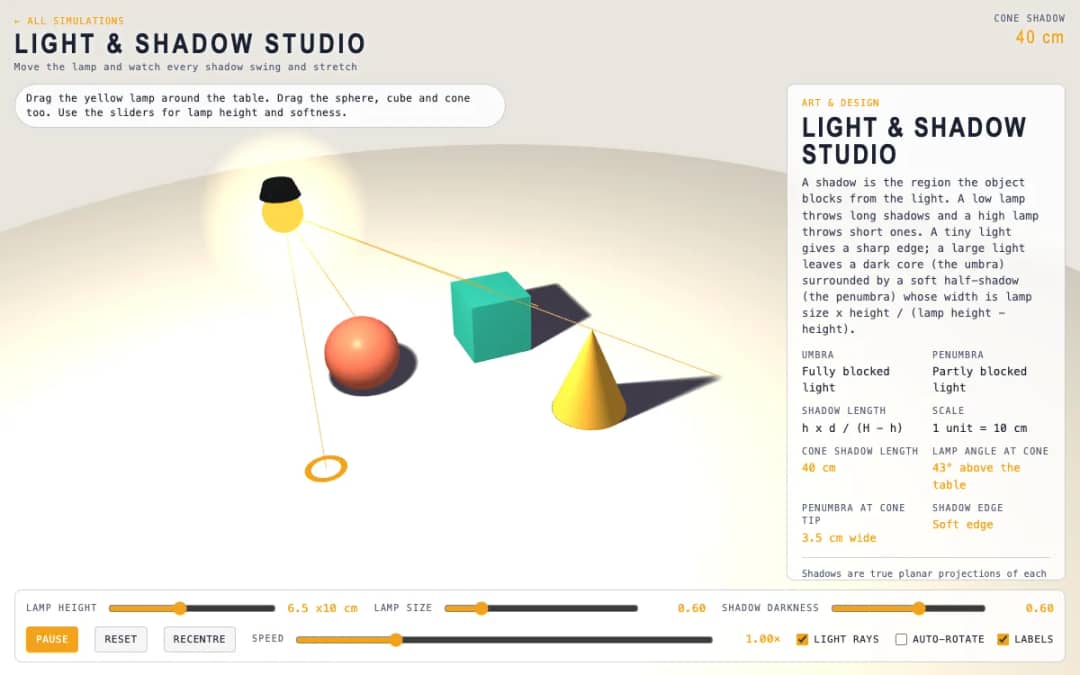
A tabletop scene with a lamp and a sphere, cube and cone. Students drag the lamp and the objects, change lamp height and size, and watch shadows swing, stretch and develop soft edges.
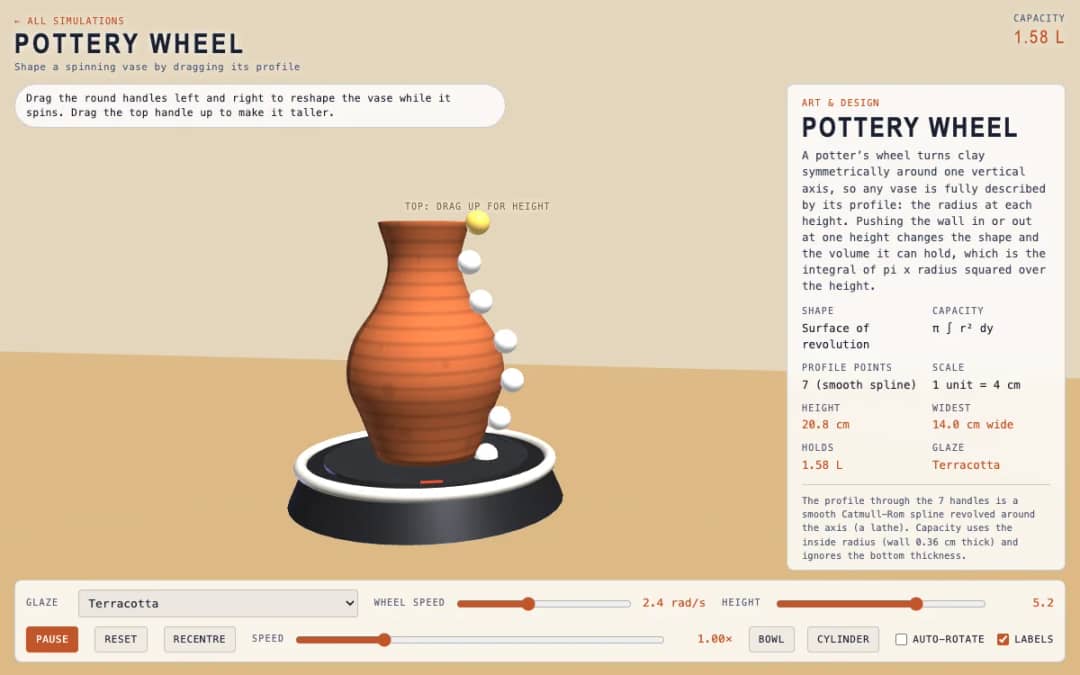
A spinning vase on a pottery wheel with seven round handles along its profile. Students drag the handles to reshape the vase, choose a glaze and read its height, widest point and capacity.
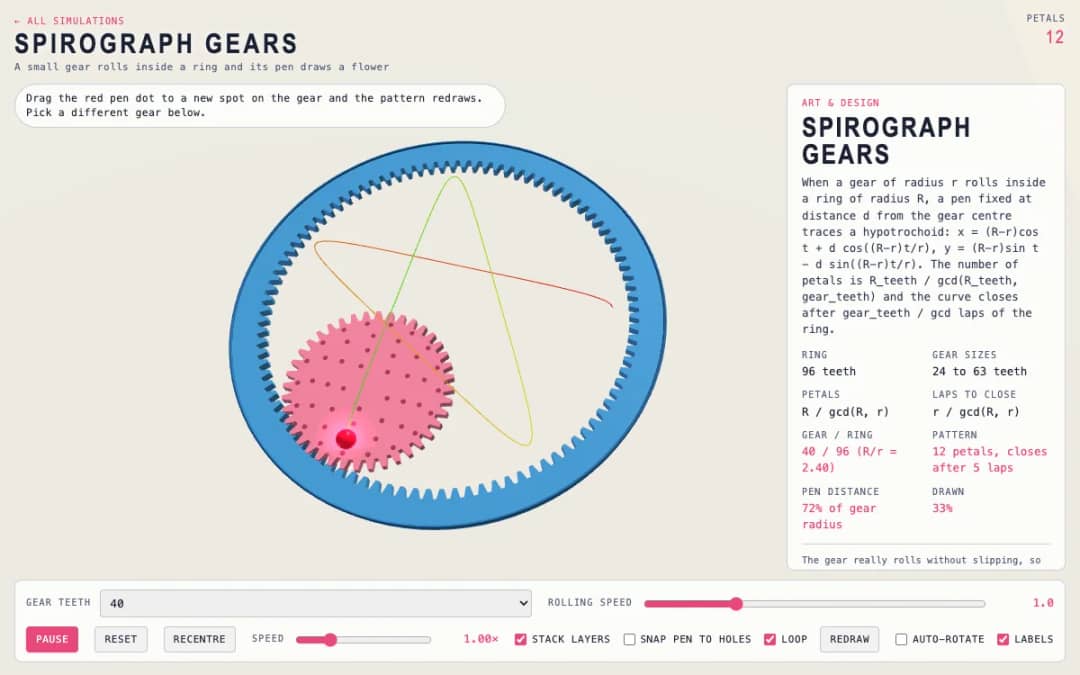
A small gear rolls inside a ring while a pen draws a flower pattern. Students choose the gear size, drag the pen dot to a new spot and see the number of petals and the drawing change.
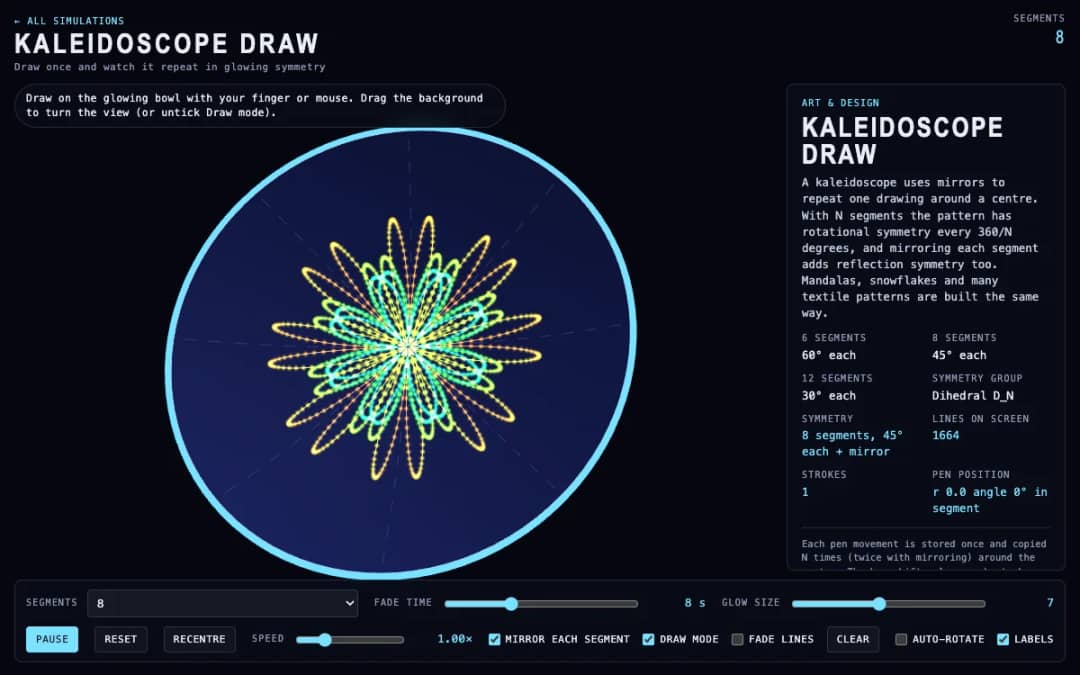
Students draw on a glowing 3D bowl and every stroke is copied around the center as a symmetrical pattern. They pick 6, 8 or 12 segments, turn mirroring on, fade lines out and change glow size.
ទីតាំងការងារសម្រាប់គ្រូដោយឥតគិតថ្លៃ KiwiBee នាំមកនូវការរៀបចំមេរៀន សន្លឹកកិច្ចការ ឧបករណ៍ក្នុងថ្នាក់ និងសៀវភៅពិន្ទុ ទាំងអស់នៅកន្លែងតែមួយ។
ចាប់ផ្តើមឥតគិតថ្លៃ និងបង្កើតថ្នាក់ដំបូងរបស់អ្នក ទំព័រដើម
 ដំណោះស្រាយទាំងអស់
 តម្លៃ
តម្លៃ អំពីយើង
 KiwiBee សម្រាប់អង្គការមិនស្វែងរកប្រាក់ចំណេញ
 ព្រឹត្តិការណ៍ និងសិក្ខាសាលាអនឡាញ
 សម្រាប់អង្គភាពធំ
 សម្រាប់សាលារៀន
 សម្រាប់មជ្ឈមណ្ឌល
 សម្រាប់ប្រធានក្រុម
 សម្រាប់គ្រូ
 AI និងធនធាន
 ធនធាន
ធនធាន សន្លឹកកិច្ចការសម្រាប់បោះពុម្ព
 កញ្ចប់មេរៀន
 ការពិសោធន៍និម្មិតអន្តរកម្ម
 ឧបករណ៍គ្រូ
 ស្ទូឌីយ៉ូ AI
 គំនិត និងការស្រាវជ្រាវ