
Pythagoras Squares
- Matematika
Komentar
Terkait simulasi ini
Dipilih berdasarkan makna dari permainan, lembar kerja, simulasi, alat untuk guru, dan video.

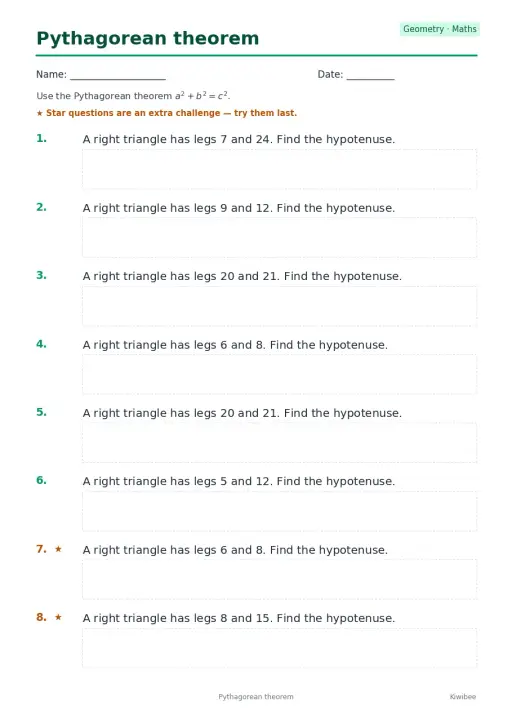
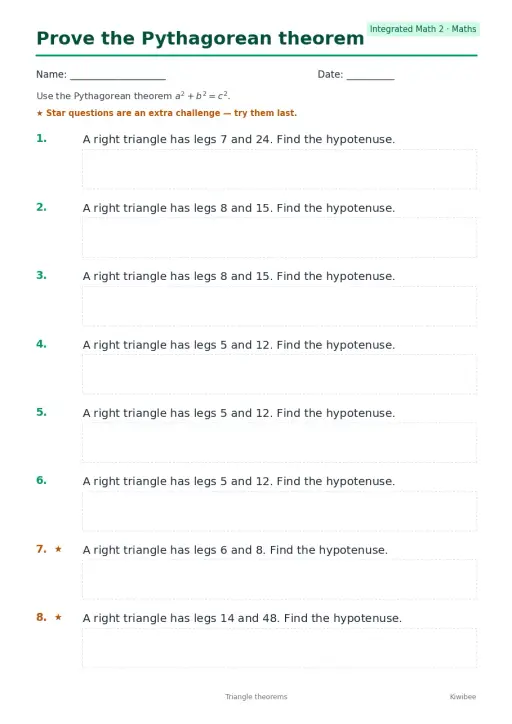
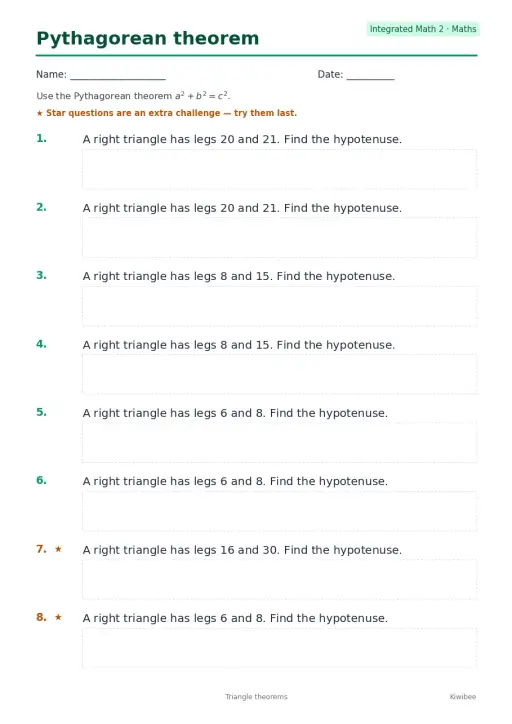
Tentang simulasi ini
Pythagoras Squares builds a square on each side of a right triangle and shows the areas as a squared, b squared and c squared. Students drag the two round handles to stretch the legs in half-unit steps and read the sum of the leg squares against the hypotenuse square. A Rearrange toggle and a Proof camera view cut a big (a+b) square into four triangles plus either one c square or the two leg squares, which makes the theorem visible. Use it to introduce the theorem, check the 3-4-5 triple, or support a proof discussion.
Yang bisa dijelajahi siswa
- Drag the two round handles to change leg a and leg b and watch the three square areas update.
- Press the 3-4-5 button and check that 9 plus 16 equals 25 in the Areas readout.
- Switch on Rearrange and follow how the four triangles and squares fit inside the big square.
- Use the Proof camera view to look at the rearrangement from a better angle.
- Try unequal legs such as 1 and 4 and compare the Hypotenuse c readout with your estimate.
Tujuan pembelajaran
- 1State the Pythagorean theorem for a right triangle as a squared plus b squared equals c squared.
- 2Calculate the hypotenuse from two given legs and check it against the readout.
- 3Explain how the rearrangement proof shows that the square areas must be equal.
- 4Recognize the 3-4-5 triple as a whole-number right triangle.
Pertanyaan yang sering diajukan guru
Is it free?
Yes. It is free, needs no sign-up and runs in any modern browser, including classroom whiteboards, tablets and phones.
What does the Rearrange toggle show?
It cuts a large square of side a plus b into four copies of the triangle plus either one square on the hypotenuse or the two leg squares. Since the big square and the triangles are the same, the squares must have equal area.
Does the theorem work for any triangle?
No. It holds only for right triangles. The simulation keeps the legs perpendicular for that reason, and c is always the side opposite the right angle.
How do I use it in class?
Ask students to predict the hypotenuse for a pair of legs, drag the handles to test it, then compare the Areas readout. Finish with Rearrange so they can see the proof.
Sematkan simulasi ini
Pasang di LMS, blog, atau situs kelas Anda — gratis.
<iframe src="https://kiwibee.io/id/simulations/pythagoras-squares-3d-simulation/embed" title="Pythagoras Squares | KiwiBee" loading="lazy" allowfullscreen style="width:100%;height:min(70vh,620px);min-height:420px;border:0;border-radius:16px"></iframe>Standar kurikulum
Cambridge
- 9Gg.10Know and use Pythagoras’ theorem.Cambridge Lower Secondary Mathematics (0862) — Stage 9 › Geometry and Measure › Geometrical reasoning, shapes and measurements
Learning objectives © UCLES (Cambridge University Press & Assessment), quoted with attribution.
Hadirkan sains interaktif di kelas Anda
Ruang kerja guru gratis dari KiwiBee menyatukan perencanaan pembelajaran, lembar kerja, perangkat kelas, dan buku nilai dalam satu tempat.
Mulai gratis dan buat kelas pertama AndaTonton KiwiBee di YouTube
Video singkat KiwiBee untuk guru dan sekolah. Berlangganan, atau ikuti KiwiBee di mana pun Anda berada.
 Beranda
 Semua solusi
 Harga
 Tentang kami
 KiwiBee untuk Organisasi Nirlaba
 Acara & webinar
 Untuk organisasi besar
 Untuk sekolah
 Untuk lembaga kursus
 Untuk ketua tim
 Untuk guru
 Sumber belajar
 Lembar kerja siap cetak
 Simulasi interaktif
 Alat untuk guru
 Ide dan riset


