ClassSpark में छात्रों के समूह के लिए Multi-select feedback इस्तेमाल करें
 KiwiBee Team द्वारा
अंतिम अद्यतन 5 सितंबर 2026
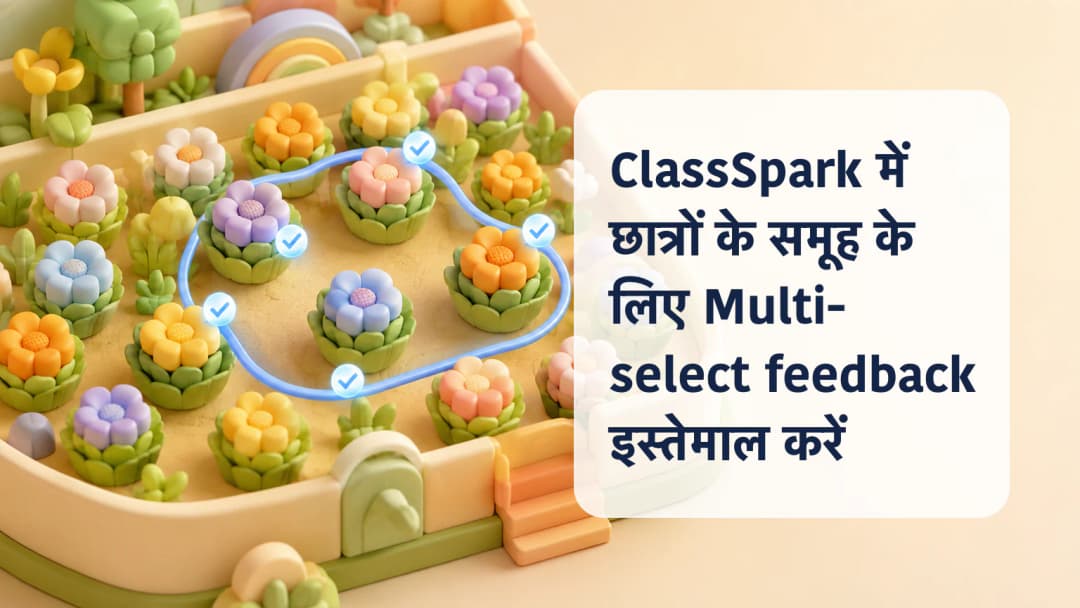
कक्षा का एक moment अक्सर एक group से जुड़ा होता है, न कि एक learner या पूरी class से। कुछ students transition अच्छे से पूरा कर सकते हैं, मिलकर काम कर सकते हैं या एक ही factual reminder की जरूरत रख सकते हैं। ClassSpark Multi-select teacher को shared behavior feedback देने से पहले वही exact subset चुनने देता है। Workflow में शुरू से कोई selected नहीं होता, इसलिए recipients software तय नहीं करता। Teacher active class, names और common category की accuracy जाँचता है।
Behavior feedback के लिए No activity रखें
Activity selector के साथ Multi-select का अर्थ बदलता है। Top selector में No activity हो तो selected participants को behavior feedback मिलता है। Active activity होने पर वही control academic evaluation खोलता है; guests ineligible रहते हैं और linked standards के लिए scores चाहिए। बिना linked standards वाली पुरानी activity guidance दिखाती है, behavior में silently वापस नहीं जाती। Group बनाने से पहले No activity confirm करें या जानबूझकर assessment path लें।
Active ClassSpark context समझें.
केवल involved participants चुनें
Multi-select खोलें और intended cards एक-एक करके tap करें। यह हमेशा empty selection से शुरू होता है। Eligible card पर hollow blue check circle और selected card पर filled blue circle में white check दिखता है। Card पर ring, tint या shadow नहीं आता, इसलिए corner circle authoritative indicator है। Absent participants selectable नहीं हैं। No activity में eligible ClassSpark guests शामिल हो सकते हैं; activity में guests unavailable रहते हैं। Feedback खोलने से पहले हर check देखें।
Group behavior records precise रखें.
एक category लागू कर persistence जाँचें
कम से कम एक चयन होने पर action selected count दिखाता और shared positive तथा needs-work choices खोलता है। Observation से मेल खाने वाली category चुनें। ClassSpark selected cards को optimistic update, sound और point bubbles देता है। Enrolled students scoped behavior incidents में और guests अलग guest points path में save होते हैं। Write fail हो तो temporary totals rollback होकर authoritative roster reload होता है। Animation durable storage का proof नहीं है।
- सही class खोलकर No activity confirm करें।
- Multi-select चुनें और empty start देखें।
- एक ही event में शामिल eligible participants tap करें।
- Filled blue circles और selected count जाँचें।
- Feedback खोलकर proportionate category चुनें।
- Save outcome का इंतजार करें; error पर roster reload होने दें।
Group feedback में individual fairness बनी रहनी चाहिए। पास बैठने के कारण किसी learner को शामिल न करें और अलग evidence पर एक category न लगाएँ। Motivation या personality के बजाय observable action लिखें। Saved negative event configured parent notification या escalation में जा सकता है, लेकिन settings universal नहीं हैं। Admin और Team Leader analytics अलग surfaces हैं। Academic activity selected हो तो Multi-select assessment है, behavior feedback नहीं।
Selected-group event save करने से पहले checks
- Active class और date confirm करें।
- Behavior feedback के लिए No activity रखें।
- Intentional empty selection से शुरू करें।
- Corner check circles को truth मानें।
ClassSpark में student group के लिए Multi-select feedback इस्तेमाल करें
प्लेटफ़ॉर्म देखें
KiwiBee के साथ आगे बढ़ें
आगे आपको जो चाहिए, उसके अनुसार KiwiBee कार्यक्षेत्र या संसाधन लाइब्रेरी चुनें।
 होम
होम सभी समाधान
 कीमतें
 हमारे बारे में
 गैर-लाभकारी संस्थाओं के लिए KiwiBee
 कार्यक्रम और वेबिनार
 बड़े संगठनों के लिए
 स्कूलों के लिए
 लर्निंग सेंटरों के लिए
 टीम लीडरों के लिए
 शिक्षकों के लिए
 AI और संसाधन
 संसाधन
 प्रिंट करने योग्य वर्कशीट
 पाठ पैक
 इंटरैक्टिव सिमुलेशन
 शिक्षक उपकरण
 AI स्टूडियो
 विचार और शोध