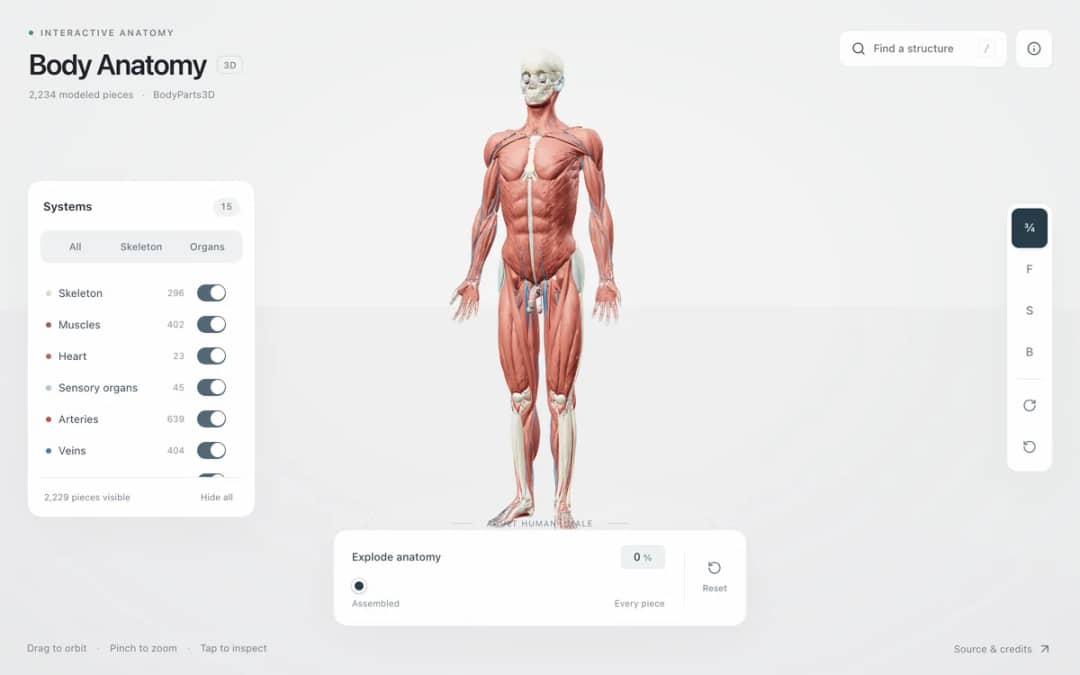
Explore an adult male reference body in 3D. Reveal 14 anatomical systems, search thousands of named structures, isolate organs, and pull 2,209 modeled pieces apart to see how the body is organized.
—
KiwiBee usa cookies opcionales de Google Analytics, Google Ads y Meta Pixel para entender a los visitantes adultos, medir los registros completados y mejorar las campañas. Las cookies esenciales siempre permanecen activas. El píxel de anuncios de ChatGPT de OpenAI también mide las visitas y las consultas enviadas tras aceptar la publicidad, y puede usar datos de contacto cifrados mediante hash para la atribución. Política de privacidad
Students choose a mass from moon to star, click to place a body and drag before releasing to give it a velocity. Gravity acts between all bodies, so they can build a star with a planet in circular orbit, a small system with one button, or a chaotic three-body dance. Trails show paths, and readouts show body count, total and kinetic energy, next mass and the number of merges. Bodies that touch combine. The sim shows that orbits are falling paths shaped by F = G m1 m2 / r squared. Teachers can ask for stable orbits.
Yes. It is completely free, needs no sign-up, and runs in any modern browser, including classroom whiteboards, tablets and phones. Just open the page and start.
With two bodies the orbits are tidy ellipses, but with three or more there is no general formula for the motion. Small changes grow quickly, so the orbits can become chaotic.
Select a mass, click where you want the body, and drag before releasing. The drag sets the launch velocity. Keep Click places bodies switched on, and press Clear all to remove everything.
Gravity pulls the planet toward the star while its sideways motion carries it onward. It keeps falling toward the star but keeps missing it, so it circles around.
Colócala en tu LMS, blog o sitio de clase, gratis.
<iframe src="https://kiwibee.io/es/simulations/nbody-gravity-sandbox-3d-simulation/embed" title="N-Body Gravity Sandbox | KiwiBee" loading="lazy" allowfullscreen style="width:100%;height:min(70vh,620px);min-height:420px;border:0;border-radius:16px"></iframe>Sigue explorando
Explore an adult male reference body in 3D. Reveal 14 anatomical systems, search thousands of named structures, isolate organs, and pull 2,209 modeled pieces apart to see how the body is organized.
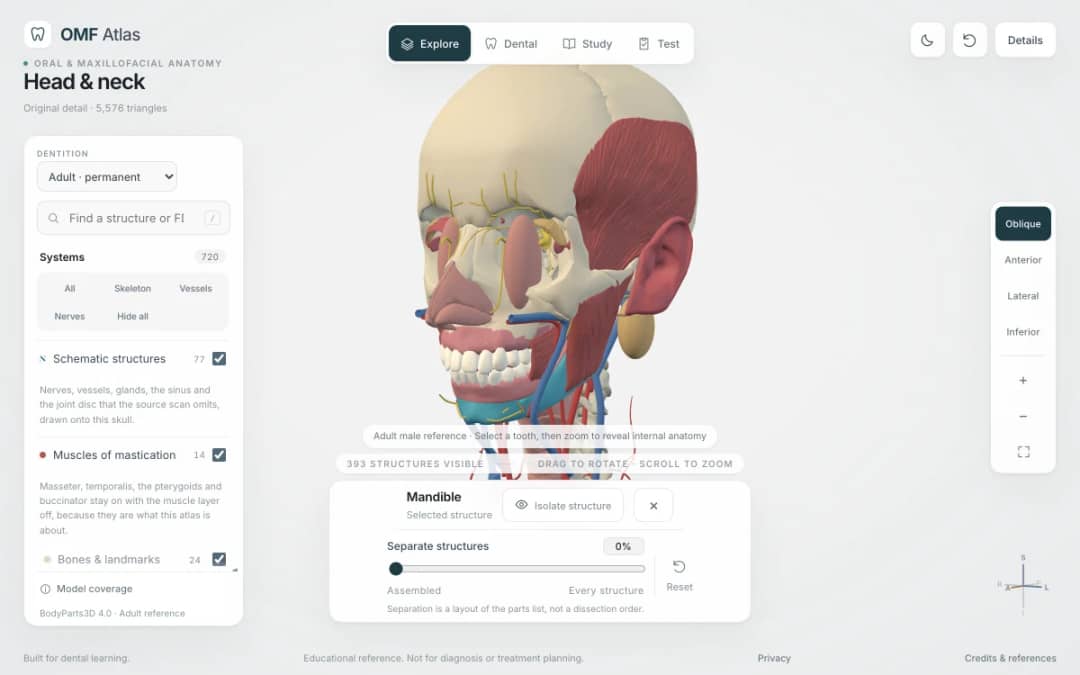
Explore the head and neck in 3D: 643 source meshes across 14 layers, 47 facial and masticatory muscles, and 77 drawn nerves, vessels and glands the source scan omits. Open any tooth onto its own pulp canal, and follow the seven stages of tooth development.

Free interactive photosynthesis simulation. Explore photosynthesis hands-on online — great for whole-class or independent practice.

Free interactive states of matter simulation. Explore states of matter hands-on online — great for whole-class or independent practice.

Free interactive shadows simulation. Explore shadows hands-on online — great for whole-class or independent practice.
Del modelo a la evidencia
Usa una ficha para recoger predicciones, observaciones y explicaciones después de que los alumnos exploren.
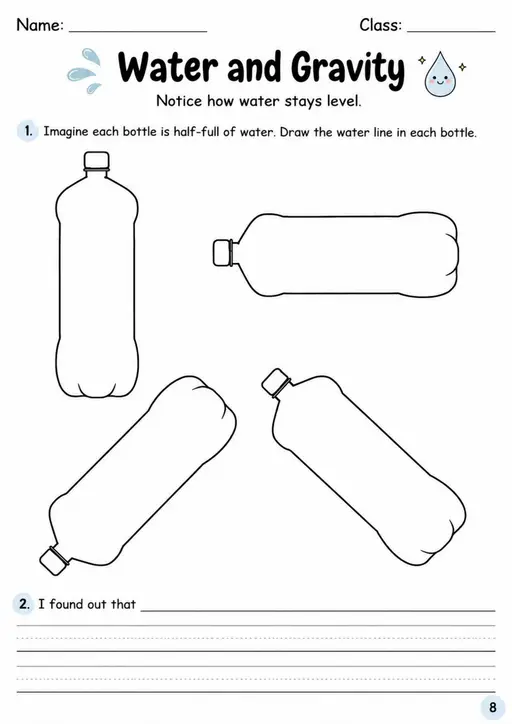

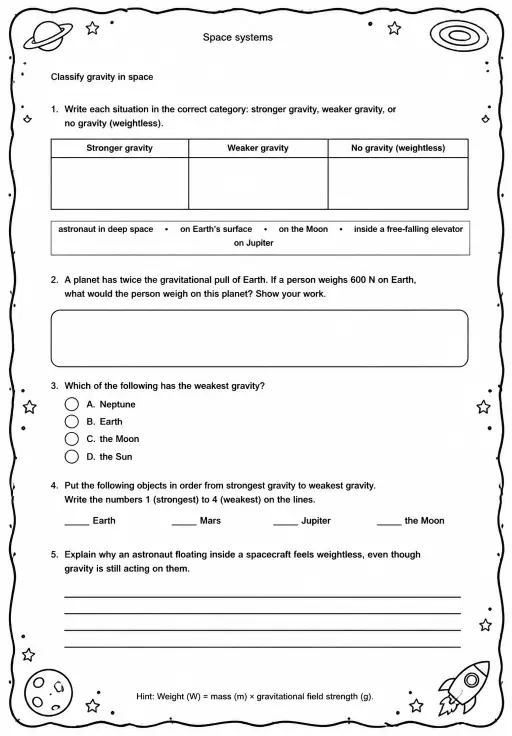
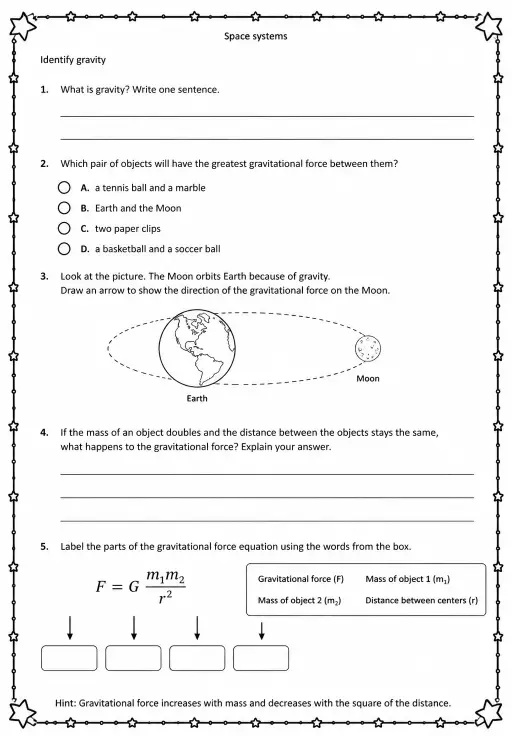
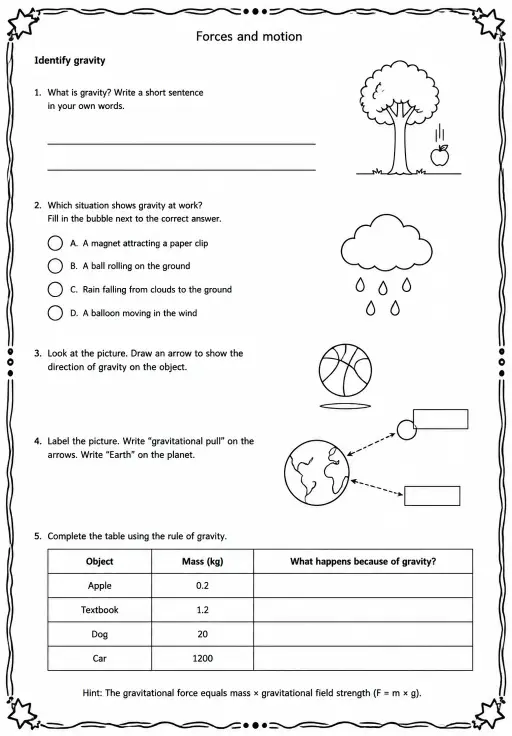
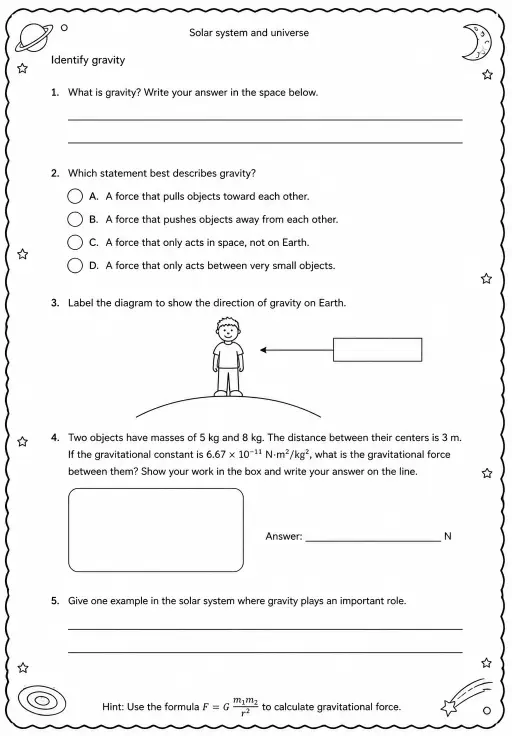
El espacio de trabajo gratuito para docentes de KiwiBee reúne en un solo lugar la planificación de clases, las fichas, las herramientas de aula y el libro de calificaciones.
Empieza gratis y crea tu primera clase Inicio
 Todas las soluciones
 Precios
 Quiénes somos
 KiwiBee para organizaciones sin fines de lucro
 Eventos y seminarios web
 Para grandes organizaciones
 Para escuelas
 Para centros de aprendizaje
 Para líderes de equipo
 Para docentes
 IA y recursos
 Recursos
 Hojas de trabajo imprimibles
 Paquetes didácticos
 Simulaciones interactivas
 Herramientas para docentes
 Estudio de IA
 Ideas e investigación