
Bezier Curve Editor
- Matemáticas
Comentarios
Relacionado con esta simulación
Elegidos por su significado entre juegos, fichas, simulaciones, herramientas para docentes y vídeos.
Sobre esta simulación
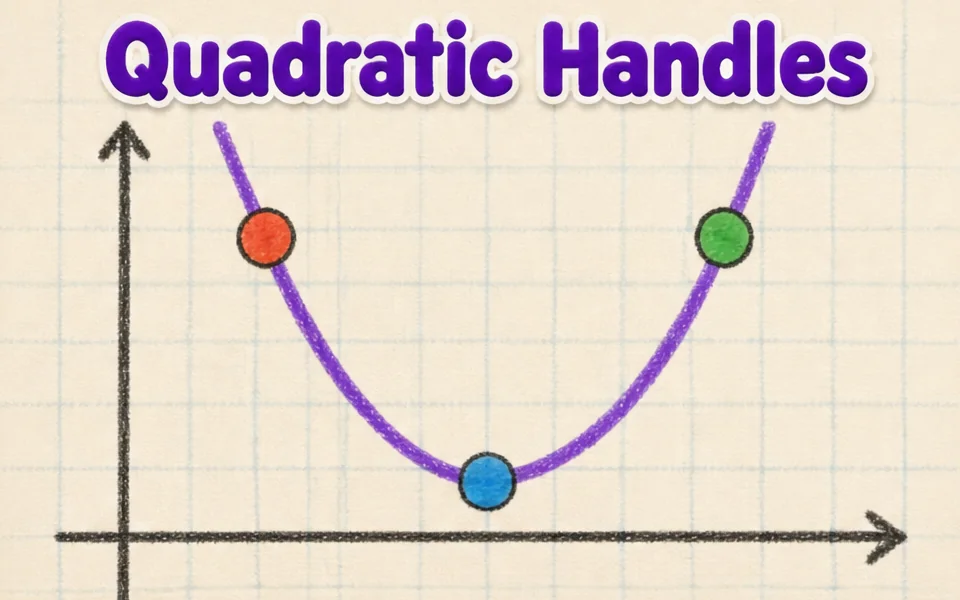
This simulation shows how the smooth curves in fonts, logos and drawing tools are made. Students drag four control points anywhere in 3D, and the curve starts at the first point, ends at the last and is only pulled toward the two in between. A slider, animation or the left and right arrow keys move the parameter t from 0 to 1. Colored lines show the construction: the control polygon in blue, the first level of points in amber, the second in green and the curve point in red. Readouts give t, the curve point B of t, its speed and the curve length. A button flattens the curve to a plane. It teaches interpolation and parametric curves.
Qué pueden explorar los alumnos
- Drag the second control point far away and see how the curve bends toward it without touching it.
- Pause Animate t and move the t slider, watching the blue, amber and green lines.
- Press the left and right arrow keys to move t in small steps.
- Press Flatten to a plane and compare the curve with a flat drawing program curve.
- Move the points to make an S shape, then read the Curve length readout.
Objetivos de aprendizaje
- 1Describe how four control points define a cubic Bezier curve.
- 2Explain how repeated interpolation builds a point on the curve.
- 3Relate the parameter t to the position along the curve.
- 4Predict how moving a control point changes the shape of the curve.
Preguntas frecuentes de los docentes
Is it free?
Yes. Bezier Curve Editor is free, needs no sign-up and runs in any modern browser, including whiteboards, tablets and phones.
Does the curve pass through all four points?
No. It passes through the first and last points only. The two middle points act like magnets that pull the curve toward them.
What is De Casteljau's algorithm?
It finds the point at t by taking the point a fraction t along each segment, repeating until one point is left. Four points give three, then two, then one point on the curve.
How do I move the view?
Drag empty space to turn the view, and drag the points themselves to reshape the curve. Arrow keys scrub t.
Insertar esta simulación
Colócala en tu LMS, blog o sitio de clase, gratis.
<iframe src="https://kiwibee.io/es/simulations/bezier-curve-editor-3d-simulation/embed" title="Bezier Curve Editor | KiwiBee" loading="lazy" allowfullscreen style="width:100%;height:min(70vh,620px);min-height:420px;border:0;border-radius:16px"></iframe>Lleva la ciencia interactiva a tu aula
El espacio de trabajo gratuito para docentes de KiwiBee reúne en un solo lugar la planificación de clases, las fichas, las herramientas de aula y el libro de calificaciones.
Empieza gratis y crea tu primera claseMira KiwiBee en YouTube
Vídeos cortos de KiwiBee para docentes y centros. Suscríbete o sigue a KiwiBee donde estés.
 Inicio
 Todas las soluciones
 Precios
 Quiénes somos
 KiwiBee para organizaciones sin fines de lucro
 Eventos y seminarios web
 Para grandes organizaciones
 Para escuelas
 Para centros de aprendizaje
 Para líderes de equipo
 Para docentes
 Recursos
 Hojas de trabajo imprimibles
 Simulaciones interactivas
 Herramientas para docentes
 Ideas e investigación


