
Explore where notable people were born on an interactive world map. Filter culture, science, leadership, and sport, compare regions, and connect biographies with geography. Map by Topi Tjukanov, using research by Morgane Laouenan and colleagues.
—
KiwiBee sử dụng cookie tùy chọn của Google Analytics, Google Ads và Meta Pixel để hiểu khách truy cập là người lớn, đo lường số lượt đăng ký hoàn tất và cải thiện các chiến dịch. Cookie thiết yếu luôn được bật. Pixel quảng cáo ChatGPT của OpenAI cũng đo lượt xem trang và yêu cầu đã gửi sau khi bạn đồng ý quảng cáo, và có thể dùng thông tin liên hệ đã băm để đối sánh. Chính sách quyền riêng tư
Students drag nine wedge-shaped voussoirs onto the wooden centering, placing the keystone last, then click the frame or press Remove centering to see if the arch stands. A slider adds a load on top up to 300 kN. Readouts show stones placed, horizontal thrust and the state of the arch. The model uses an 8 m span and 4 m rise. It shows how Roman builders turned weight into compression and why the keystone matters.
It is completely free. Open the Roman Arch Builder in any current browser on a classroom whiteboard, tablet or phone, with no sign-up and nothing to install.
The keystone is the central wedge at the top. Until it is in place, the arch cannot carry its own weight. Once it locks the crown, the stones press on each other and hold.
Centering is the temporary timber frame builders used to hold the stones in position while the arch was built. It is removed once the keystone is placed.
Drag each stone onto the wooden frame, put the keystone in last, then click the frame or press Remove centering. Use the Load on top slider to test the arch.
Đặt vào hệ thống học tập, blog hoặc trang lớp của bạn — miễn phí.
<iframe src="https://kiwibee.io/vn/simulations/roman-arch-builder-3d-simulation/embed" title="Roman Arch Builder | KiwiBee" loading="lazy" allowfullscreen style="width:100%;height:min(70vh,620px);min-height:420px;border:0;border-radius:16px"></iframe>Tiếp tục khám phá
Explore where notable people were born on an interactive world map. Filter culture, science, leadership, and sport, compare regions, and connect biographies with geography. Map by Topi Tjukanov, using research by Morgane Laouenan and colleagues.

Explore how ideas spread through social networks in an interactive lesson. Draw connections, compare network structures, and investigate collective behavior.
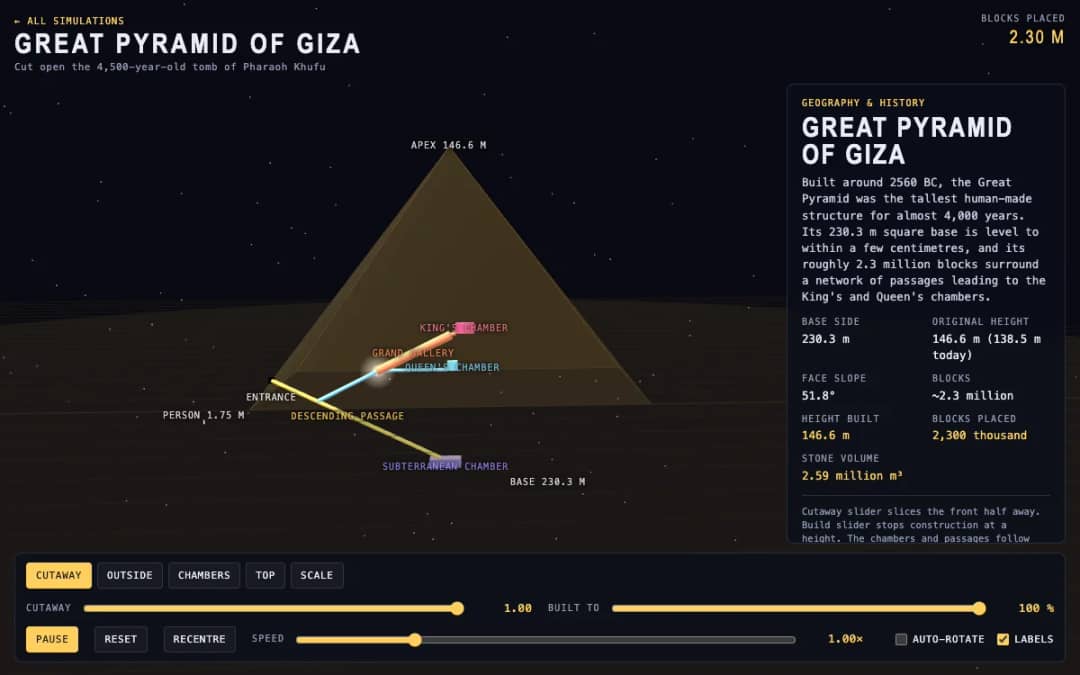
The Great Pyramid of Giza is shown in 3D with a cutaway slider that slices the front away and a build slider that stops construction at any height. Readouts show the height built, blocks placed and stone volume.
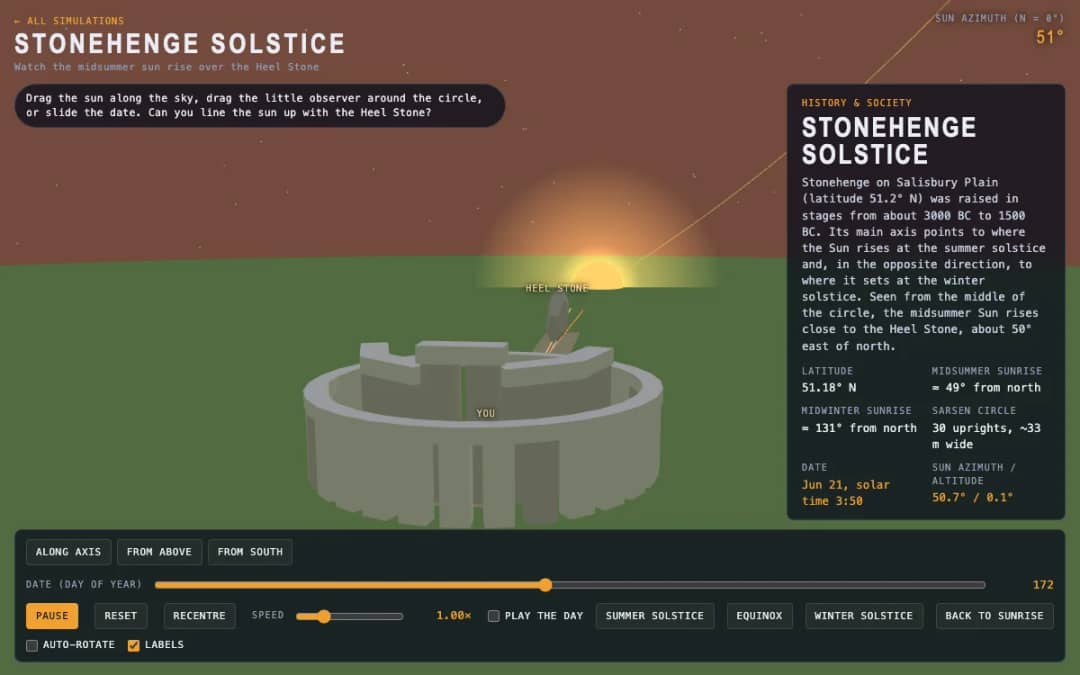
A 3D stone circle under a moving sun. Students drag the sun, move an observer around the circle or slide the date to test whether sunrise lines up with the Heel Stone.
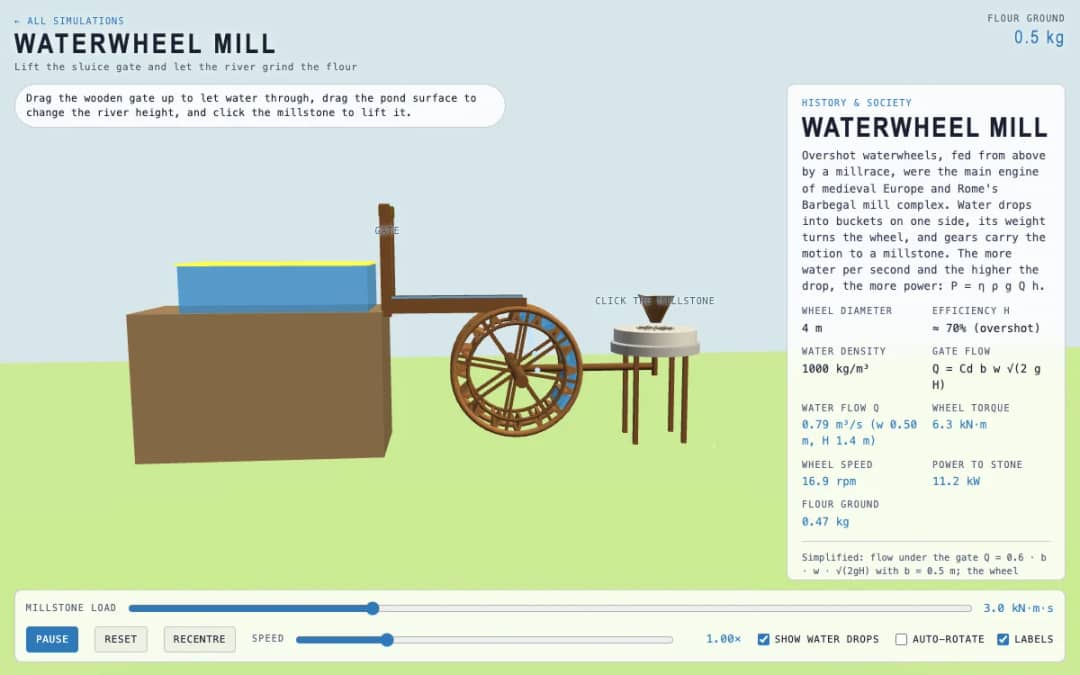
An overshot waterwheel driving a millstone. Students lift the wooden gate, change the pond level and click the millstone, then watch flow, torque, wheel speed and flour output.
Không gian giáo viên miễn phí của KiwiBee gộp soạn bài, phiếu bài tập, công cụ lớp học và sổ điểm vào cùng một nơi.
Bắt đầu miễn phí và tạo lớp học đầu tiên Trang chủ
 Tất cả giải pháp
 Bảng giá
 Về chúng tôi
 KiwiBee cho tổ chức phi lợi nhuận
 Sự kiện & webinar
 Dành cho tổ chức lớn
 Dành cho trường học
 Dành cho trung tâm
 Dành cho trưởng nhóm
 Dành cho giáo viên
 AI và học liệu
 Học liệu
 Worksheet in được
 Gói bài học
 Mô phỏng tương tác
 Công cụ giáo viên
 Studio AI
 Ý tưởng và nghiên cứu