
Bezier Curve Editor
- Toán học
Bình luận
Liên quan đến mô phỏng này
Chọn theo nội dung từ trò chơi, phiếu bài tập, mô phỏng, công cụ giáo viên và video.
Giới thiệu mô phỏng này
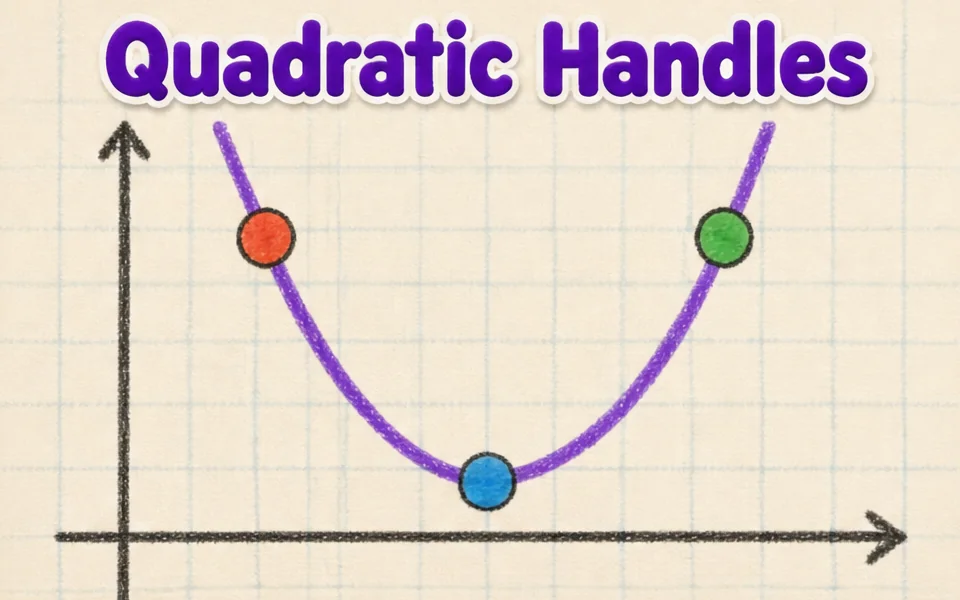
This simulation shows how the smooth curves in fonts, logos and drawing tools are made. Students drag four control points anywhere in 3D, and the curve starts at the first point, ends at the last and is only pulled toward the two in between. A slider, animation or the left and right arrow keys move the parameter t from 0 to 1. Colored lines show the construction: the control polygon in blue, the first level of points in amber, the second in green and the curve point in red. Readouts give t, the curve point B of t, its speed and the curve length. A button flattens the curve to a plane. It teaches interpolation and parametric curves.
Học sinh có thể khám phá điều gì
- Drag the second control point far away and see how the curve bends toward it without touching it.
- Pause Animate t and move the t slider, watching the blue, amber and green lines.
- Press the left and right arrow keys to move t in small steps.
- Press Flatten to a plane and compare the curve with a flat drawing program curve.
- Move the points to make an S shape, then read the Curve length readout.
Mục tiêu học tập
- 1Describe how four control points define a cubic Bezier curve.
- 2Explain how repeated interpolation builds a point on the curve.
- 3Relate the parameter t to the position along the curve.
- 4Predict how moving a control point changes the shape of the curve.
Câu hỏi giáo viên thường đặt ra
Is it free?
Yes. Bezier Curve Editor is free, needs no sign-up and runs in any modern browser, including whiteboards, tablets and phones.
Does the curve pass through all four points?
No. It passes through the first and last points only. The two middle points act like magnets that pull the curve toward them.
What is De Casteljau's algorithm?
It finds the point at t by taking the point a fraction t along each segment, repeating until one point is left. Four points give three, then two, then one point on the curve.
How do I move the view?
Drag empty space to turn the view, and drag the points themselves to reshape the curve. Arrow keys scrub t.
Nhúng mô phỏng này
Đặt vào hệ thống học tập, blog hoặc trang lớp của bạn — miễn phí.
<iframe src="https://kiwibee.io/vn/simulations/bezier-curve-editor-3d-simulation/embed" title="Bezier Curve Editor | KiwiBee" loading="lazy" allowfullscreen style="width:100%;height:min(70vh,620px);min-height:420px;border:0;border-radius:16px"></iframe>Mang khoa học tương tác vào lớp học của bạn
Không gian giáo viên miễn phí của KiwiBee gộp soạn bài, phiếu bài tập, công cụ lớp học và sổ điểm vào cùng một nơi.
Bắt đầu miễn phí và tạo lớp học đầu tiênXem KiwiBee trên YouTube
Video ngắn về KiwiBee dành cho giáo viên và nhà trường. Hãy đăng ký kênh, hoặc theo dõi KiwiBee ở bất cứ đâu.
 Trang chủ
 Tất cả giải pháp
 Bảng giá
 Về chúng tôi
 KiwiBee cho tổ chức phi lợi nhuận
 Sự kiện & webinar
 Dành cho tổ chức lớn
 Dành cho trường học
 Dành cho trung tâm
 Dành cho trưởng nhóm
 Dành cho giáo viên
 Học liệu
 Worksheet in được
 Mô phỏng tương tác
 Công cụ giáo viên
 Ý tưởng và nghiên cứu


