
3D Point Plotter
- Toán học
Bình luận
Liên quan đến mô phỏng này
Chọn theo nội dung từ trò chơi, phiếu bài tập, mô phỏng, công cụ giáo viên và video.


Giới thiệu mô phỏng này
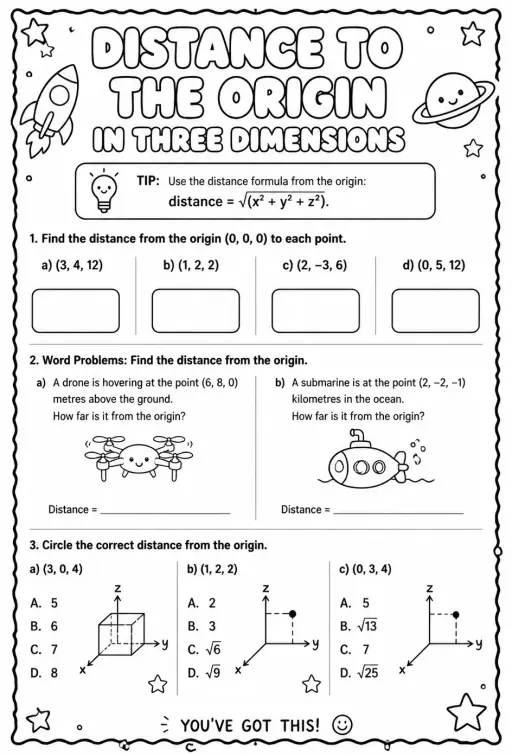
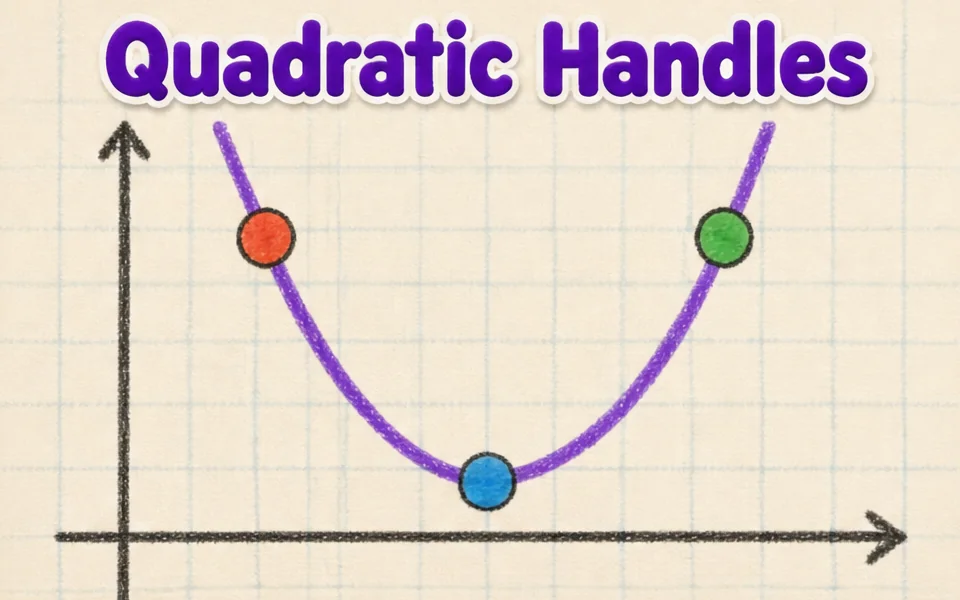
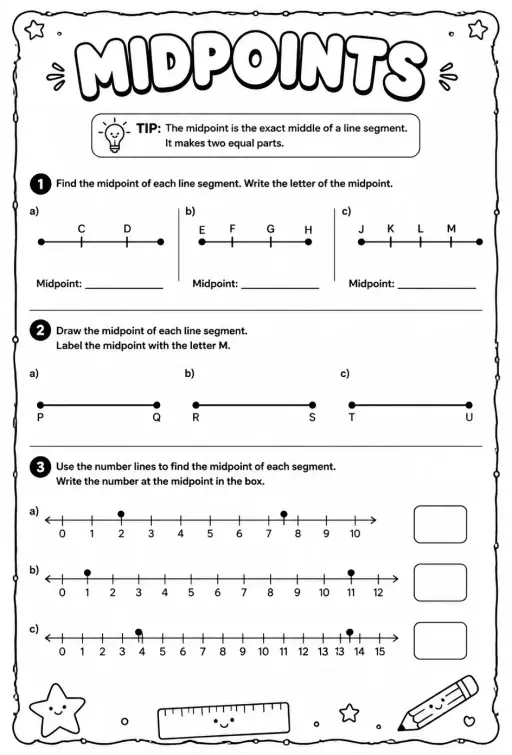
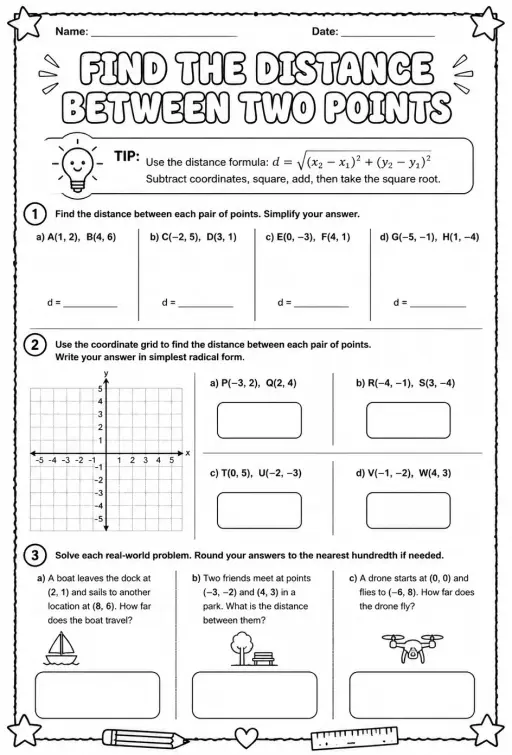
3D Point Plotter lets students move a red point P and a teal point Q inside a coordinate box with x, y and z axes. A Drag plane menu chooses the floor, wall or side plane, and the third coordinate stays fixed while dragging. Coordinates snap to half units between -5 and 5. Readouts show P, Q, the distance OP, the distance PQ and the midpoint M, and projection lines drop to the planes. It is a good first look at three-dimensional coordinates and at extending the distance and midpoint formulas to space.
Học sinh có thể khám phá điều gì
- Drag the red ball on the floor plane and note how x and z change while y stays the same.
- Change Drag plane to XY (wall) and drag again to see which coordinate is now fixed.
- Turn on the second point Q and read Distance PQ as you move it away from P.
- Place P and Q so the midpoint M has whole-number coordinates and check the readout.
- Toggle Projection lines to see how each coordinate is measured from the planes.
Mục tiêu học tập
- 1Read and plot a point using three coordinates (x, y, z).
- 2Describe how moving in one plane keeps the third coordinate fixed.
- 3Calculate distance between two points in space and check it with the readout.
- 4Find the midpoint of a segment by averaging each coordinate.
Câu hỏi giáo viên thường đặt ra
Is it free?
Yes, it costs nothing and needs no account. Open it in any current browser on a whiteboard, tablet, Chromebook or phone and it just works.
How is distance in 3D calculated?
Take the square root of the sum of the squared differences in x, y and z. It is Pythagoras applied twice, first on the floor and then upward with the height.
Which axis is which color?
The x axis is red, the y axis is green and the z axis is blue. In this simulation the floor is the XZ plane and y is the height.
How do I move a point in the third direction?
Switch the Drag plane menu to a different plane. Each plane lets the point slide in two directions, so using two planes lets you reach any position.
Nhúng mô phỏng này
Đặt vào hệ thống học tập, blog hoặc trang lớp của bạn — miễn phí.
<iframe src="https://kiwibee.io/vn/simulations/3d-point-plotter-3d-simulation/embed" title="3D Point Plotter | KiwiBee" loading="lazy" allowfullscreen style="width:100%;height:min(70vh,620px);min-height:420px;border:0;border-radius:16px"></iframe>Chuẩn chương trình học
Cambridge
- 9Gp.02Use knowledge of coordinates to find points on a line segment.Cambridge Lower Secondary Mathematics (0862) — Stage 9 › Geometry and Measure › Position and transformation
Learning objectives © UCLES (Cambridge University Press & Assessment), quoted with attribution.
Mang khoa học tương tác vào lớp học của bạn
Không gian giáo viên miễn phí của KiwiBee gộp soạn bài, phiếu bài tập, công cụ lớp học và sổ điểm vào cùng một nơi.
Bắt đầu miễn phí và tạo lớp học đầu tiênXem KiwiBee trên YouTube
Video ngắn về KiwiBee dành cho giáo viên và nhà trường. Hãy đăng ký kênh, hoặc theo dõi KiwiBee ở bất cứ đâu.
 Trang chủ
 Tất cả giải pháp
 Bảng giá
 Về chúng tôi
 KiwiBee cho tổ chức phi lợi nhuận
 Sự kiện & webinar
 Dành cho tổ chức lớn
 Dành cho trường học
 Dành cho trung tâm
 Dành cho trưởng nhóm
 Dành cho giáo viên
 Học liệu
 Worksheet in được
 Mô phỏng tương tác
 Công cụ giáo viên
 Ý tưởng và nghiên cứu


