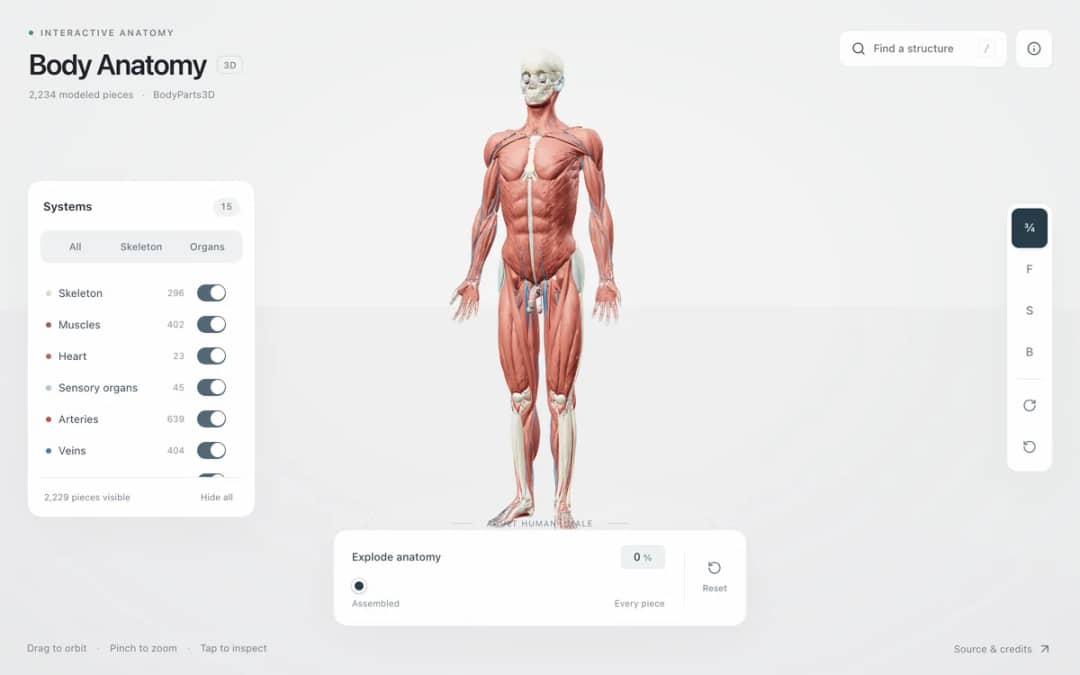
Explore an adult male reference body in 3D. Reveal 14 anatomical systems, search thousands of named structures, isolate organs, and pull 2,209 modeled pieces apart to see how the body is organized.
—
KiwiBee بالغ وزیٹرز کو سمجھنے، مکمل ہونے والے سائن اپس کی پیمائش کرنے اور مہمات کو بہتر بنانے کے لیے Google Analytics، Google Ads اور Meta Pixel کی اختیاری کوکیز استعمال کرتا ہے۔ ضروری کوکیز ہمیشہ فعال رہتی ہیں۔ OpenAI کا ChatGPT Ads Pixel اشتہارات کی رضامندی کے بعد صفحات کے مشاہدات اور بھیجی گئی درخواستیں بھی ناپتا ہے اور مماثلت کے لیے ہیش کی گئی رابطہ معلومات استعمال کر سکتا ہے۔ رازداری کی پالیسی
Students choose a mass from moon to star, click to place a body and drag before releasing to give it a velocity. Gravity acts between all bodies, so they can build a star with a planet in circular orbit, a small system with one button, or a chaotic three-body dance. Trails show paths, and readouts show body count, total and kinetic energy, next mass and the number of merges. Bodies that touch combine. The sim shows that orbits are falling paths shaped by F = G m1 m2 / r squared. Teachers can ask for stable orbits.
Yes. It is completely free, needs no sign-up, and runs in any modern browser, including classroom whiteboards, tablets and phones. Just open the page and start.
With two bodies the orbits are tidy ellipses, but with three or more there is no general formula for the motion. Small changes grow quickly, so the orbits can become chaotic.
Select a mass, click where you want the body, and drag before releasing. The drag sets the launch velocity. Keep Click places bodies switched on, and press Clear all to remove everything.
Gravity pulls the planet toward the star while its sideways motion carries it onward. It keeps falling toward the star but keeps missing it, so it circles around.
اسے اپنے ایل ایم ایس، بلاگ یا کلاس کی ویب سائٹ پر لگائیں — مفت۔
<iframe src="https://kiwibee.io/ur/simulations/nbody-gravity-sandbox-3d-simulation/embed" title="N-Body Gravity Sandbox | KiwiBee" loading="lazy" allowfullscreen style="width:100%;height:min(70vh,620px);min-height:420px;border:0;border-radius:16px"></iframe>دریافت جاری رکھیں
Explore an adult male reference body in 3D. Reveal 14 anatomical systems, search thousands of named structures, isolate organs, and pull 2,209 modeled pieces apart to see how the body is organized.
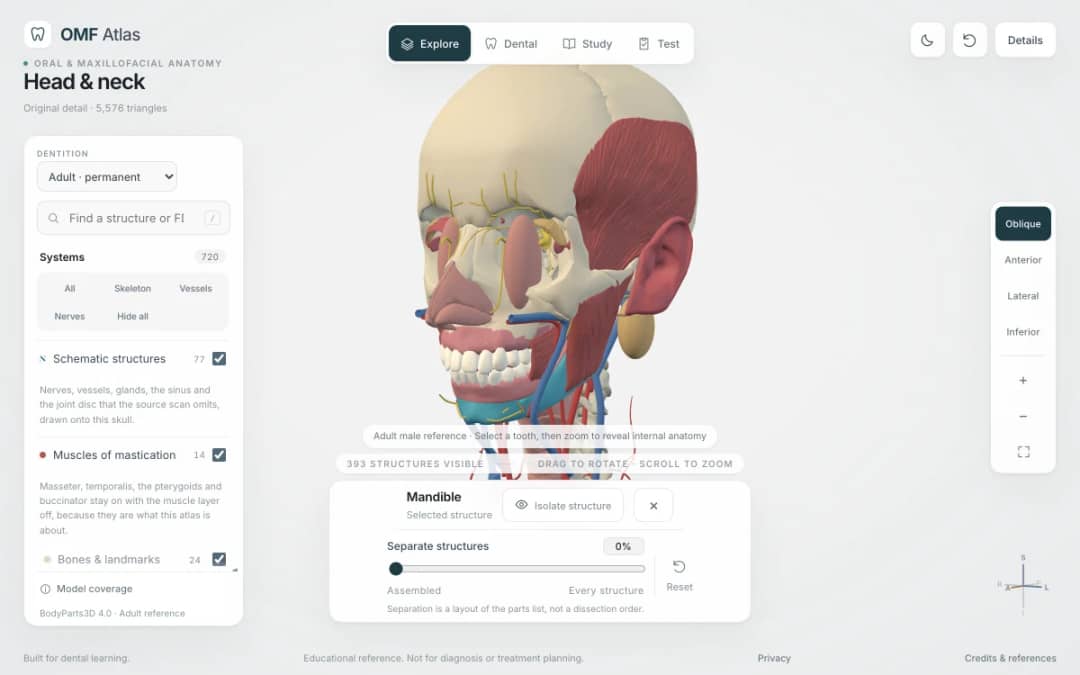
Explore the head and neck in 3D: 643 source meshes across 14 layers, 47 facial and masticatory muscles, and 77 drawn nerves, vessels and glands the source scan omits. Open any tooth onto its own pulp canal, and follow the seven stages of tooth development.

Free interactive photosynthesis simulation. Explore photosynthesis hands-on online — great for whole-class or independent practice.

Free interactive states of matter simulation. Explore states of matter hands-on online — great for whole-class or independent practice.

Free interactive shadows simulation. Explore shadows hands-on online — great for whole-class or independent practice.
ماڈل سے شواہد تک
طلبہ کے دریافت کرنے کے بعد ان کے اندازے، مشاہدات اور وضاحتیں لکھوانے کے لیے ورک شیٹ استعمال کریں۔
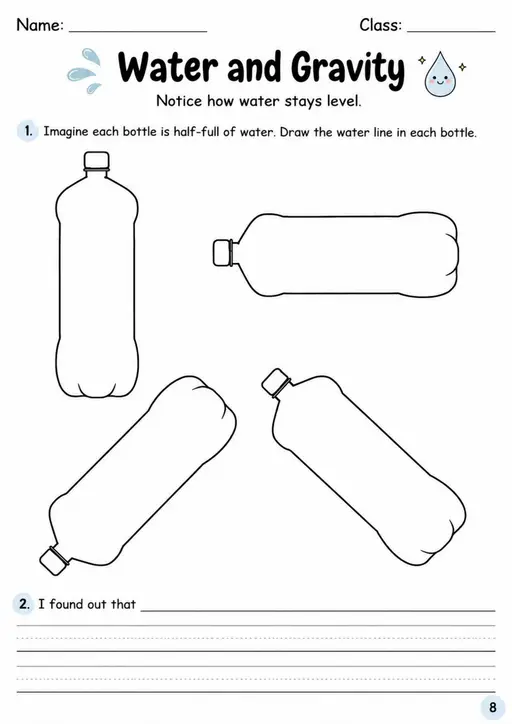

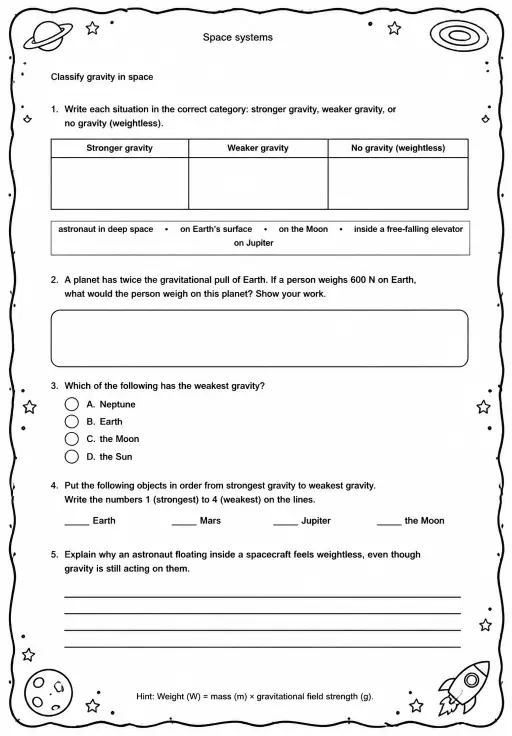
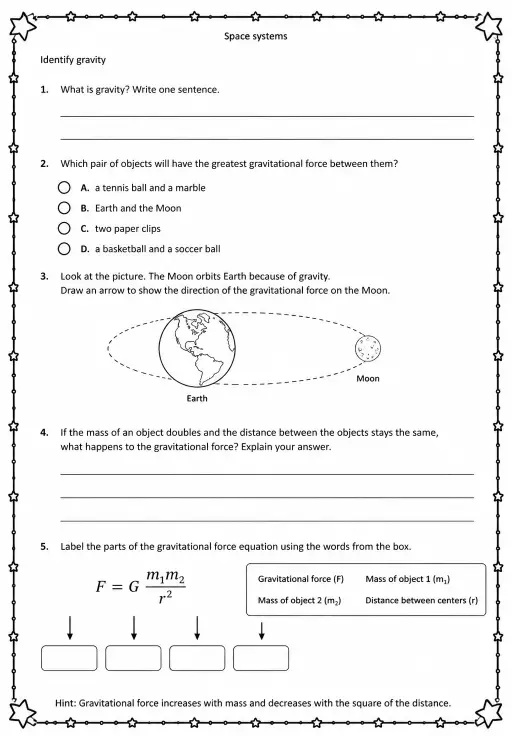
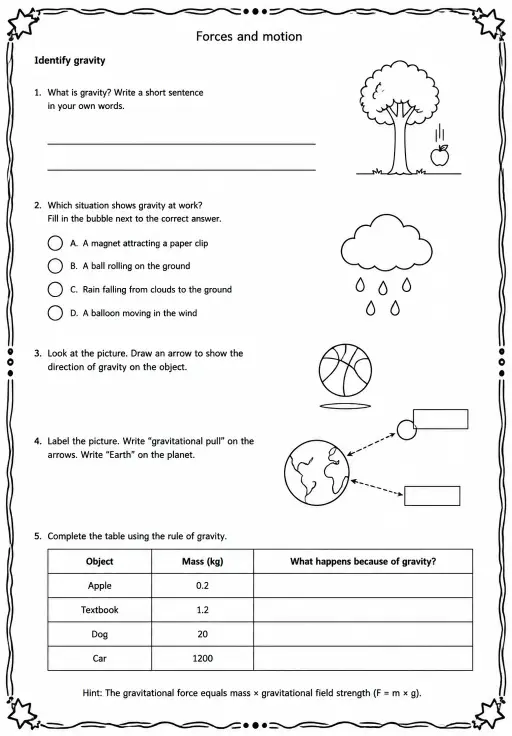
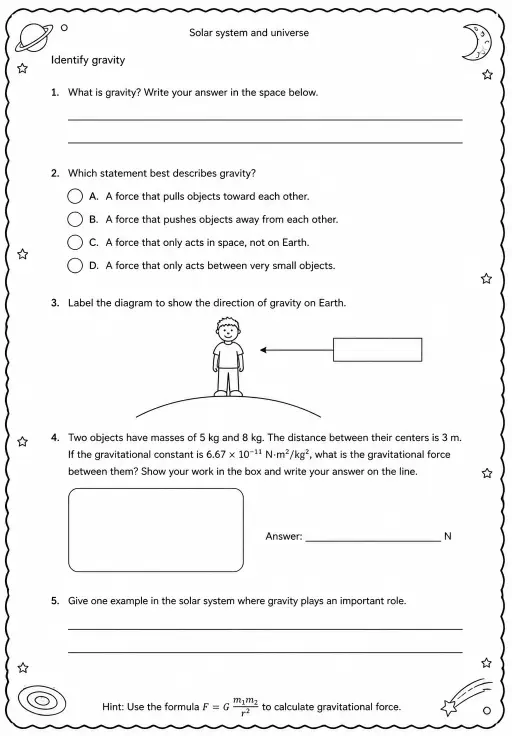
KiwiBee کا مفت اساتذہ ورک اسپیس سبق کی منصوبہ بندی، ورک شیٹس، کلاس روم اوزار اور گریڈ بک کو ایک ہی جگہ لے آتا ہے۔
مفت شروع کریں اور اپنی پہلی کلاس بنائیں ہوم
ہوم تمام حل
 قیمتیں
 ہمارے بارے میں
 غیر منافع بخش اداروں کے لیے KiwiBee
 تقریبات اور ویبینارز
 بڑے اداروں کے لیے
 اسکولوں کے لیے
 تعلیمی مراکز کے لیے
 ٹیم لیڈرز کے لیے
 اساتذہ کے لیے
 AI اور وسائل
 وسائل
وسائل قابلِ طباعت ورک شیٹس
 سبق پیکس
 تعاملی سمیولیشنز
 اساتذہ کے اوزار
 AI اسٹوڈیو
 خیالات اور تحقیق