ClassSpark میں طلبہ کے گروپ کے لیے Multi-select feedback استعمال کریں
 از KiwiBee Team
آخری تازہ کاری 5 ستمبر، 2026
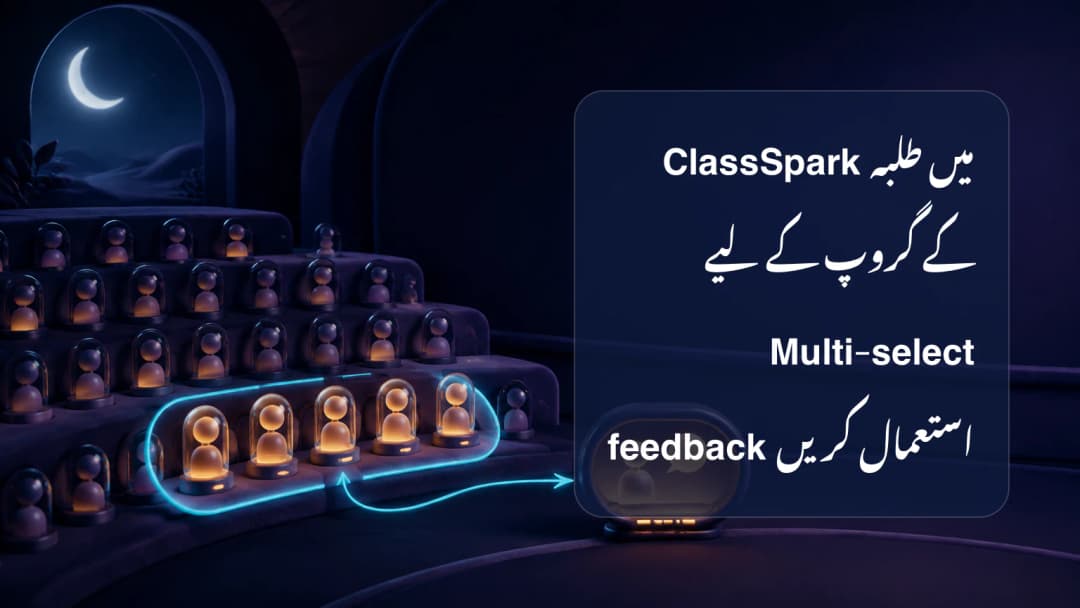
Classroom کا ایک moment اکثر کسی group سے متعلق ہوتا ہے، نہ کہ ایک learner یا پوری class سے۔ چند students اچھی transition، careful collaboration یا ایک ہی factual reminder میں شریک ہو سکتے ہیں۔ ClassSpark Multi-select مشترک behavior feedback سے پہلے exact subset چننے دیتا ہے۔ Workflow شروع میں کسی کو selected نہیں کرتا، اس لیے software recipients طے نہیں کرتا۔ Teacher active class، names اور common category کی درستگی دیکھتا ہے۔
Behavior feedback کے لیے No activity رکھیں
Activity selector کے ساتھ Multi-select کا مطلب بدلتا ہے۔ No activity ہو تو selected participants behavior feedback لے سکتے ہیں۔ Active activity میں یہی control academic evaluation کھولتا ہے؛ guests ineligible رہتے ہیں اور linked standards scores مانگتے ہیں۔ بغیر links کی پرانی activity guidance دکھاتی ہے، خاموشی سے behavior پر واپس نہیں جاتی۔ Group بنانے سے پہلے No activity confirm کریں یا جان بوجھ کر assessment path لیں۔
Active ClassSpark context سمجھیں.
صرف شامل participants منتخب کریں
Multi-select کھول کر intended cards ایک ایک tap کریں۔ یہ ہمیشہ empty شروع ہوتا ہے۔ Eligible card پر hollow blue check circle اور selected card پر filled blue circle میں white check ہوتا ہے۔ Card خود ring، tint یا shadow نہیں لیتا، اس لیے corner circle authoritative indicator ہے۔ Absent participant select نہیں ہو سکتا۔ No activity میں eligible guests شامل ہو سکتے ہیں؛ activity میں guests unavailable ہیں۔ Feedback سے پہلے ہر check دیکھیں۔
Group behavior records precise رکھیں.
ایک category لگائیں اور persistence دیکھیں
ایک شخص selected ہونے پر action count دکھاتا اور shared positive اور needs-work choices کھولتا ہے۔ Observation سے ملتی category چنیں۔ ClassSpark cards کو optimistic update، sound اور point bubbles دیتا ہے۔ Enrolled students scoped behavior incidents اور guests الگ guest points path میں save ہوتے ہیں۔ Write fail ہو تو temporary totals rollback اور authoritative roster reload ہوتا ہے۔ Animation durable storage کا proof نہیں۔
- درست class کھول کر No activity confirm کریں۔
- Multi-select میں empty start دیکھیں۔
- ایک event کے eligible participants tap کریں۔
- Filled blue circles اور count check کریں۔
- Feedback کھول کر proportionate category چنیں۔
- Save outcome دیکھیں؛ error پر roster reload ہونے دیں۔
Group feedback individual fairness برقرار رکھے۔ پاس بیٹھنے کی وجہ سے کسی learner کو شامل نہ کریں اور مختلف evidence پر ایک category نہ دیں۔ Motivation یا character کے بجائے observable action لکھیں۔ Saved negative event configured parent notification یا escalation میں جا سکتا ہے مگر settings universal نہیں۔ Admin اور Team Leader analytics الگ surfaces ہیں۔ Academic activity selected ہو تو Multi-select assessment ہے، behavior feedback نہیں۔
Selected-group event سے پہلے checks
- Active class اور date confirm کریں۔
- Behavior کے لیے No activity رکھیں۔
- Empty selection سے شروع کریں۔
- Corner check circles کو truth مانیں۔
- Absent students exclude کریں۔
- Selected count review کریں۔
- ایک learner کے لیے individual card لیں۔
- سب شامل ہوں تو All Class لیں۔
- Point values proportionate رکھیں۔
- Intent یا character infer نہ کریں۔
ClassSpark میں student group کے لیے Multi-select feedback استعمال کریں
پلیٹ فارم دیکھیں
KiwiBee کے ساتھ جاری رکھیں
وہ KiwiBee ورک اسپیس یا وسائل کی لائبریری منتخب کریں جو آپ کی اگلی ضرورت کے مطابق ہو۔
 ہوم
ہوم تمام حل
 قیمتیں
 ہمارے بارے میں
 غیر منافع بخش اداروں کے لیے KiwiBee
 تقریبات اور ویبینارز
 بڑے اداروں کے لیے
 اسکولوں کے لیے
 تعلیمی مراکز کے لیے
 ٹیم لیڈرز کے لیے
 اساتذہ کے لیے
 AI اور وسائل
 وسائل
وسائل قابلِ طباعت ورک شیٹس
 سبق پیکس
 تعاملی سمیولیشنز
 اساتذہ کے اوزار
 AI اسٹوڈیو
 خیالات اور تحقیق