استاد کے موجودہ سبق کے سیاق سے ورک شیٹس اور پرنٹ ایبلز بنائیں
 By KiwiBee Team
آخری تازہ کاری September 2, 2026
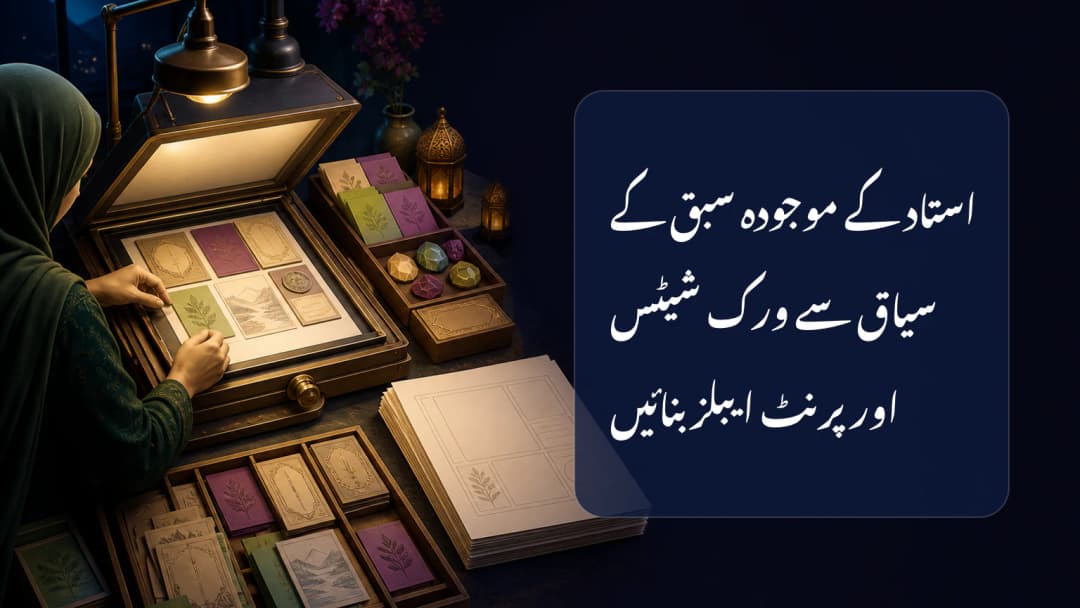
مفید worksheet کو پڑھائے جانے والے lesson سے جڑنا چاہیے، الگ prompt سے نہیں۔ KiwiBee worksheet mode selected lesson، exact objectives، chosen standards اور rubrics، saved lesson plan، selected materials، captured pages، class context اور attachment لے سکتا ہے۔ یہ inputs bounded assistance دیتے ہیں؛ accuracy، automatic personalization یا طے شدہ learning outcome کی ضمانت نہیں۔ Teacher ہر instruction، question، image، expected answer اور learner reference review کرتا ہے۔
Workspace کے موجودہ lesson context سے شروع کریں
Dashboard کے class، curriculum اور lesson selectors scope طے کرتے ہیں۔ Lesson نہ ہو تو mode curriculum یا unit سے bounded outline اور محدود excerpts تلاش کر سکتا ہے۔ یہ removed material RAG نہیں اور ہر stored file کو hidden context نہیں بناتا۔ Objectives authoritative رہتے ہیں؛ selected standards alignment بڑھاتے مگر objectives نہیں بدلتے۔ صرف request کے selected materials اور pages اس turn کو متاثر کریں۔
KiwiBee کے [class materials] دیکھیں(/ur/solutions/class-materials).
Image worksheet یا editable text چنیں
Worksheet mode کے دو formats ہیں۔ Image default ہے اور approved action سے portrait یا landscape A4 دیتا ہے۔ Text editable chat content واپس کرتا ہے۔ Assistant پہلے idea brainstorm کرکے Create this worksheet جیسی approval مانگ سکتا ہے۔ Teacher نے text-only صاف نہ کہا ہو تو short approval image branch commit کرتا ہے۔ Format artifact بدلتا ہے، authorization یا source scope نہیں۔
Optional quiz flow active controls پر selected names یا approved photo references استعمال کر سکتا ہے۔ صرف checked people بھیجے جاتے ہیں؛ quiz scenarios first names لیتے ہیں، photos embed نہیں کرتے، اور photo use consent و reference limit کے تابع ہے۔ Personal feel کے لیے real learner data نہ ڈالیں۔ Spelling، bias، accessibility، age fit، cultural context، subject accuracy اور objective alignment دیکھیں۔
[AI worksheet tools] دیکھیں(/ur/solutions/ai-worksheets).
Save یا assign سے پہلے نتیجہ دیکھیں
Image output immersive preview میں کھلتا ہے۔ وہاں سے available actions کے مطابق download، accessible lesson میں add یا Print & upload اور Annotation سے homework بن سکتا ہے۔ Handoff class، title، completion اور grading mode لیتا ہے؛ interactive answer regions خود نہیں بناتا۔ Matching save کامیاب ہونے تک chat text lesson material نہیں۔
- مطلوبہ class، curriculum اور lesson چنیں۔
- Exact objectives اور supporting standards دیکھیں۔
- صرف ضروری source یا pages منتخب کریں۔
- A4 Image یا editable Text format چنیں۔
- Questions، visuals، instructions اور responses review کریں۔
- صرف authorized lesson یا homework destination میں save یا assign کریں۔
Lesson context grounded آغاز دیتا ہے، final quality seal نہیں۔ محفوظ workflow source کم، format explicit اور teacher review central رکھتا ہے۔ Generate سے پہلے active class دیکھیں۔ Objectives exact رکھیں۔ Standards supporting alignment ہیں۔ Relevant materials چنیں۔ Captured pages intentional ہوں۔ Image default format ہے۔ Portrait اور landscape A4 ہیں۔ Text editable copy دیتا ہے۔ Short approval image commit کر سکتا ہے۔ Text-only request text رہتی ہے۔ Learner reference review کریں۔
Explore the platform
Continue with KiwiBee
Choose the KiwiBee workspace or resource library that fits what you need next.
 For big organisations
 For schools
 For centers
 For team leaders
 For teachers
 AI and resources
 پرنٹ ونڈوس
 انقلاصی مساوات
 اسٹیچر آلات
 ای آئی سٹوڈیو
 تعصب اور تحقیق