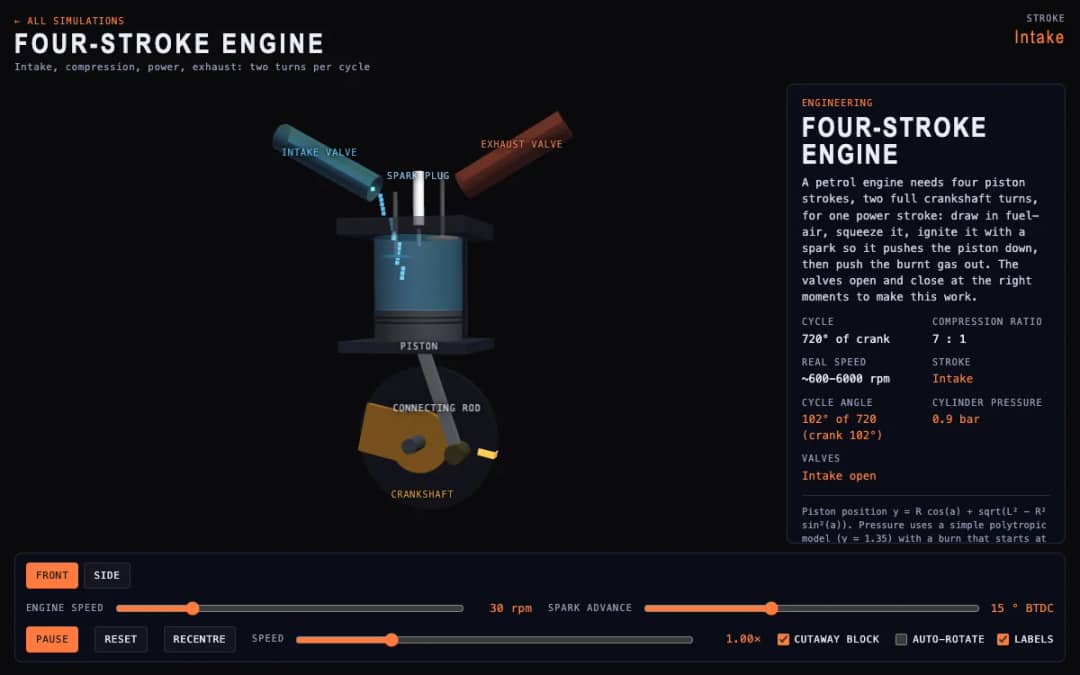
A cutaway engine cylinder shows the piston, valves and spark through the four strokes of the cycle. Students change engine speed and spark advance and watch the stroke, cycle angle, cylinder pressure and valve states update.
—
KiwiBee menggunakan cookie opsional dari Google Analytics, Google Ads, dan Meta Pixel untuk memahami pengunjung dewasa, mengukur pendaftaran yang selesai, dan meningkatkan kampanye. Cookie penting selalu aktif. Pixel iklan ChatGPT OpenAI juga mengukur tampilan halaman dan pertanyaan yang telah dikirim setelah persetujuan iklan, serta dapat menggunakan detail kontak yang di-hash untuk pencocokan. Kebijakan privasi
This game extends tic-tac-toe into a 3x3x3 cube with 49 winning lines. Students click a glass cell to place an X while the computer answers at Easy, Normal or Sharp level, and they can drag empty space to turn the cube and see cells behind others. Readouts show whose turn it is, the score for you, the computer and draws, the move number and open threats. Teachers can use it for spatial reasoning and strategy talks about which positions are on the most lines.
Yes. It is free, needs no sign-up, and works in any modern browser on whiteboards, tablets, phones and computers.
There are 49: 27 along the axes, 18 face diagonals and 4 space diagonals. The center cell sits on 13 of them, more than any other cell.
Drag empty space to turn the cube. Occupied cells are removed from the click targets, so you can also click through to cells behind marks. Widening Cell spacing helps too.
The first player wins with perfect play by taking the center cell, which is why the computer's Sharp level is the toughest to beat.
Pasang di LMS, blog, atau situs kelas Anda — gratis.
<iframe src="https://kiwibee.io/id/simulations/tic-tac-toe-3d-3d-simulation/embed" title="Tic-Tac-Toe 3D | KiwiBee" loading="lazy" allowfullscreen style="width:100%;height:min(70vh,620px);min-height:420px;border:0;border-radius:16px"></iframe>Lanjut menjelajah
A cutaway engine cylinder shows the piston, valves and spark through the four strokes of the cycle. Students change engine speed and spark advance and watch the stroke, cycle angle, cylinder pressure and valve states update.
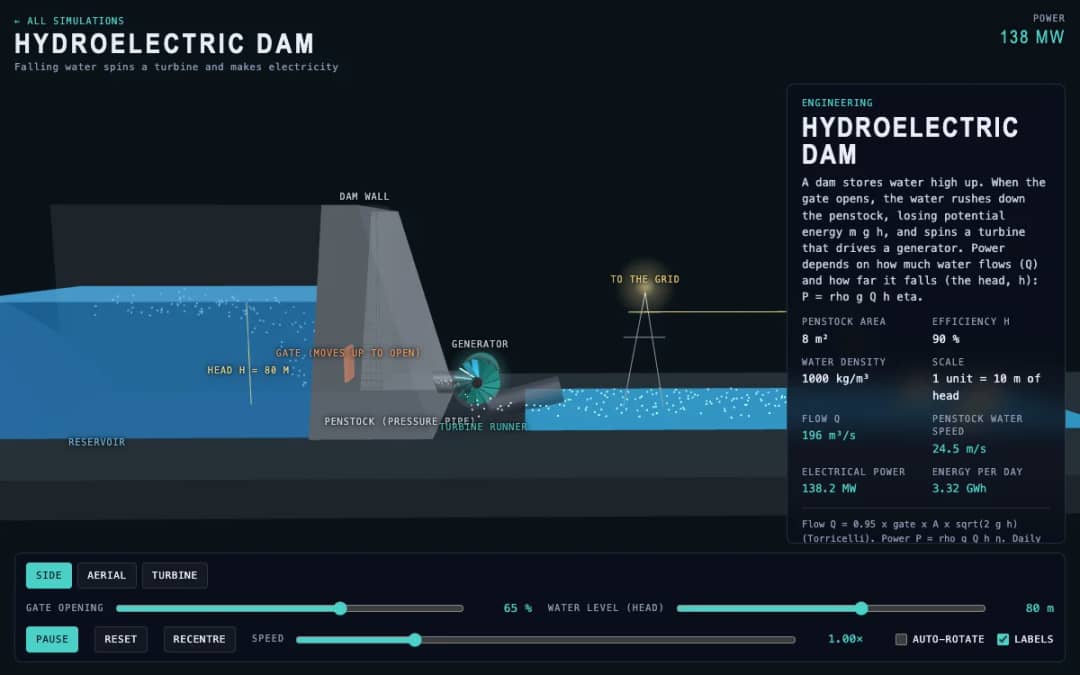
A dam, penstock and turbine are shown in 3D. Students change the gate opening and the water level, called the head, and read the water flow, penstock water speed, electrical power and energy per day.
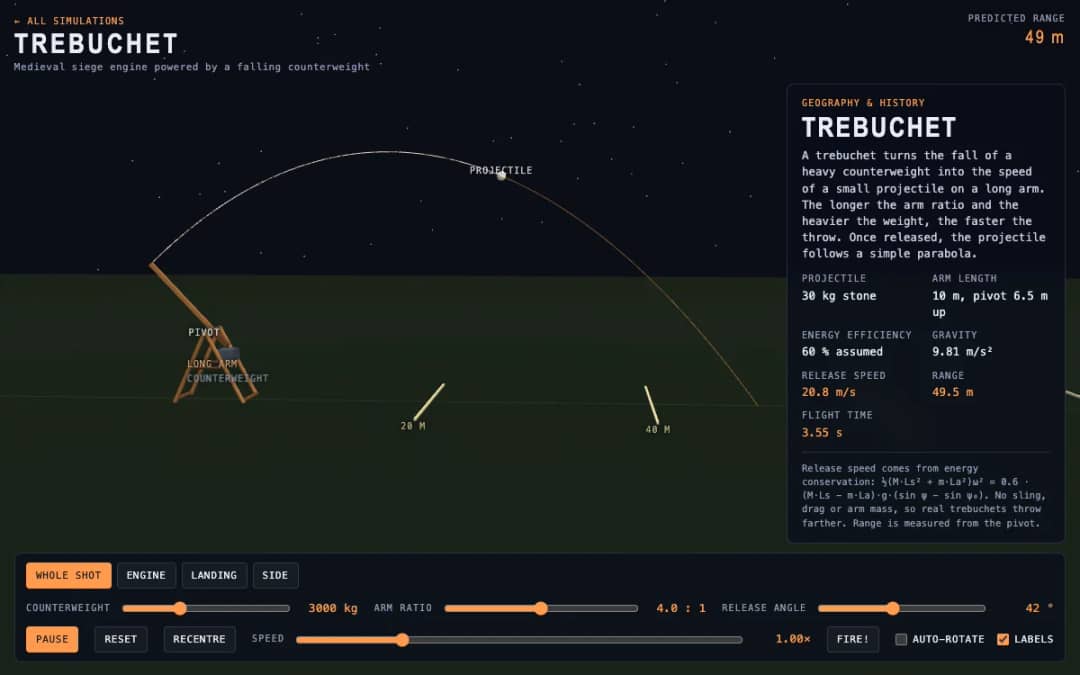
A medieval trebuchet swings its arm in 3D and throws a stone. Students change the counterweight mass, arm ratio and release angle, press Fire, and read the release speed, range and flight time.
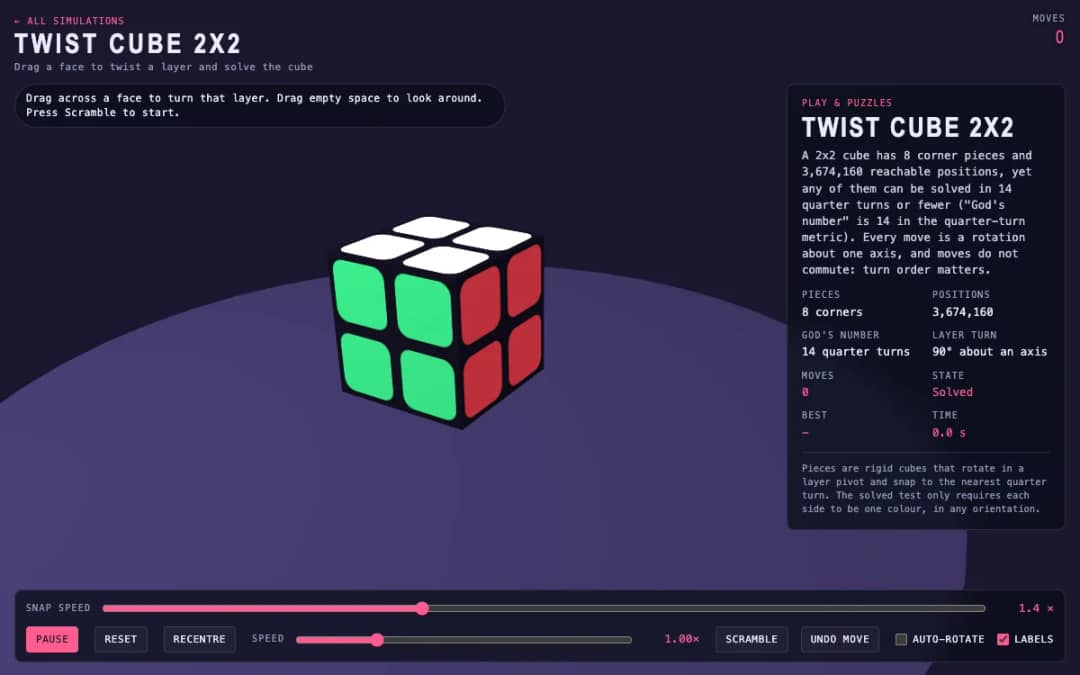
A 3D pocket cube with colored faces sits on screen. Students drag across a face to turn a layer, press Scramble to mix it, and try to solve it while the move counter and timer run.
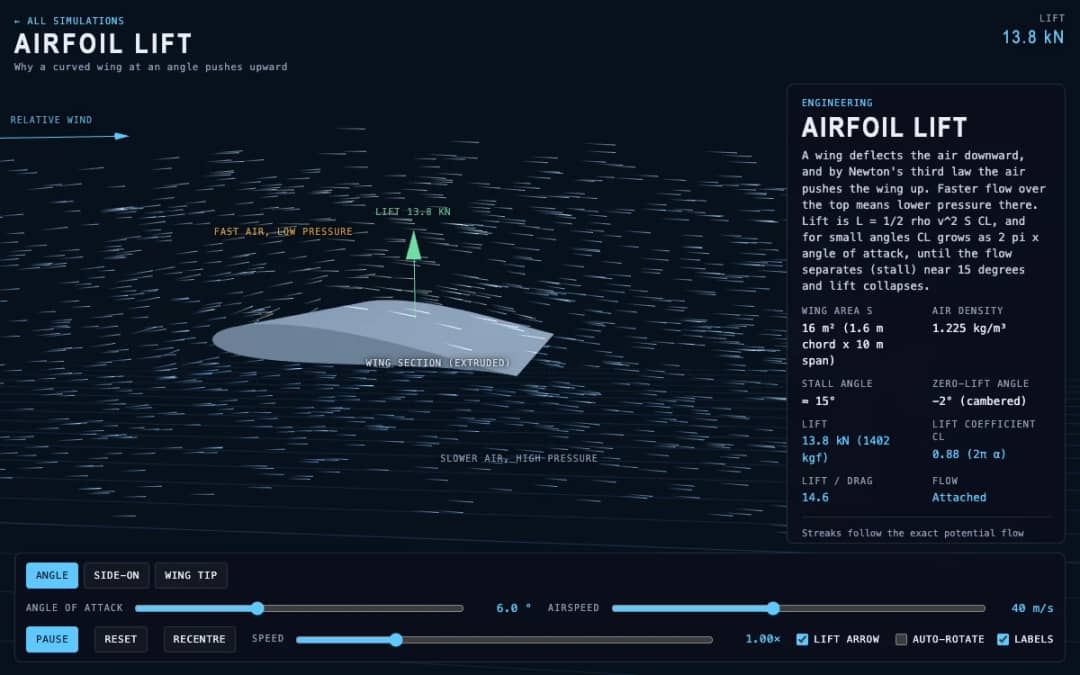
Streaks of air flow around a curved wing in 3D while students change the angle of attack and airspeed. Readouts show lift, the lift coefficient, lift to drag ratio and whether the flow is normal or stalled.
Ruang kerja guru gratis dari KiwiBee menyatukan perencanaan pembelajaran, lembar kerja, perangkat kelas, dan buku nilai dalam satu tempat.
Mulai gratis dan buat kelas pertama Anda Beranda
 Semua solusi
 Harga
Harga Tentang kami
 KiwiBee untuk Organisasi Nirlaba
 Acara & webinar
 Untuk organisasi besar
 Untuk sekolah
 Untuk lembaga kursus
 Untuk ketua tim
 Untuk guru
 AI dan sumber belajar
 Sumber belajar
 Lembar kerja siap cetak
 Paket Pelajaran
 Simulasi interaktif
 Alat untuk guru
 Studio AI
 Ide dan riset