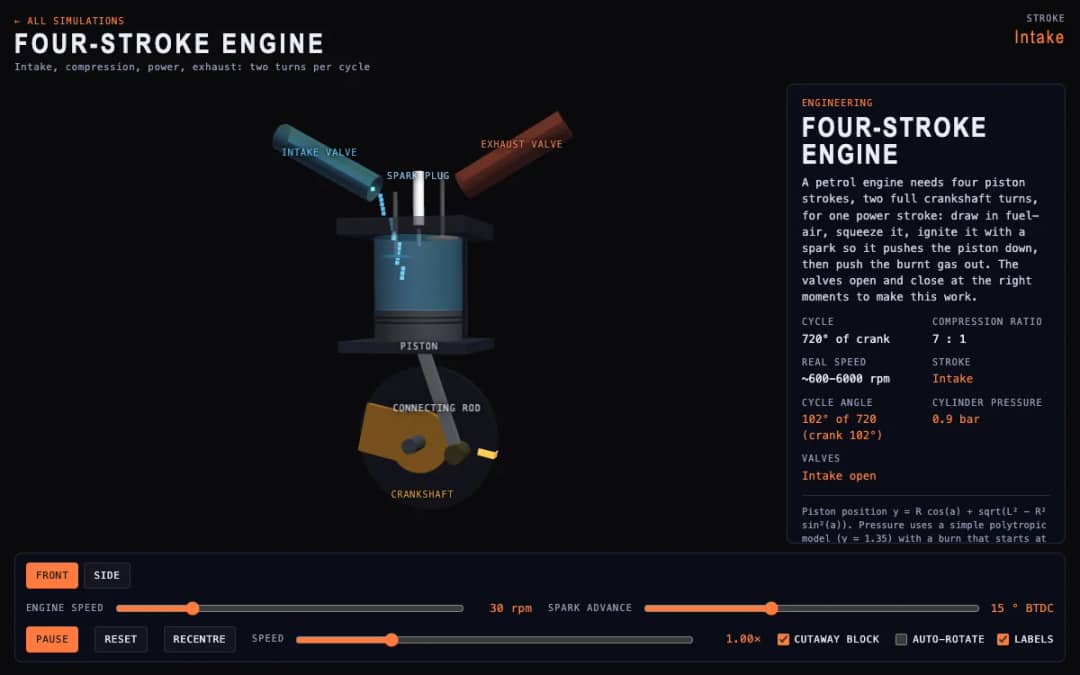
A cutaway engine cylinder shows the piston, valves and spark through the four strokes of the cycle. Students change engine speed and spark advance and watch the stroke, cycle angle, cylinder pressure and valve states update.
—
KiwiBee menggunakan cookie opsional dari Google Analytics, Google Ads, dan Meta Pixel untuk memahami pengunjung dewasa, mengukur pendaftaran yang selesai, dan meningkatkan kampanye. Cookie penting selalu aktif. Pixel iklan ChatGPT OpenAI juga mengukur tampilan halaman dan pertanyaan yang telah dikirim setelah persetujuan iklan, serta dapat menggunakan detail kontak yang di-hash untuk pencocokan. Kebijakan privasi
This simulation shows how a ball accelerates on a slope. Students tilt an 11 by 11 cell maze by dragging or using arrow keys, and the ball speeds up along the incline, bounces off walls with some energy loss and slows with rolling friction. Readouts show time, best time, falls and current tilt. Sliders change rolling friction and maximum tilt, and a toggle switches drag between tilting the board and orbiting the view. Teachers can connect it to acceleration on inclines and to fine motor control.
Yes. It is free, needs no sign-up, and works in any modern browser on whiteboards, tablets, phones and computers.
On a slope, gravity pulls the ball along the incline with acceleration g times sin of the tilt angle. A steeper tilt gives a larger acceleration, so the ball gains speed faster.
Drag anywhere on the scene to tilt it, or use the arrow keys. If you want to rotate the camera instead, switch off the Drag tilts the board toggle.
Walls take some of the ball's energy on each hit, so it rebounds with less speed. Here the bounce keeps about a third of the impact speed.
Pasang di LMS, blog, atau situs kelas Anda — gratis.
<iframe src="https://kiwibee.io/id/simulations/marble-maze-tilt-3d-simulation/embed" title="Marble Maze | KiwiBee" loading="lazy" allowfullscreen style="width:100%;height:min(70vh,620px);min-height:420px;border:0;border-radius:16px"></iframe>Lanjut menjelajah
A cutaway engine cylinder shows the piston, valves and spark through the four strokes of the cycle. Students change engine speed and spark advance and watch the stroke, cycle angle, cylinder pressure and valve states update.
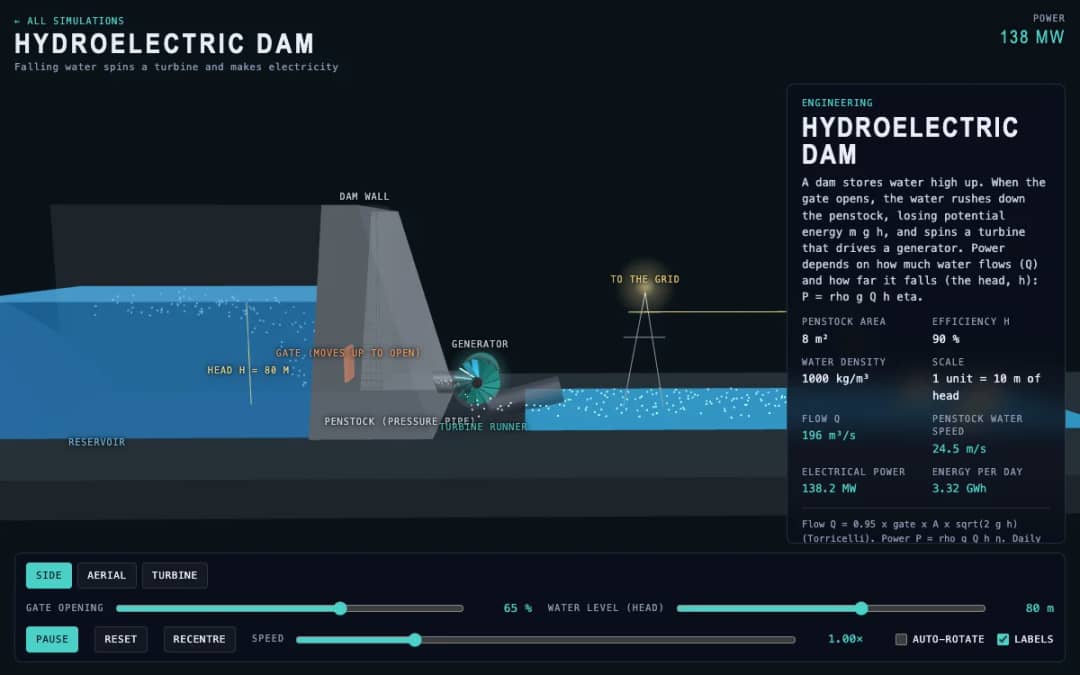
A dam, penstock and turbine are shown in 3D. Students change the gate opening and the water level, called the head, and read the water flow, penstock water speed, electrical power and energy per day.
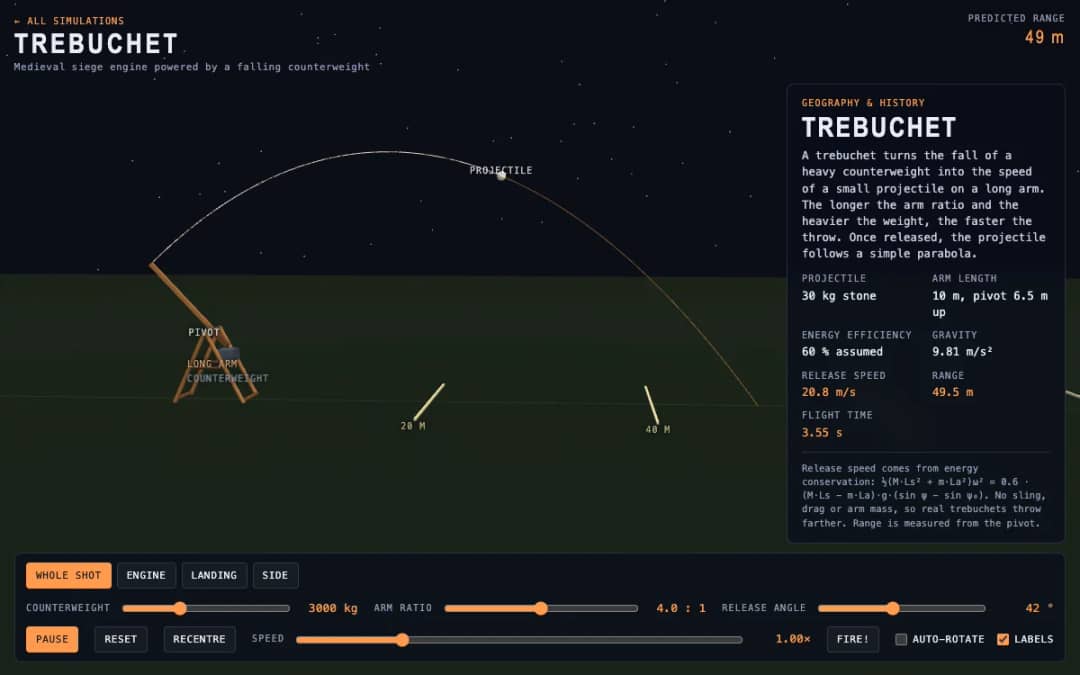
A medieval trebuchet swings its arm in 3D and throws a stone. Students change the counterweight mass, arm ratio and release angle, press Fire, and read the release speed, range and flight time.
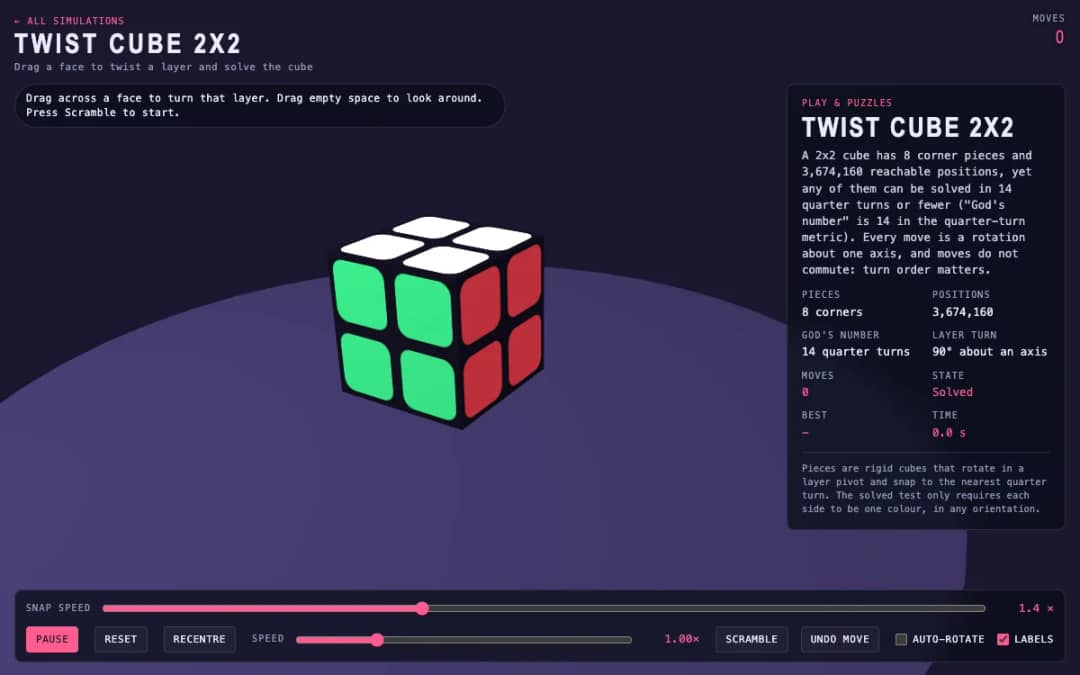
A 3D pocket cube with colored faces sits on screen. Students drag across a face to turn a layer, press Scramble to mix it, and try to solve it while the move counter and timer run.
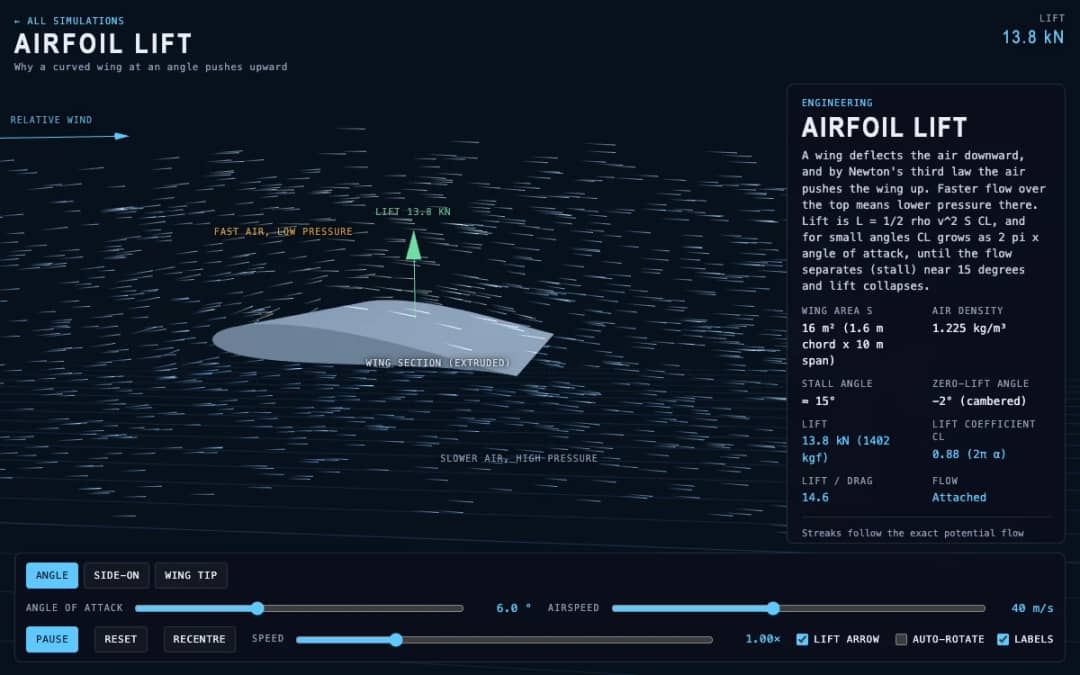
Streaks of air flow around a curved wing in 3D while students change the angle of attack and airspeed. Readouts show lift, the lift coefficient, lift to drag ratio and whether the flow is normal or stalled.
Ruang kerja guru gratis dari KiwiBee menyatukan perencanaan pembelajaran, lembar kerja, perangkat kelas, dan buku nilai dalam satu tempat.
Mulai gratis dan buat kelas pertama Anda Beranda
 Semua solusi
 Harga
Harga Tentang kami
 KiwiBee untuk Organisasi Nirlaba
 Acara & webinar
 Untuk organisasi besar
 Untuk sekolah
 Untuk lembaga kursus
 Untuk ketua tim
 Untuk guru
 AI dan sumber belajar
 Sumber belajar
 Lembar kerja siap cetak
 Paket Pelajaran
 Simulasi interaktif
 Alat untuk guru
 Studio AI
 Ide dan riset