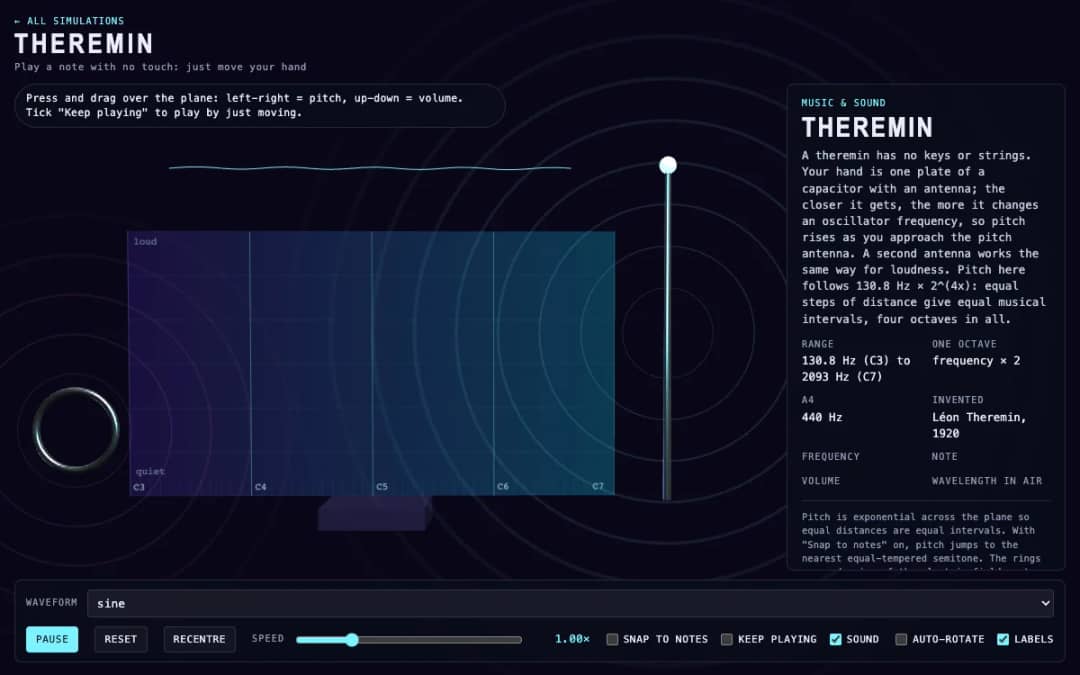
A virtual theremin where students press and drag over a plane. Moving left and right changes pitch, moving up and down changes volume, and readouts show frequency, note, volume and wavelength.
—
KiwiBee menggunakan cookie opsional dari Google Analytics, Google Ads, dan Meta Pixel untuk memahami pengunjung dewasa, mengukur pendaftaran yang selesai, dan meningkatkan kampanye. Cookie penting selalu aktif. Pixel iklan ChatGPT OpenAI juga mengukur tampilan halaman dan pertanyaan yang telah dikirim setelah persetujuan iklan, serta dapat menggunakan detail kontak yang di-hash untuk pencocokan. Kebijakan privasi
This simulation shows how the air inside a pipe makes a note. Students drag the ring at the top of a pipe up or down and hear the pitch glide as the length changes. Clicking a pipe, or pressing keys 1 to 6, blows it. A select control switches between an open pipe and a pipe closed at one end, and a slider chooses the first, second or third harmonic. Moving dots show air displacement, red for compressed and blue for stretched, slowed down so they can be seen. Readouts show length, frequency and the formula used. It teaches standing waves, resonance and why closed pipes sound an octave lower.
Yes. Flute Pipe Lengths is free, needs no sign-up and runs in any modern browser, including whiteboards, tablets and phones.
Drag the ring at the top of a pipe up or down to change its length, then click the pipe to blow it. Longer pipes sound lower.
A pipe closed at one end has a node there, so its note is f equals v over 4L, half the frequency of an open pipe of the same length. That is one octave lower.
They show air displacement in the pipe, slowed down about 120 times. Red means the air is compressed and blue means it is stretched.
Pasang di LMS, blog, atau situs kelas Anda — gratis.
<iframe src="https://kiwibee.io/id/simulations/flute-pipe-lengths-3d-simulation/embed" title="Flute Pipe Lengths | KiwiBee" loading="lazy" allowfullscreen style="width:100%;height:min(70vh,620px);min-height:420px;border:0;border-radius:16px"></iframe>Lanjut menjelajah
A virtual theremin where students press and drag over a plane. Moving left and right changes pitch, moving up and down changes volume, and readouts show frequency, note, volume and wavelength.
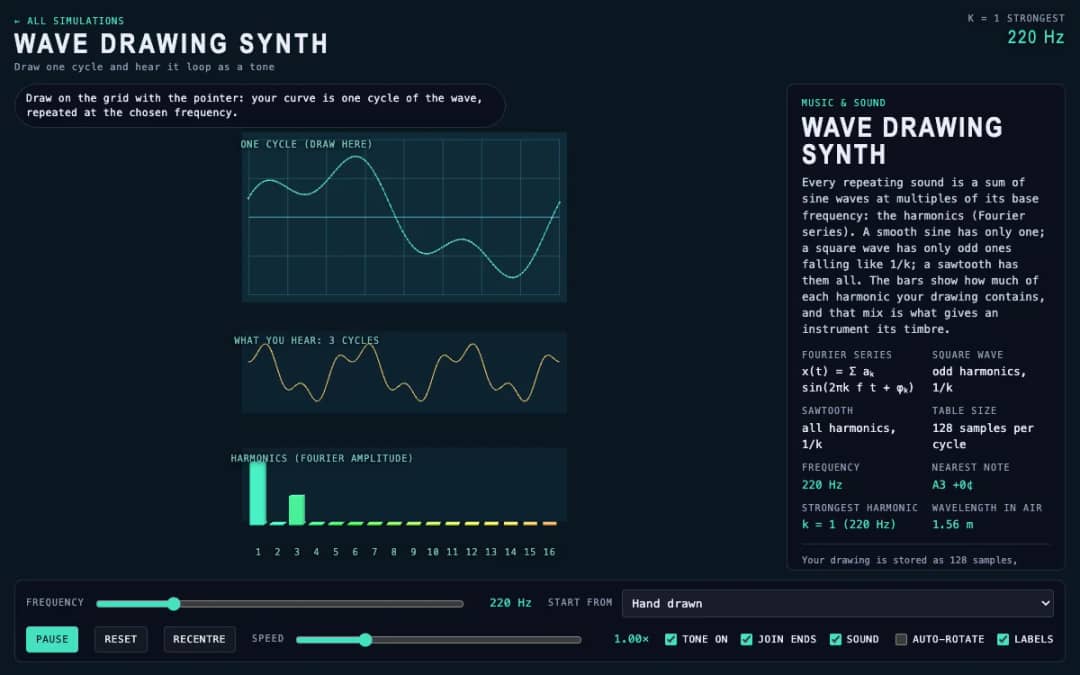
Students draw a single cycle of a wave on a grid, and the simulation plays it as a repeating tone. Frequency, preset waves and a join-ends option let them compare their drawing with sine, square and sawtooth sounds.
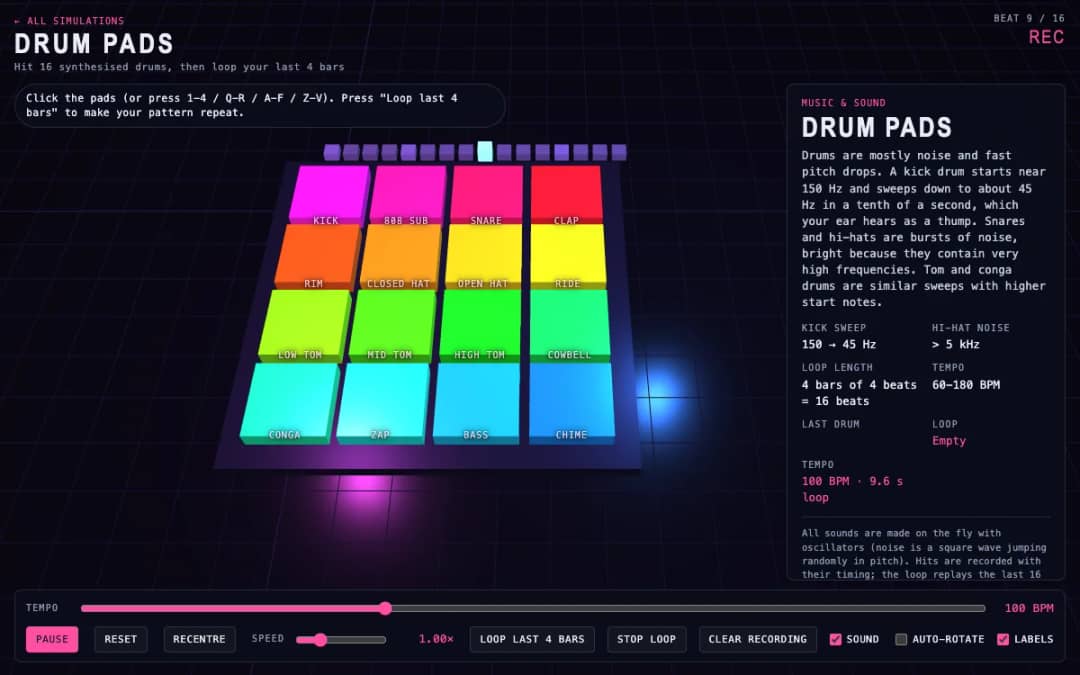
Sixteen 3D drum pads, from kick and snare to cowbell and chime, play synthesized sounds when students click them or press keys. A tempo slider sets the speed and a loop button repeats the last four bars they played.
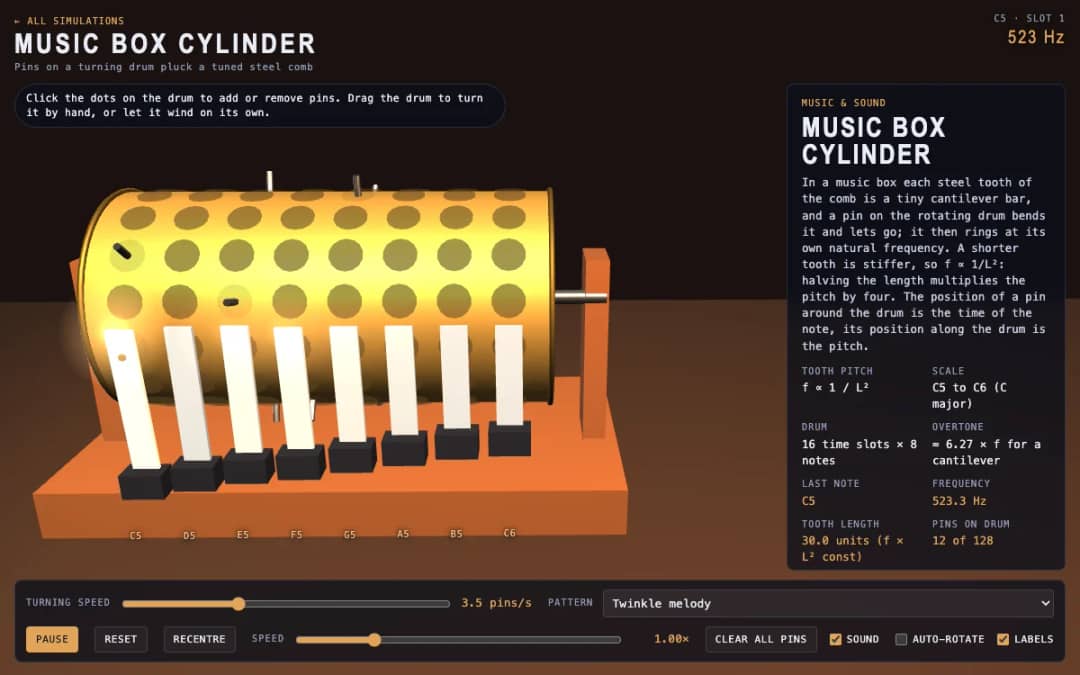
A 3D music box with a pinned drum and a steel comb. Students click dots to add or remove pins, drag the drum to turn it or let it wind itself, and see how tooth length sets each note.
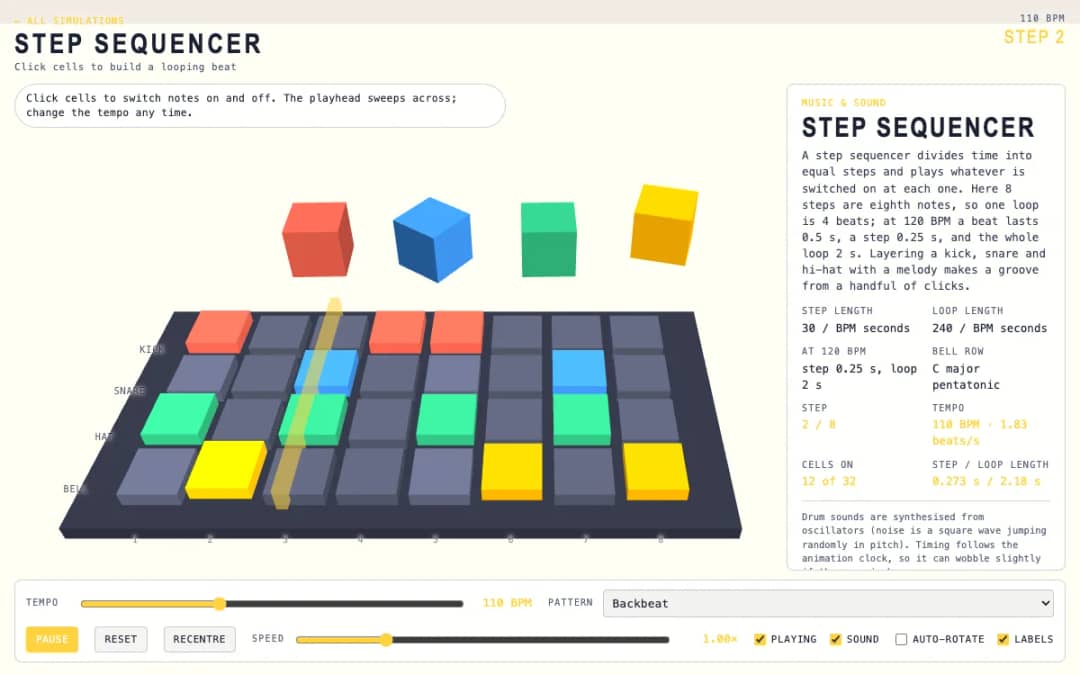
A 3D grid of 8 steps and 4 rows: kick, snare, hat and bell. Students click cells on and off while a playhead sweeps across, and a tempo slider and pattern presets change the groove.
Ruang kerja guru gratis dari KiwiBee menyatukan perencanaan pembelajaran, lembar kerja, perangkat kelas, dan buku nilai dalam satu tempat.
Mulai gratis dan buat kelas pertama Anda Beranda
 Semua solusi
 Harga
Harga Tentang kami
 KiwiBee untuk Organisasi Nirlaba
 Acara & webinar
 Untuk organisasi besar
 Untuk sekolah
 Untuk lembaga kursus
 Untuk ketua tim
 Untuk guru
 AI dan sumber belajar
 Sumber belajar
 Lembar kerja siap cetak
 Paket Pelajaran
 Simulasi interaktif
 Alat untuk guru
 Studio AI
 Ide dan riset