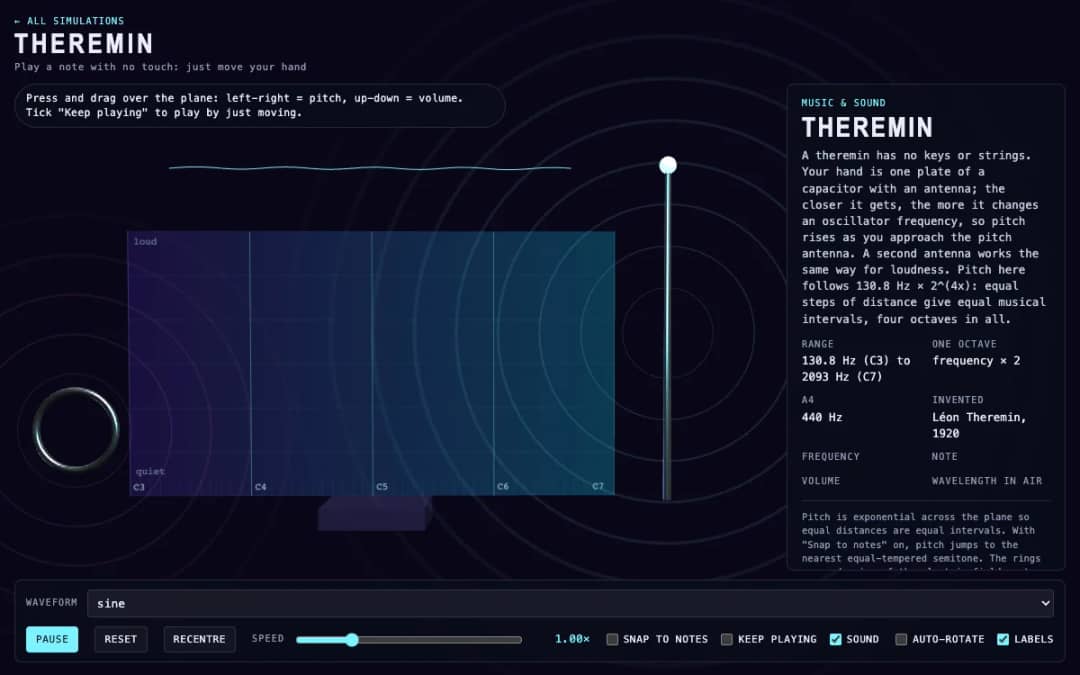
A virtual theremin where students press and drag over a plane. Moving left and right changes pitch, moving up and down changes volume, and readouts show frequency, note, volume and wavelength.
—
يستخدم KiwiBee ملفات تعريف ارتباط اختيارية من Google Analytics وGoogle Ads وMeta Pixel لفهم الزوار البالغين، وقياس عمليات التسجيل المكتملة، وتحسين الحملات. تبقى ملفات تعريف الارتباط الأساسية مفعّلة دائمًا. يقيس بكسل إعلانات ChatGPT من OpenAI أيضًا مشاهدات الصفحات والاستفسارات المرسلة بعد الموافقة على الإعلانات، وقد يستخدم بيانات اتصال مجزأة للمطابقة. سياسة الخصوصية
Drum Pads gives students a grid of sixteen labeled pads in 3D. Each one is a drum sound made from oscillators and noise, such as a kick, snare, hi-hat, tom or conga. Students play by clicking a pad or pressing keys in the rows 1-4, Q-R, A-F and Z-V. The last drum played and the tempo are displayed. Students can record a pattern, press Loop last 4 bars to hear it repeat at a chosen tempo from 60 to 180 BPM, then stop or clear it. It shows how rhythm, tempo and the sound of percussion work, and suits music and science lessons on sound.
Yes. Drum Pads is free, needs no sign-up and works in any modern browser, including classroom whiteboards, tablets and phones.
Play a pattern on the pads, then press Loop last 4 bars. The simulation repeats the last 16 beats at the tempo you chose. Use Stop loop to end it and Clear recording to start over.
The sound starts near 150 hertz and sweeps quickly down to about 45 hertz. Your ear hears that fast drop in pitch as a low thump.
Hi-hats are bursts of noise that contain very high frequencies, above about 5 kilohertz, which we hear as a bright, sharp sound.
ضعها في منصتك التعليمية أو مدونتك أو موقع صفك — مجانًا.
<iframe src="https://kiwibee.io/ar/simulations/drum-pads-3d-simulation/embed" title="Drum Pads | KiwiBee" loading="lazy" allowfullscreen style="width:100%;height:min(70vh,620px);min-height:420px;border:0;border-radius:16px"></iframe>واصل الاستكشاف
A virtual theremin where students press and drag over a plane. Moving left and right changes pitch, moving up and down changes volume, and readouts show frequency, note, volume and wavelength.
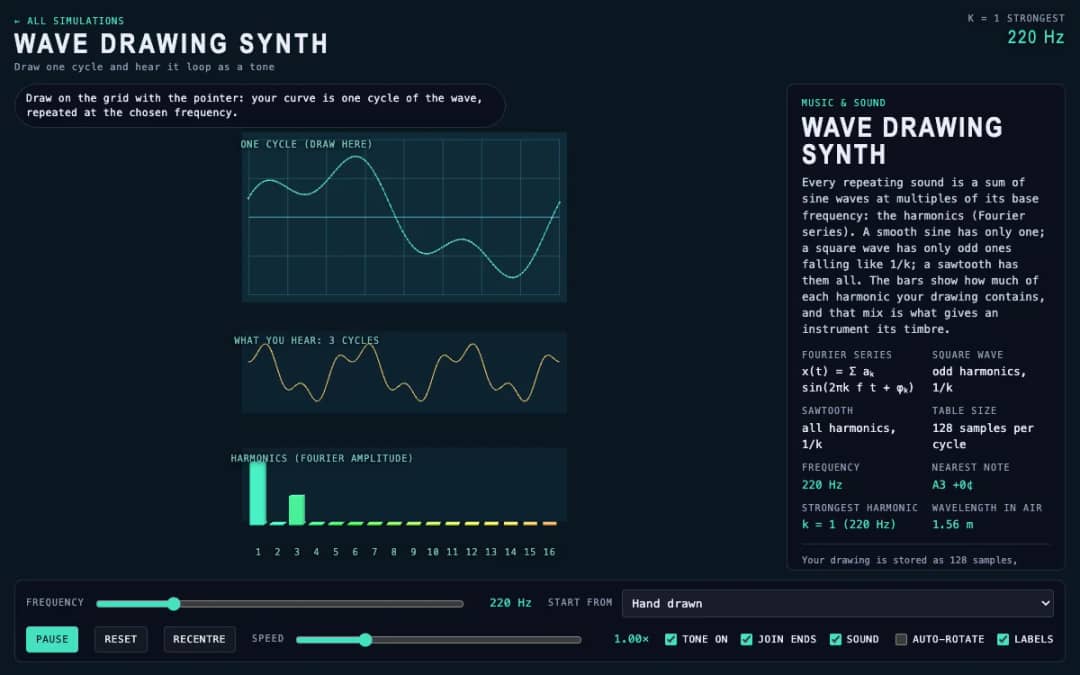
Students draw a single cycle of a wave on a grid, and the simulation plays it as a repeating tone. Frequency, preset waves and a join-ends option let them compare their drawing with sine, square and sawtooth sounds.
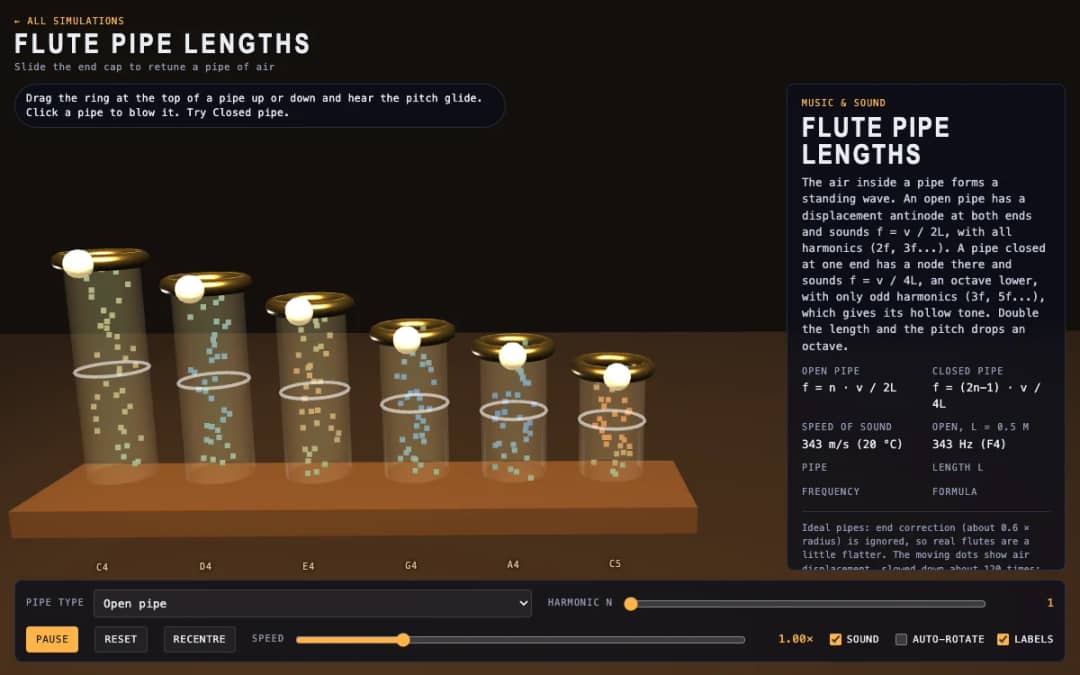
Six 3D flute pipes with a slider ring at the top of each. Students drag the ring to change the pipe length, click a pipe to blow it and switch between open and closed pipes to see air moving and hear the pitch.
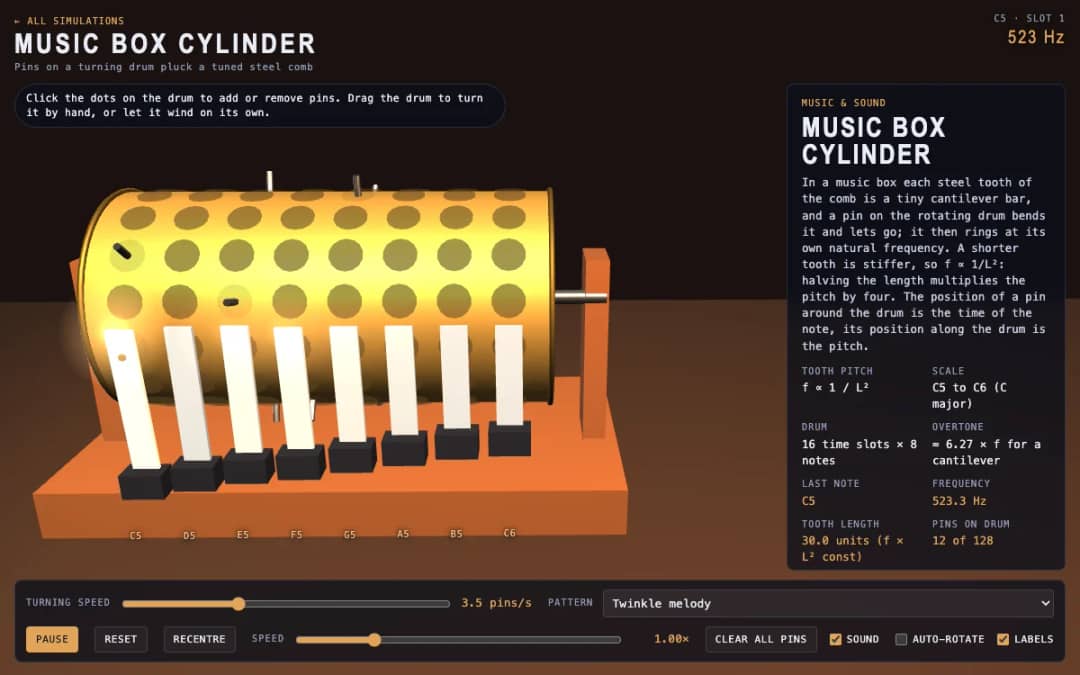
A 3D music box with a pinned drum and a steel comb. Students click dots to add or remove pins, drag the drum to turn it or let it wind itself, and see how tooth length sets each note.
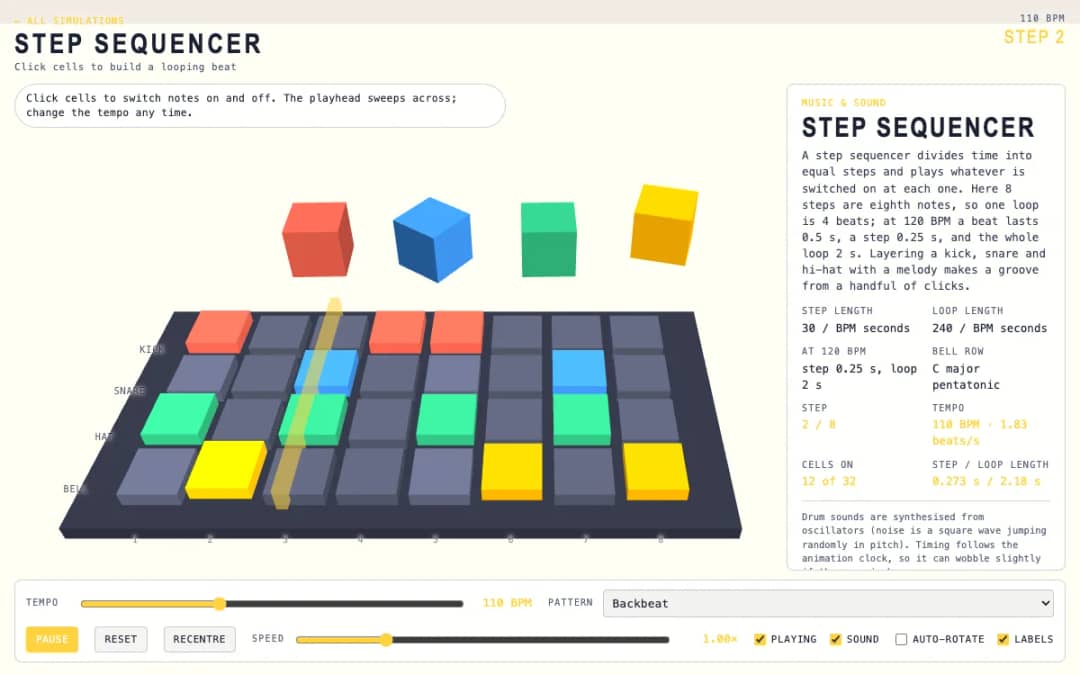
A 3D grid of 8 steps and 4 rows: kick, snare, hat and bell. Students click cells on and off while a playhead sweeps across, and a tempo slider and pattern presets change the groove.
مساحة المعلم المجانية في KiwiBee تجمع تخطيط الدروس وأوراق العمل وأدوات الصف وسجل الدرجات في مكان واحد.
ابدأ مجانًا وأنشئ صفك الأول الرئيسية
 كل الحلول
 الأسعار
 من نحن
 برنامج KiwiBee للمنظمات غير الربحية
 الفعاليات والندوات
 للمؤسسات الكبيرة
 للمدارس
 للمراكز التعليمية
 لقادة الفرق
 للمعلمين
 الذكاء الاصطناعي والموارد
 الموارد
 أوراق عمل قابلة للطباعة
 حزم الدروس
 محاكاة تفاعلية
 أدوات المعلم
 استوديو الذكاء الاصطناعي
 أفكار وأبحاث