
Bezier Curve Editor
- الرياضيات
التعليقات
متعلق بهذه المحاكاة
مختارة حسب المعنى من الألعاب وأوراق العمل والمحاكاة وأدوات المعلم والفيديوهات.
عن هذه المحاكاة
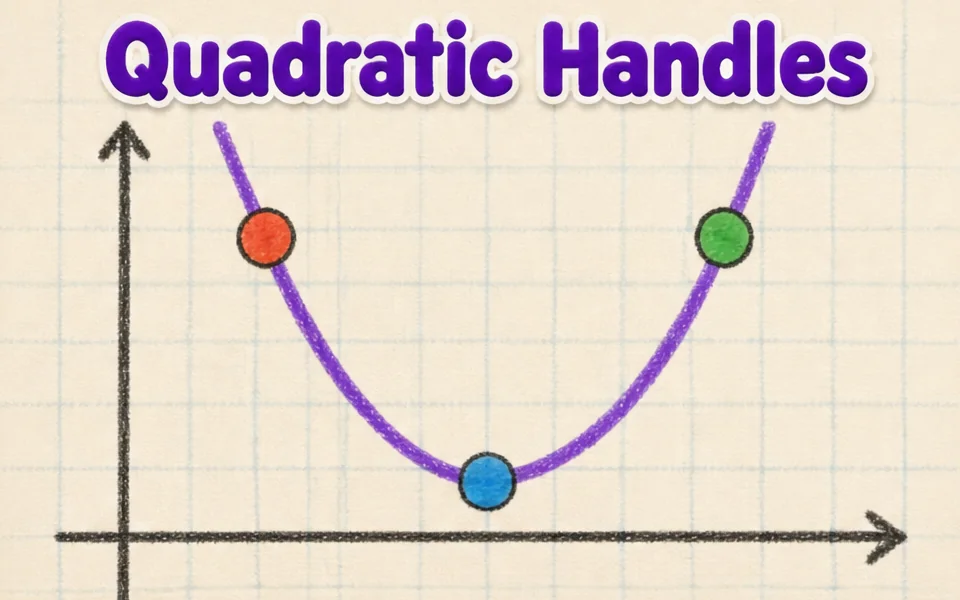
This simulation shows how the smooth curves in fonts, logos and drawing tools are made. Students drag four control points anywhere in 3D, and the curve starts at the first point, ends at the last and is only pulled toward the two in between. A slider, animation or the left and right arrow keys move the parameter t from 0 to 1. Colored lines show the construction: the control polygon in blue, the first level of points in amber, the second in green and the curve point in red. Readouts give t, the curve point B of t, its speed and the curve length. A button flattens the curve to a plane. It teaches interpolation and parametric curves.
ما الذي يمكن للطلاب استكشافه
- Drag the second control point far away and see how the curve bends toward it without touching it.
- Pause Animate t and move the t slider, watching the blue, amber and green lines.
- Press the left and right arrow keys to move t in small steps.
- Press Flatten to a plane and compare the curve with a flat drawing program curve.
- Move the points to make an S shape, then read the Curve length readout.
أهداف التعلّم
- 1Describe how four control points define a cubic Bezier curve.
- 2Explain how repeated interpolation builds a point on the curve.
- 3Relate the parameter t to the position along the curve.
- 4Predict how moving a control point changes the shape of the curve.
أسئلة يطرحها المعلمون
Is it free?
Yes. Bezier Curve Editor is free, needs no sign-up and runs in any modern browser, including whiteboards, tablets and phones.
Does the curve pass through all four points?
No. It passes through the first and last points only. The two middle points act like magnets that pull the curve toward them.
What is De Casteljau's algorithm?
It finds the point at t by taking the point a fraction t along each segment, repeating until one point is left. Four points give three, then two, then one point on the curve.
How do I move the view?
Drag empty space to turn the view, and drag the points themselves to reshape the curve. Arrow keys scrub t.
أدرِج هذه المحاكاة في موقعك
ضعها في منصتك التعليمية أو مدونتك أو موقع صفك — مجانًا.
<iframe src="https://kiwibee.io/ar/simulations/bezier-curve-editor-3d-simulation/embed" title="Bezier Curve Editor | KiwiBee" loading="lazy" allowfullscreen style="width:100%;height:min(70vh,620px);min-height:420px;border:0;border-radius:16px"></iframe>أدخل العلوم التفاعلية إلى صفك
مساحة المعلم المجانية في KiwiBee تجمع تخطيط الدروس وأوراق العمل وأدوات الصف وسجل الدرجات في مكان واحد.
ابدأ مجانًا وأنشئ صفك الأولشاهد KiwiBee على YouTube
فيديوهات قصيرة عن KiwiBee للمعلمين والمدارس. اشترك، أو تابع KiwiBee أينما كنت.
 الرئيسية
 كل الحلول
 الأسعار
 من نحن
 برنامج KiwiBee للمنظمات غير الربحية
 الفعاليات والندوات
 للمؤسسات الكبيرة
 للمدارس
 للمراكز التعليمية
 لقادة الفرق
 للمعلمين
 الموارد
 أوراق عمل قابلة للطباعة
 محاكاة تفاعلية
 أدوات المعلم
 أفكار وأبحاث


