
3D Point Plotter
- الرياضيات
التعليقات
متعلق بهذه المحاكاة
مختارة حسب المعنى من الألعاب وأوراق العمل والمحاكاة وأدوات المعلم والفيديوهات.

عن هذه المحاكاة
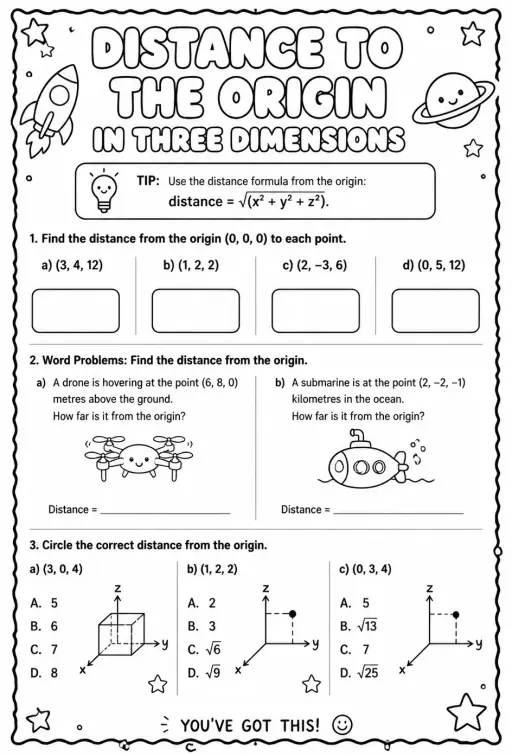
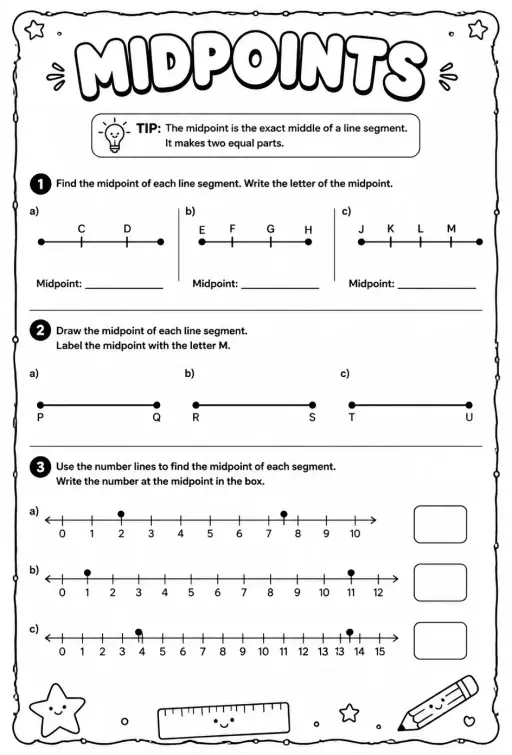
3D Point Plotter lets students move a red point P and a teal point Q inside a coordinate box with x, y and z axes. A Drag plane menu chooses the floor, wall or side plane, and the third coordinate stays fixed while dragging. Coordinates snap to half units between -5 and 5. Readouts show P, Q, the distance OP, the distance PQ and the midpoint M, and projection lines drop to the planes. It is a good first look at three-dimensional coordinates and at extending the distance and midpoint formulas to space.
ما الذي يمكن للطلاب استكشافه
- Drag the red ball on the floor plane and note how x and z change while y stays the same.
- Change Drag plane to XY (wall) and drag again to see which coordinate is now fixed.
- Turn on the second point Q and read Distance PQ as you move it away from P.
- Place P and Q so the midpoint M has whole-number coordinates and check the readout.
- Toggle Projection lines to see how each coordinate is measured from the planes.
أهداف التعلّم
- 1Read and plot a point using three coordinates (x, y, z).
- 2Describe how moving in one plane keeps the third coordinate fixed.
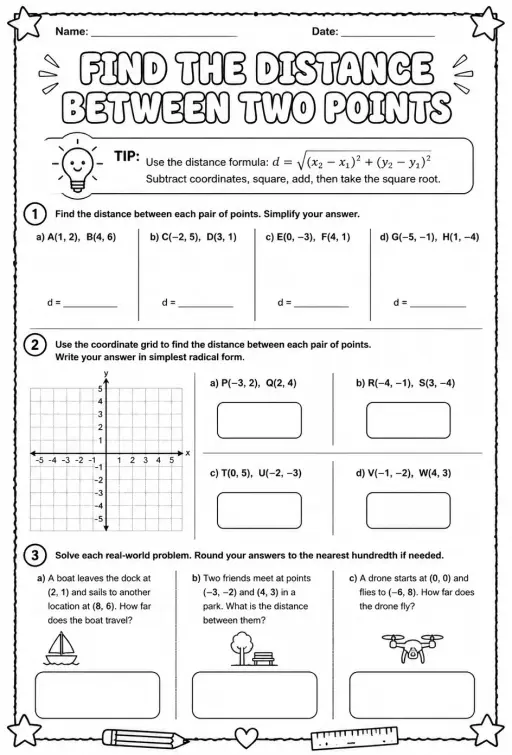
- 3Calculate distance between two points in space and check it with the readout.
- 4Find the midpoint of a segment by averaging each coordinate.
أسئلة يطرحها المعلمون
Is it free?
Yes, it costs nothing and needs no account. Open it in any current browser on a whiteboard, tablet, Chromebook or phone and it just works.
How is distance in 3D calculated?
Take the square root of the sum of the squared differences in x, y and z. It is Pythagoras applied twice, first on the floor and then upward with the height.
Which axis is which color?
The x axis is red, the y axis is green and the z axis is blue. In this simulation the floor is the XZ plane and y is the height.
How do I move a point in the third direction?
Switch the Drag plane menu to a different plane. Each plane lets the point slide in two directions, so using two planes lets you reach any position.
أدرِج هذه المحاكاة في موقعك
ضعها في منصتك التعليمية أو مدونتك أو موقع صفك — مجانًا.
<iframe src="https://kiwibee.io/ar/simulations/3d-point-plotter-3d-simulation/embed" title="3D Point Plotter | KiwiBee" loading="lazy" allowfullscreen style="width:100%;height:min(70vh,620px);min-height:420px;border:0;border-radius:16px"></iframe>معايير المنهج
Cambridge
- 9Gp.02Use knowledge of coordinates to find points on a line segment.Cambridge Lower Secondary Mathematics (0862) — Stage 9 › Geometry and Measure › Position and transformation
Learning objectives © UCLES (Cambridge University Press & Assessment), quoted with attribution.
أدخل العلوم التفاعلية إلى صفك
مساحة المعلم المجانية في KiwiBee تجمع تخطيط الدروس وأوراق العمل وأدوات الصف وسجل الدرجات في مكان واحد.
ابدأ مجانًا وأنشئ صفك الأولشاهد KiwiBee على YouTube
فيديوهات قصيرة عن KiwiBee للمعلمين والمدارس. اشترك، أو تابع KiwiBee أينما كنت.
 الرئيسية
 كل الحلول
 الأسعار
 من نحن
 برنامج KiwiBee للمنظمات غير الربحية
 الفعاليات والندوات
 للمؤسسات الكبيرة
 للمدارس
 للمراكز التعليمية
 لقادة الفرق
 للمعلمين
 الموارد
 أوراق عمل قابلة للطباعة
 محاكاة تفاعلية
 أدوات المعلم
 أفكار وأبحاث


